Skip to content
View in the app

A better way to browse. Learn more.

Tip.It Forum

A full-screen app on your home screen with push notifications, badges and more.

To install this app on iOS and iPadOS
  1. Tap the Share icon in Safari
  2. Scroll the menu and tap Add to Home Screen.
  3. Tap Add in the top-right corner.
To install this app on Android
  1. Tap the 3-dot menu (⋮) in the top-right corner of the browser.
  2. Tap Add to Home screen or Install app.
  3. Confirm by tapping Install.

47: Completionist: Week 39.

(0 reviews)

First up, I crossed another small piece of the Completionist, still a ridiculous amount of Livid Farm to go!

NorthArdougneTeleport.png


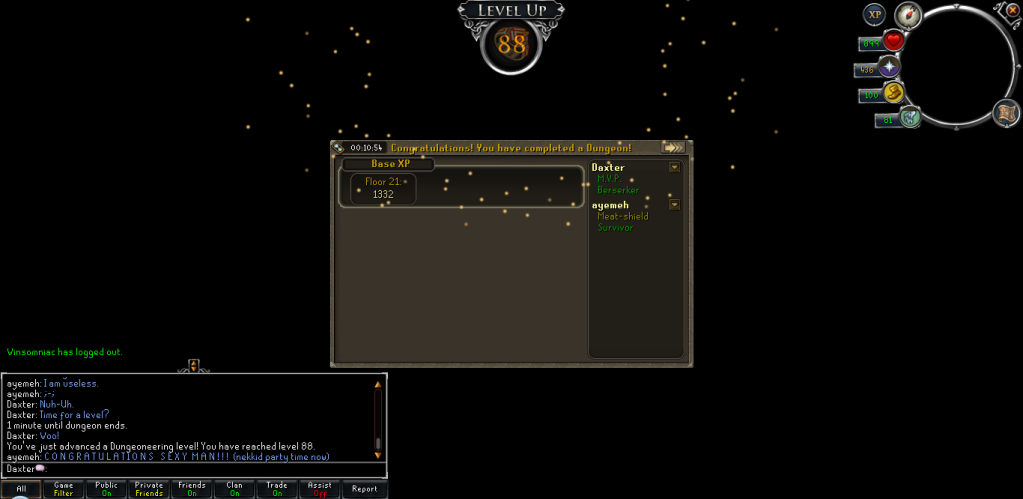
Then I got yet another Dungeoneering level:
88Dungeoneering.png


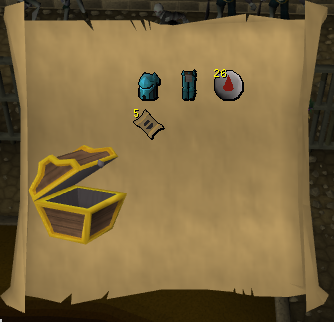
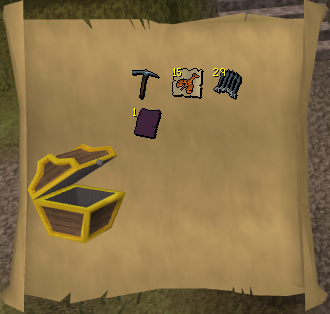
And did a couple of clues, 250k, or around that for the first, and not too much for the second:
Hard101.png

Hard102.png


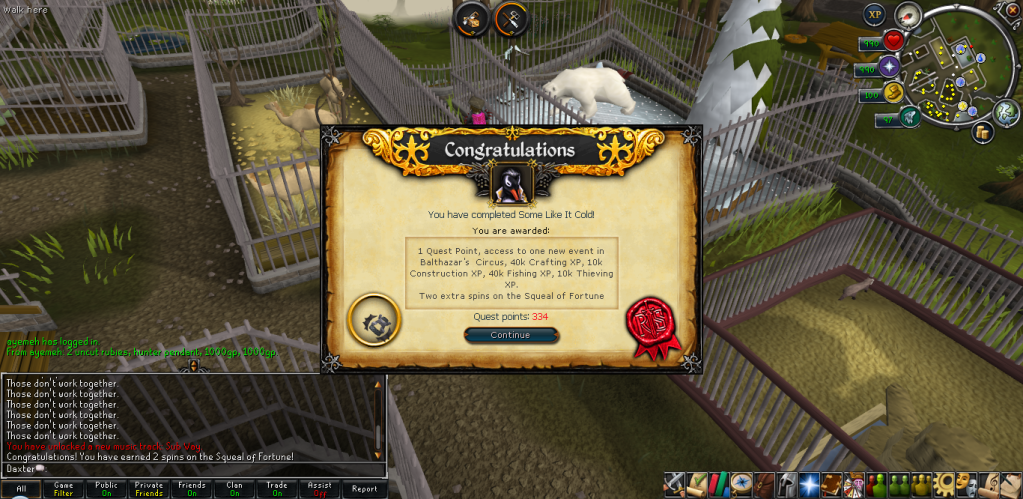
And finally, I completed the new quest. I liked it, I'm quite a fan of the penguin quests.
SomeLikeitCold.png


Catch you next time, ~Dax.

2 Comments

Recommended Comments

Vezon Dash

Members

Somebody else besides me does clues??

Dax

Members

I do! Whenever I get them I wait for the task to be over or do them when I have to restock, or in the case of the second one there, as soon as I got it, because Grifolapines are the worst.

Important Information

By using this site, you agree to our Terms of Use.

Account

Navigation

Search

Search

Configure browser push notifications

Chrome (Android)
  1. Tap the lock icon next to the address bar.
  2. Tap Permissions → Notifications.
  3. Adjust your preference.
Chrome (Desktop)
  1. Click the padlock icon in the address bar.
  2. Select Site settings.
  3. Find Notifications and adjust your preference.