



Skip to content
View in the app

A better way to browse. Learn more.

Tip.It Forum

A full-screen app on your home screen with push notifications, badges and more.

To install this app on iOS and iPadOS
  1. Tap the Share icon in Safari
  2. Scroll the menu and tap Add to Home Screen.
  3. Tap Add in the top-right corner.
To install this app on Android
  1. Tap the 3-dot menu (⋮) in the top-right corner of the browser.
  2. Tap Add to Home screen or Install app.
  3. Confirm by tapping Install.

48: Completionist: Week 40!

(0 reviews)

Forty weeks down, and I'm still a far way away! Woo! Got a couple of levels this week, one being another 90!


First things first, a terrible clue, I screenshot them all anyway, so I may as well put them up:
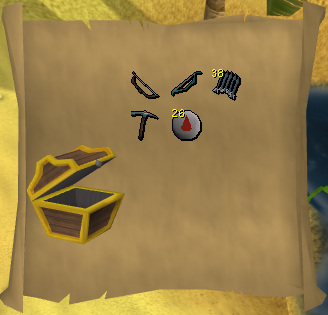
Hard103.png


Thanks to the Olympics, I've been gaining a lot of Agility exp, which is awesome, as it gets tedious, and a free 35k exp per day is awesome. Got a level this week:
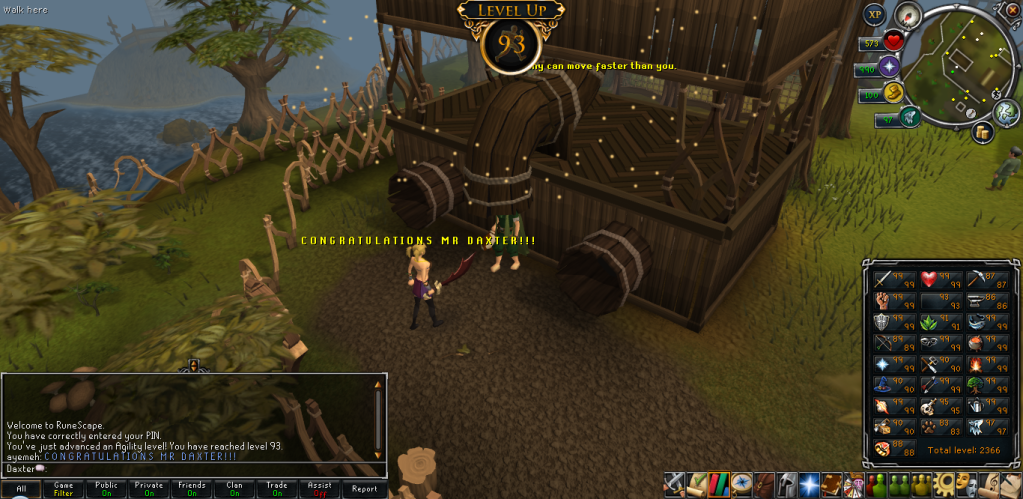
93Agility.png


Next up was another 90, and through this 90, Ranged has jumped quite a few places in my imaginary list of what 99's to get next. First time chinning, and it's awesome.
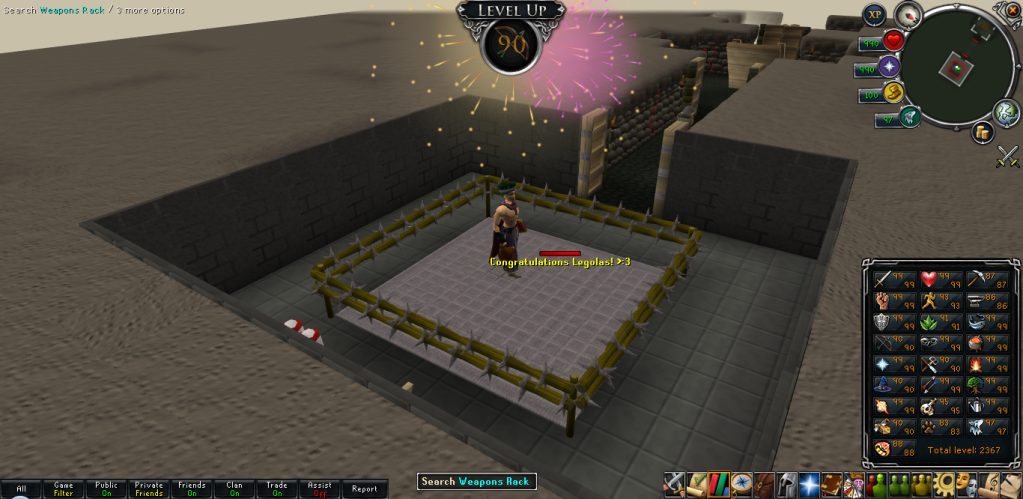
90Ranged.png


And I was less than 100k from this level, so I thought I might get it, and I didn't want to, but then my girlfriend forced me into it.
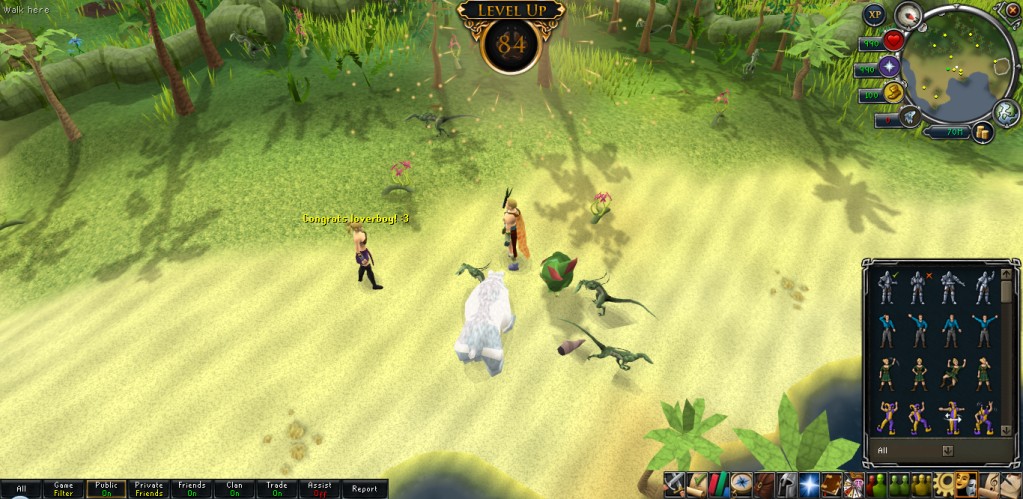
84Hunter.png


That's all for this week. Catch you next time, ~Dax.

0 Comments

Recommended Comments

There are no comments to display.

Important Information

By using this site, you agree to our Terms of Use.

Account

Navigation

Search

Search

Configure browser push notifications

Chrome (Android)
  1. Tap the lock icon next to the address bar.
  2. Tap Permissions → Notifications.
  3. Adjust your preference.
Chrome (Desktop)
  1. Click the padlock icon in the address bar.
  2. Select Site settings.
  3. Find Notifications and adjust your preference.