



Skip to content
View in the app

A better way to browse. Learn more.

Tip.It Forum

A full-screen app on your home screen with push notifications, badges and more.

To install this app on iOS and iPadOS
  1. Tap the Share icon in Safari
  2. Scroll the menu and tap Add to Home Screen.
  3. Tap Add in the top-right corner.
To install this app on Android
  1. Tap the 3-dot menu (⋮) in the top-right corner of the browser.
  2. Tap Add to Home screen or Install app.
  3. Confirm by tapping Install.

49: Completionist: Week 41.

(0 reviews)

First of all, I got sick of the Agility event, so I went for a stroll and had a chat to the people in the crowd. They didn't talk back. Jerks.
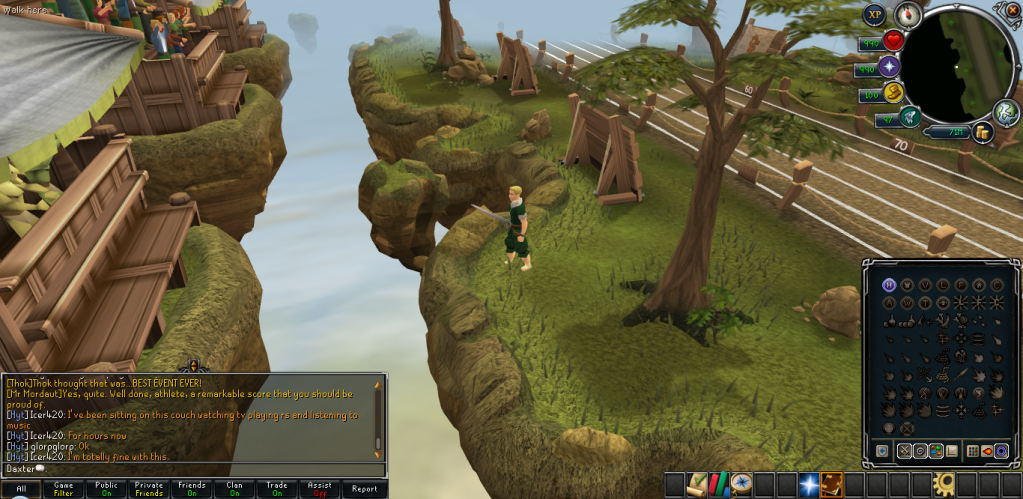
 

GoingforaWalk.png


Then I decided that I'd get more use out of a Herbicide than anything much else from Dungeoneering, so I bought myself one of them, I'll be doing a lot more, so prayers won't be too hard to get.


Herbicide.png


Maybe now I won't skip Abberant Spectre tasks. Haha.


Last of all, I got a little closer to another 99. Here's 98 Summoning!
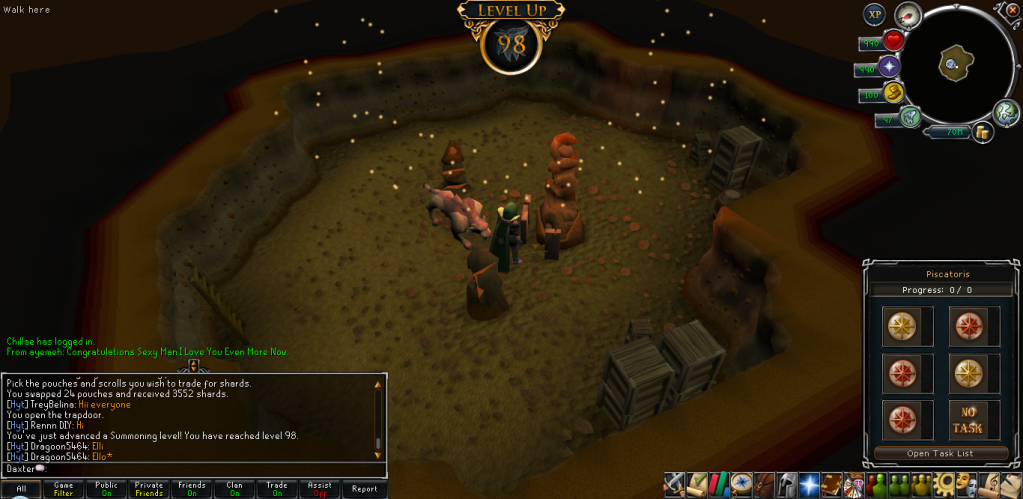
 

98Summoning.png


Catch you next time, ~Dax.

0 Comments

Recommended Comments

There are no comments to display.

Important Information

By using this site, you agree to our Terms of Use.

Account

Navigation

Search

Search

Configure browser push notifications

Chrome (Android)
  1. Tap the lock icon next to the address bar.
  2. Tap Permissions → Notifications.
  3. Adjust your preference.
Chrome (Desktop)
  1. Click the padlock icon in the address bar.
  2. Select Site settings.
  3. Find Notifications and adjust your preference.