



55: Another Champion Down! (Accidentally)

By Dax
· 1086 views
I was getting a little bored, so I looked at my skills, considering leveling all of the lower ones, when Ranged caught my eye, 80,000 exp to a level, easy enough with chins and whatnot, and I have plenty of them lying around, so off I headed to mummies (Haven't yet gone to monkeys, and wasn't feeling particularly adventurous to go there) and worked towards the level, 40,000 exp later, I got a little distracted:
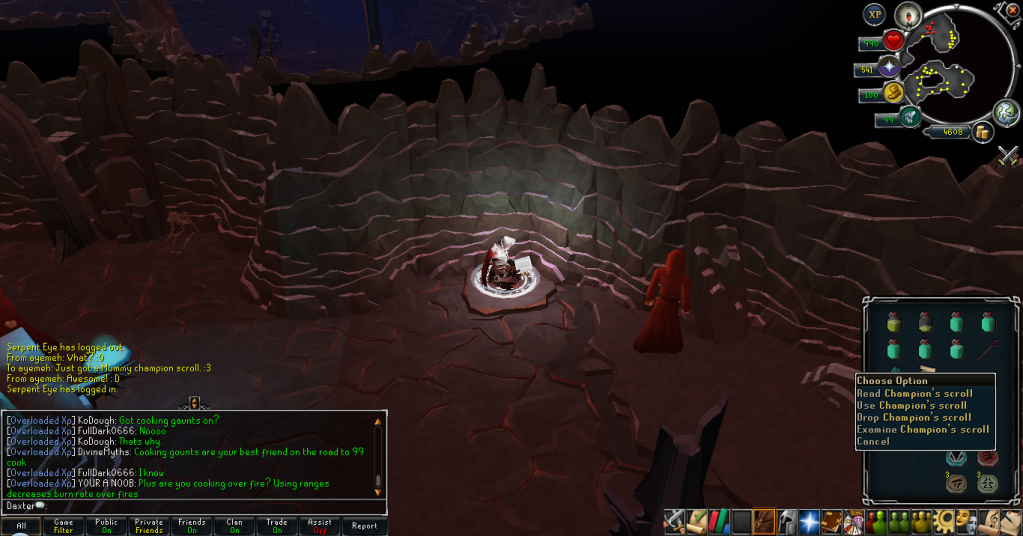
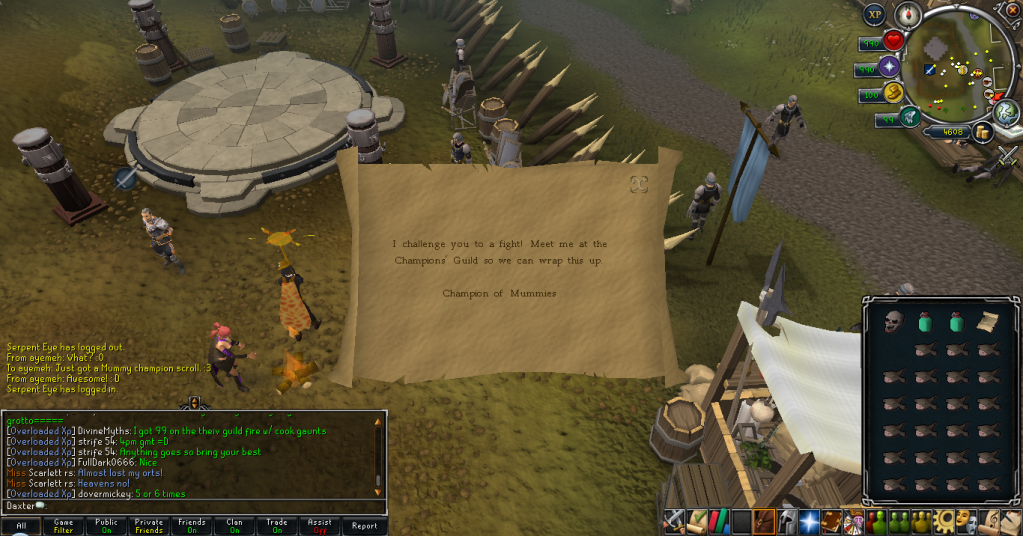

Never ended up getting the level, but that marks off three Champions (Zombie and Giant before this), which will save me some time when I go to trim my Completionist cape!
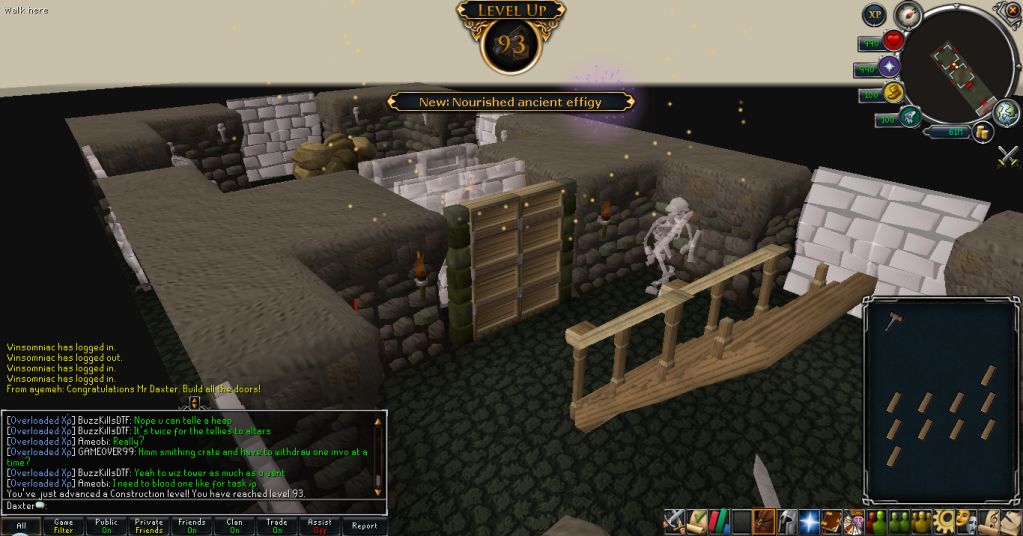
I've spent quite some time at Stealing Creation over this past week, slowly working through the stack of oak planks I bought months ago, resulting in this nice little level:
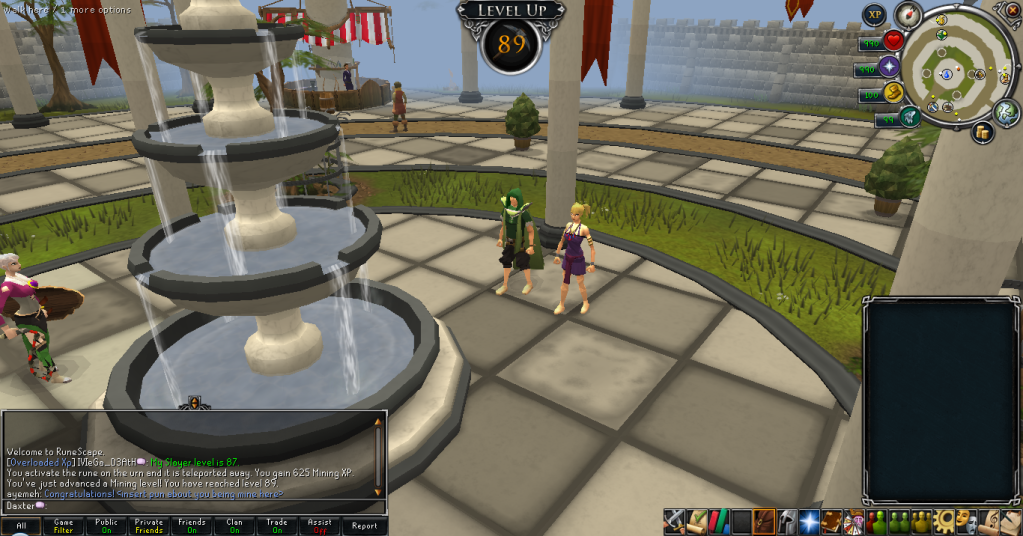
And finally, using up my clan ring and my daily mining of sandstone allowed me to get another one of these levels:
And that's all for this week. With news of another bonus exp weekend on the horizon, I've already decided to spend that time doing Construction, which will hopefully cut back my time in Stealing Creation by quite a lot. Hopefully I don't get called into work or anything crazy like that over the weekend, and can make use of that bonus exp. Catch you next time, ~Dax.
Recommended Comments