



Skip to content
View in the app

A better way to browse. Learn more.

Tip.It Forum

A full-screen app on your home screen with push notifications, badges and more.

To install this app on iOS and iPadOS
  1. Tap the Share icon in Safari
  2. Scroll the menu and tap Add to Home Screen.
  3. Tap Add in the top-right corner.
To install this app on Android
  1. Tap the 3-dot menu (⋮) in the top-right corner of the browser.
  2. Tap Add to Home screen or Install app.
  3. Confirm by tapping Install.

62: A Couple of Quests and a Couple of Levels.

(0 reviews)

Missed my update yesterday due to work, sickness and sleep, so here's this week's a day late. First up, the two Rune M-quests:


RuneMysteries.png

RuneMemories.png


Both pretty awesome, I ended up being Daxter the Grey, which is awesome, because those robes looked the best, in my opinion (Not that it matters, as I can change it any time anyway).


Then I accidentally got a Magic level at the circus.
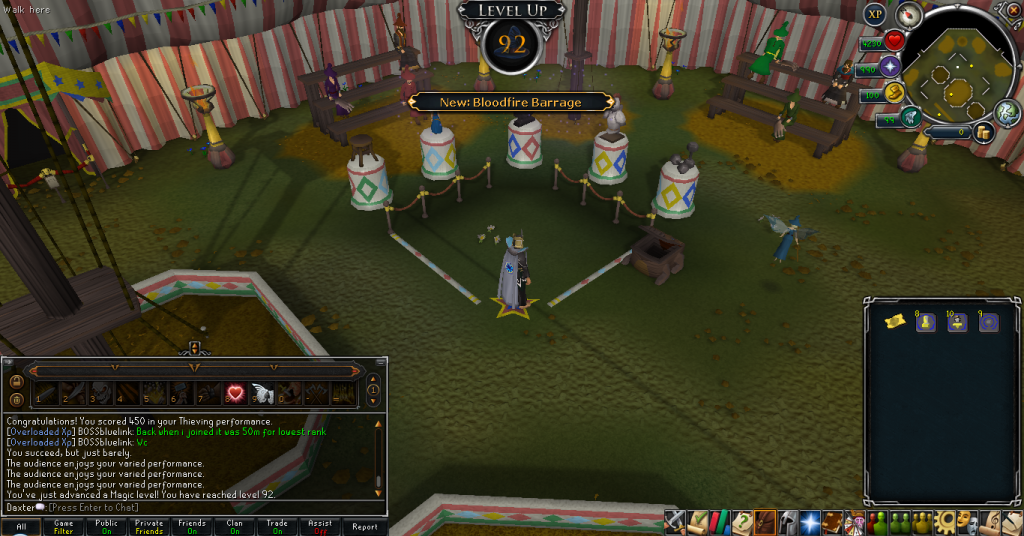
 

92Magic.png


And intentionally got a Herblore level.


97Herblore.png


And finally, I wasted used an Insta-Kill Dart on a Corporeal Beast:
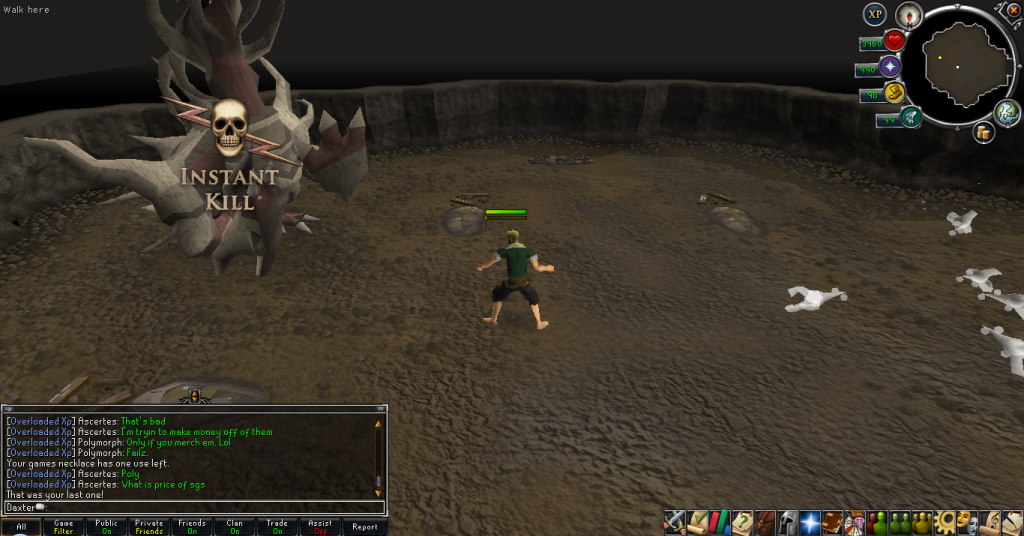
 

CorpDart.png


Unfortunately I only got gems, but I need to use them up before the end of the year. Catch you next time, ~Dax.

1 Comment

Recommended Comments

Pepsiguy

Members

yayyyyyyyyyyy

Important Information

By using this site, you agree to our Terms of Use.

Account

Navigation

Search

Search

Configure browser push notifications

Chrome (Android)
  1. Tap the lock icon next to the address bar.
  2. Tap Permissions → Notifications.
  3. Adjust your preference.
Chrome (Desktop)
  1. Click the padlock icon in the address bar.
  2. Select Site settings.
  3. Find Notifications and adjust your preference.