



71: 90+. You Know That's Right.

By Dax
· 1295 views
First of all, the weekly Dom-onion Tower update, not too many bosses this week, but I've instead crossed off the need to suffer all handicaps, and killed a large portion of the Special Challenges off. In fact, I only have two left, proper Sunfreet and the Culinaromancer and his buddies. A million journal pieces left to find, a million bosses left to kill and a Pest Queen to vanquish (The only boss I haven't killed, and the requirement for one of the sets of gloves). Here you are.

Next was a successful scroll mission. T'was the only decent voyage to take on that day with that adventurer, so I took it up and succeeded. Three pieces left and I can build the Tetsu legs (When I get that sweet, sweet plate I need).

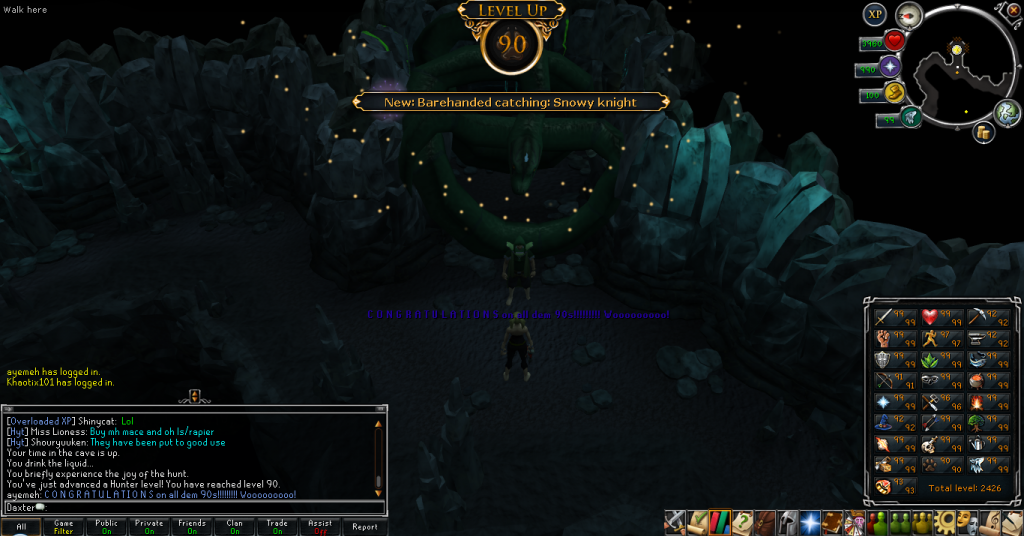
And finally, the name-sake of this blog entry, I have finally acquired 90+ stats! Woo! Last of course, was Hunter, my least favourite skill. It looks so fancy with 90+ everything.
(Watch Psych)
That's it for this week. Next week we'll be looking at a 98 and a 92, and hopefully some other cool stuff. Catch you next time, ~Dax.
Recommended Comments