Skip to content
View in the app

A better way to browse. Learn more.

Tip.It Forum

A full-screen app on your home screen with push notifications, badges and more.

To install this app on iOS and iPadOS
  1. Tap the Share icon in Safari
  2. Scroll the menu and tap Add to Home Screen.
  3. Tap Add in the top-right corner.
To install this app on Android
  1. Tap the 3-dot menu (⋮) in the top-right corner of the browser.
  2. Tap Add to Home screen or Install app.
  3. Confirm by tapping Install.

72: Half-way, Half-way, One to Go, One to Go.

(0 reviews)

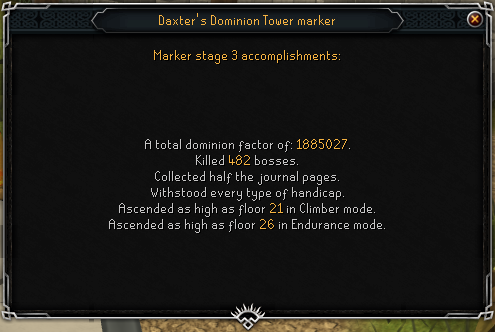
Dominion Tower Update:

DominionTower04_zpsd0f6738d.png

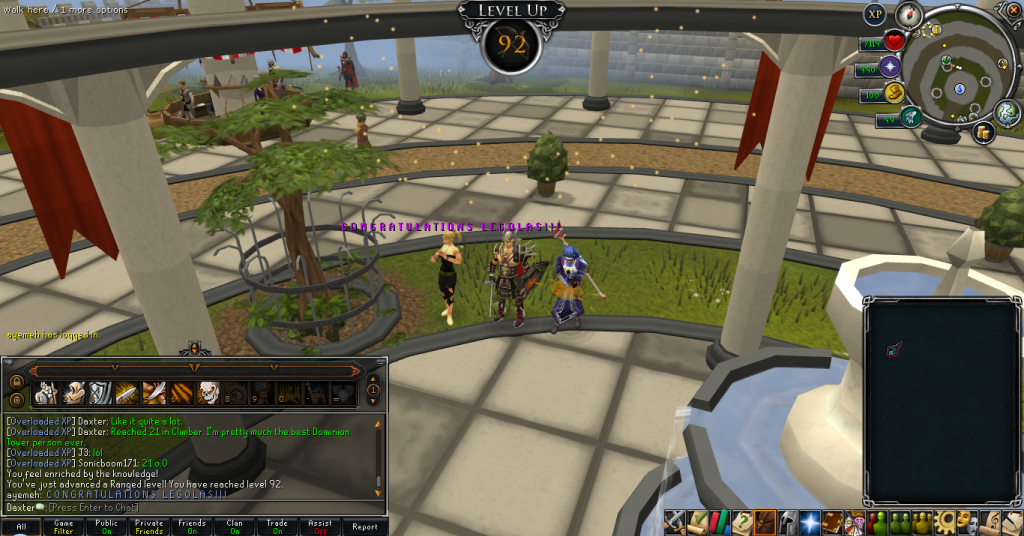
More on that later, but first of all, 92 Ranged. The first aforementioned half-way.
 

92Ranged_zps1ad4d161.png


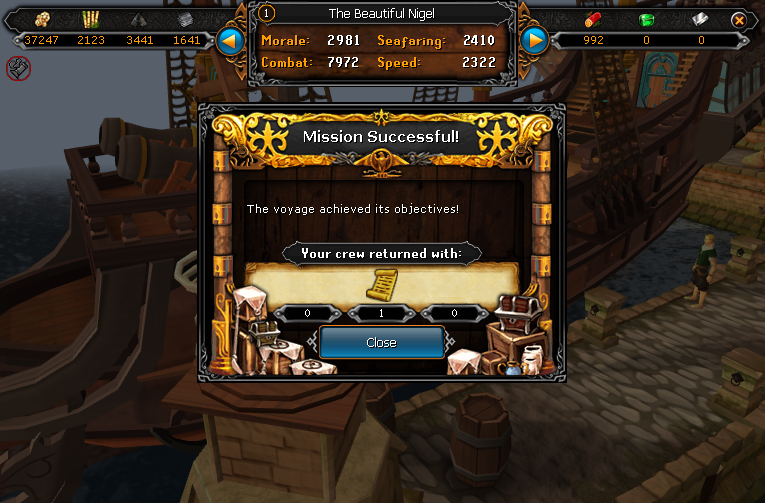
Secondly, the second half-way. This scroll is the second piece of the Tetsu legs. Woo.
 

PortSuccess07_zps885c12db.png


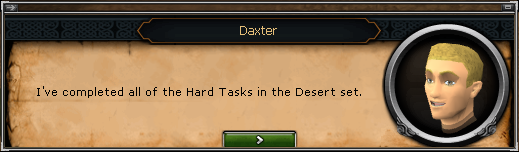
Thirdly, the boring one to go. I've completed the hard Desert tasks, and have a million Dreadnips already. Didn't know they were so easy to get after the initial unlocking.
 

HardDesertTasks_zps4c750a0d.png


Fourthly, the better one to go, 98 Agility! Actually quite excited about this one. I'd much like to get that last one.
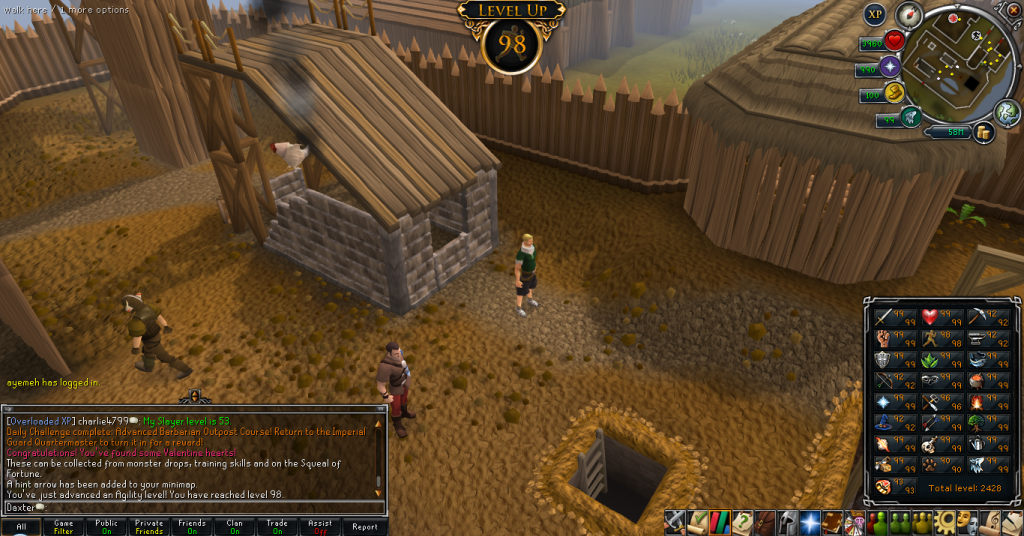
 

98Agility_zps1cacc6e4.png


Catch you next time, ~Dax.

2 Comments

Recommended Comments

Mojo_Monkey

Members

Half of the journals too!

Dax

Members

Ah-ha! I forgot about that. If only I could get the other half, that's the largest thing I have left to do!

Important Information

By using this site, you agree to our Terms of Use.

Account

Navigation

Search

Search

Configure browser push notifications

Chrome (Android)
  1. Tap the lock icon next to the address bar.
  2. Tap Permissions → Notifications.
  3. Adjust your preference.
Chrome (Desktop)
  1. Click the padlock icon in the address bar.
  2. Select Site settings.
  3. Find Notifications and adjust your preference.