Skip to content
View in the app

A better way to browse. Learn more.

Tip.It Forum

A full-screen app on your home screen with push notifications, badges and more.

To install this app on iOS and iPadOS
  1. Tap the Share icon in Safari
  2. Scroll the menu and tap Add to Home Screen.
  3. Tap Add in the top-right corner.
To install this app on Android
  1. Tap the 3-dot menu (⋮) in the top-right corner of the browser.
  2. Tap Add to Home screen or Install app.
  3. Confirm by tapping Install.

73: This Week I Did a Lot of Dominion Tower, Did Some Port Stuff and Got a Couple of Levels and That's About All I Ever Do.

(0 reviews)

And here they are! I've got to get back to Black Mirror.


Here's my Dominion Tower stuff, cleared a lot of stuff off the list, and I got another two journal pages.

DominionTower05_zps4879e284.png


And some Port stuff. Unlocked the next region and can now get shiny green rocks!

PortSuccess09_zps9f255505.png


Also scroll pieces.

PortSuccess08_zps2b1d1223.png


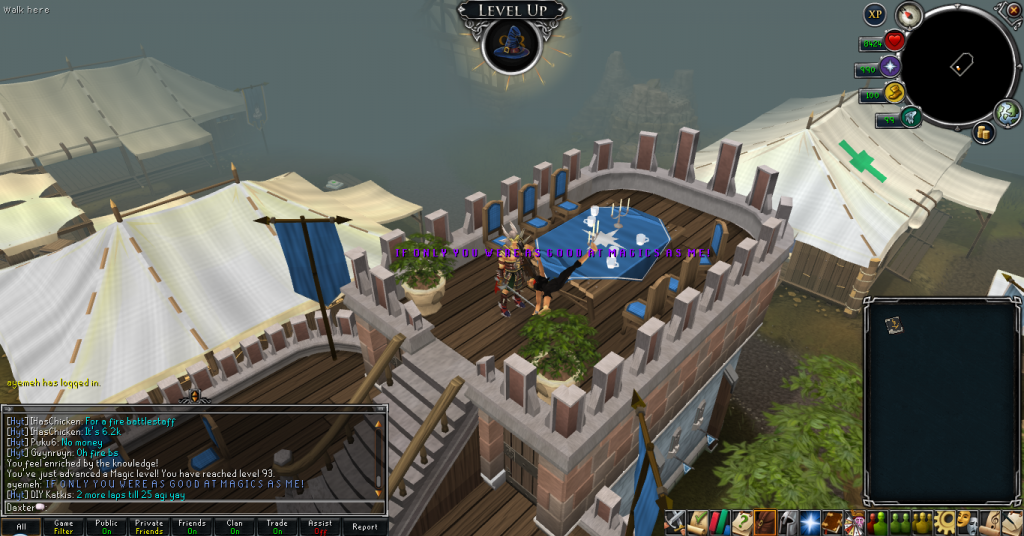
And finally, a couple of levels.

97Crafting_zps2ef37231.png

93Magic_zpsd53c0e07.png


Catch you next time, ~Dax.

0 Comments

Recommended Comments

There are no comments to display.

Important Information

By using this site, you agree to our Terms of Use.

Account

Navigation

Search

Search

Configure browser push notifications

Chrome (Android)
  1. Tap the lock icon next to the address bar.
  2. Tap Permissions → Notifications.
  3. Adjust your preference.
Chrome (Desktop)
  1. Click the padlock icon in the address bar.
  2. Select Site settings.
  3. Find Notifications and adjust your preference.