Skip to content
View in the app

A better way to browse. Learn more.

Tip.It Forum

A full-screen app on your home screen with push notifications, badges and more.

To install this app on iOS and iPadOS
  1. Tap the Share icon in Safari
  2. Scroll the menu and tap Add to Home Screen.
  3. Tap Add in the top-right corner.
To install this app on Android
  1. Tap the 3-dot menu (⋮) in the top-right corner of the browser.
  2. Tap Add to Home screen or Install app.
  3. Confirm by tapping Install.

75: Run on for a Long Time, Run on, Ducking and Dodging.

(0 reviews)

http://www.youtube.com/watch?v=rrBGUqNBEgE


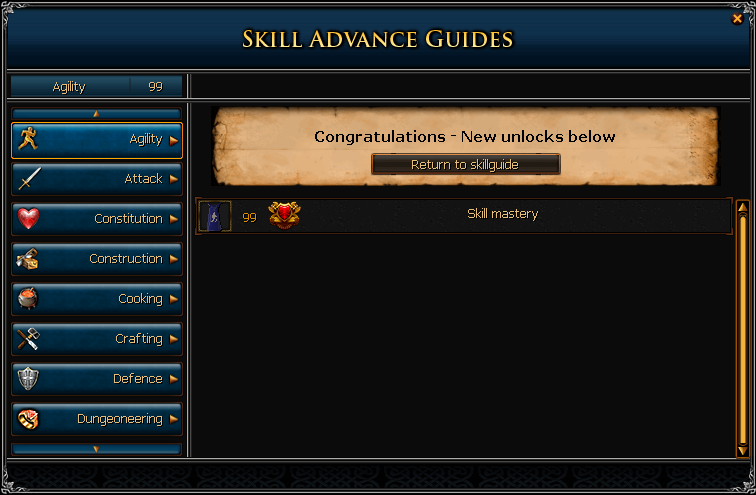
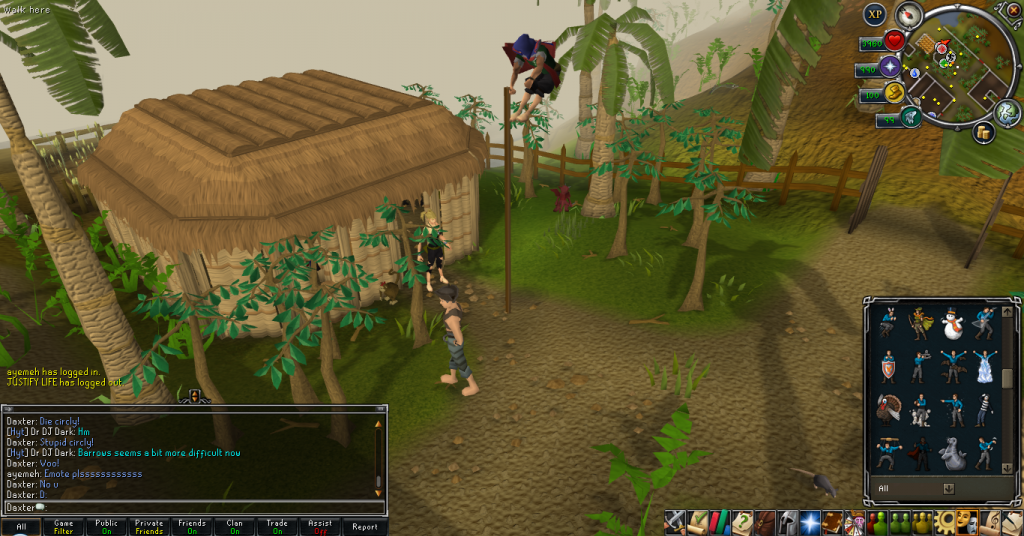
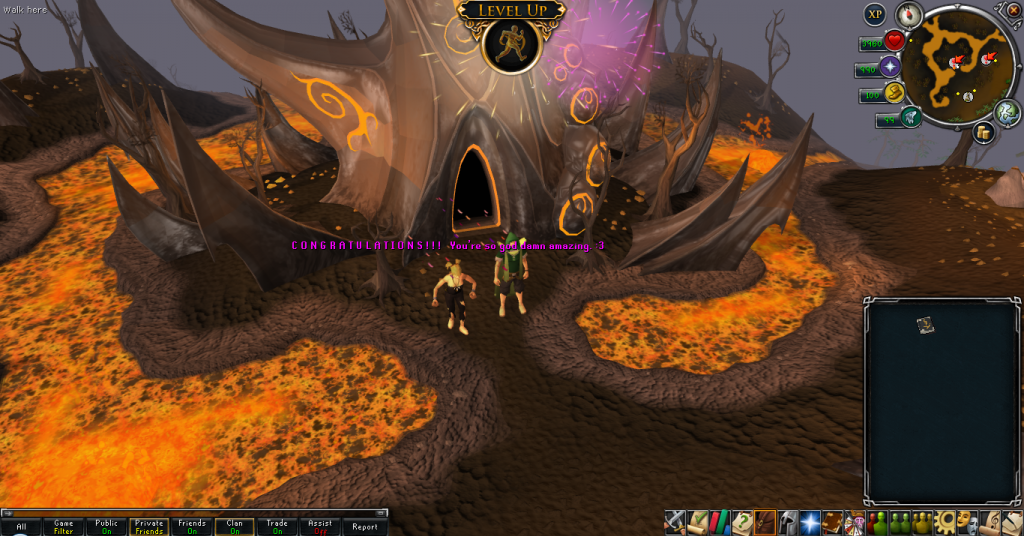
Huzzah! 99 Agility!
99Agility01_zpsfc6606c6.png

99Agility02_zps85eae0de.png

99Agility03_zpsd93814f8.png


Quite glad to get this one out of the way. Went super quickly, thanks to Skoll boots, penguins and trolls.


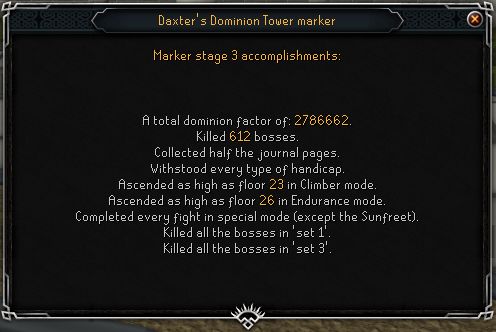
And also an update to my Dominion Tower ways, though not much has happened there.
DominionTower07_zps70cbde85.png


May or may not have another 99 for ya next week. We'll see how it goes. Catch you next time, ~Dax.

5 Comments

Recommended Comments

Pepsiguy

Members

YAYYYYYYYYYYYYYYY

Sorry I haven't been on to say yay on the others, no internet :(

Dax

Members

WOOO~ TO YOU TOO.


And that's good that you're alive again Pepsi. I was worried about you. D: DON'T YOU EVER SCARE ME AGAIN, YOUNG MAN.

Dax

Members

Thanks, Kaida. : D

Important Information

By using this site, you agree to our Terms of Use.

Account

Navigation

Search

Search

Configure browser push notifications

Chrome (Android)
  1. Tap the lock icon next to the address bar.
  2. Tap Permissions → Notifications.
  3. Adjust your preference.
Chrome (Desktop)
  1. Click the padlock icon in the address bar.
  2. Select Site settings.
  3. Find Notifications and adjust your preference.