



79: The Prancing Gnome.

By Dax
· 1285 views
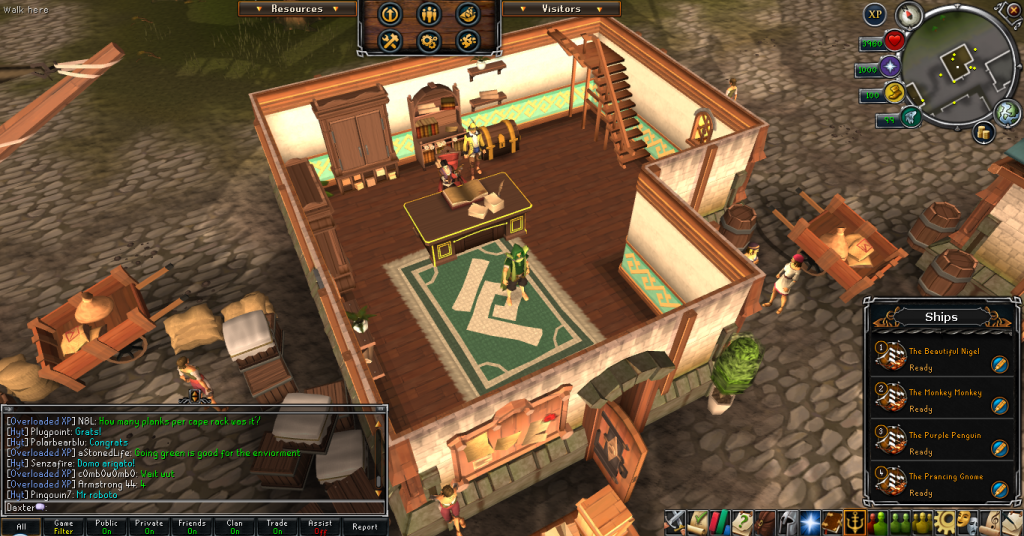
Woo! With a lot of work and annoying Jade voyages, I've finally acquired my fourth and final ship, The Prancing Gnome. She joins the ranks of The Beautiful Nigel, The Monkey Monkey and The Purple Penguin. Quite happy to finally get the fourth. It'll make getting resources and everything so much faster.
In other Ports news, I've also acquired another fourth, this time, the fourth and final Tetsu Helm scroll piece. Now, given the plate, I can complete the set. I currently have a nice and neat 50 plate in my reserves. Luckily, both the Whaler and the Biologist have arrived on the past two days, and they've been best friends and wanted to go sailing together.
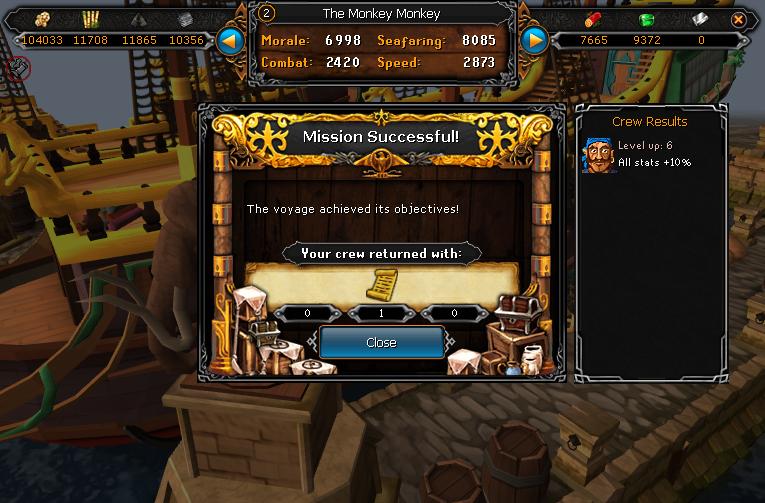
I'll save my plate for the platebody, then the legs, then finally the helm. Scroll efforts will now be place in Seasinger robes. Poor ol' Ranged gets neglected by me, but don't worry, I'll get ya one day, Death Lotus gear.
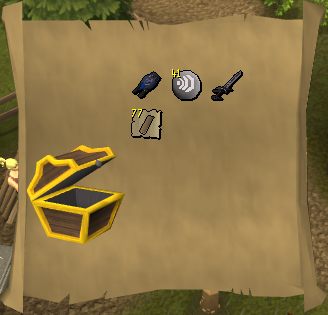
In other boring news, I did an easy clue I got from a man I accidentally killed. I got nothing of worth, but here's the screenshot.
Finally, I'm happy to see this level, 98 Dungeoneering! A delving task a day gets the exp up quick. I can't believe I'm so close to this one. Never thought I'd see the day. I'm excited for sure.

Ignore the exp wasting small, c6, solo floor. Heh. Catch you next time, ~Dax.
Recommended Comments