



Skip to content
View in the app

A better way to browse. Learn more.

Tip.It Forum

A full-screen app on your home screen with push notifications, badges and more.

To install this app on iOS and iPadOS
  1. Tap the Share icon in Safari
  2. Scroll the menu and tap Add to Home Screen.
  3. Tap Add in the top-right corner.
To install this app on Android
  1. Tap the 3-dot menu (⋮) in the top-right corner of the browser.
  2. Tap Add to Home screen or Install app.
  3. Confirm by tapping Install.

80: Tetsu: The Beginning: The Platebody (Part 1).

(0 reviews)

Welcome to the first of what I hope to be a three part series. This week, I completed the Missionary's final story voyage and acquired the plate necessary for the Tetsu platebody!


TetsuPlatebody_zpsdb897031.png


I've got 15 plate now, and that's a quarter of the way to the next piece, which won't be for a few more weeks, but I'm eagerly awaiting that. But Dax, I hear you say. The final Missionary voyage? Doesn't that mean you have to be in...
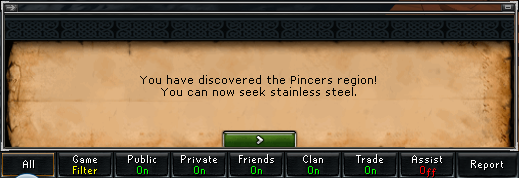
 

Pincers_zps2b52fb9f.png


The Pincers! Woo! That, as well as opening up a lot of awesome Port stuff, crosses off another Trimming requirement. Woo!


I also began work on Seasinger robes, they'll be my scroll goal (Heh, rhyming) for now. The first piece:


SeasingerTopScroll01_zps1a961c7c.png


And finally, 93 Smithing. Slowly getting closer and closer.
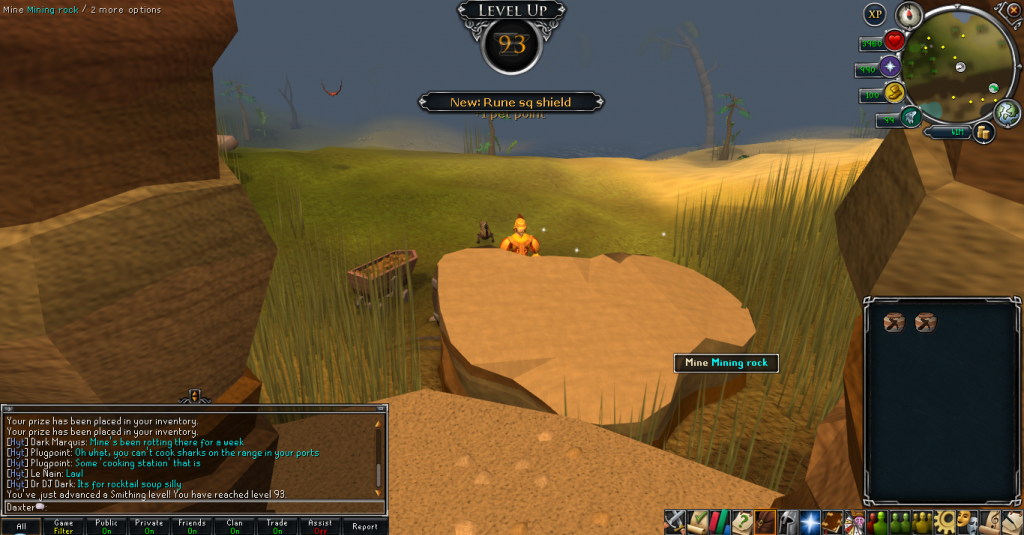
 

93Smithing_zps843d4db5.png


Catch you next time, ~Dax.

2 Comments

Recommended Comments

PolarBearBlue

Members

Oh how I envy your skill levels. if only one could recolor Testu back to the blue color.

Dax

Members

Hmm. I disagree, I much prefer the look of the red. The blue turned me off it at first.


Just gotta keep skillin' and skillin' and skillin' for dem levels. I BELIEVE IN YOU!

Important Information

By using this site, you agree to our Terms of Use.

Account

Navigation

Search

Search

Configure browser push notifications

Chrome (Android)
  1. Tap the lock icon next to the address bar.
  2. Tap Permissions → Notifications.
  3. Adjust your preference.
Chrome (Desktop)
  1. Click the padlock icon in the address bar.
  2. Select Site settings.
  3. Find Notifications and adjust your preference.