





-
- 543 views
- 0 comments
A better way to browse. Learn more.
A full-screen app on your home screen with push notifications, badges and more.
I like wood.
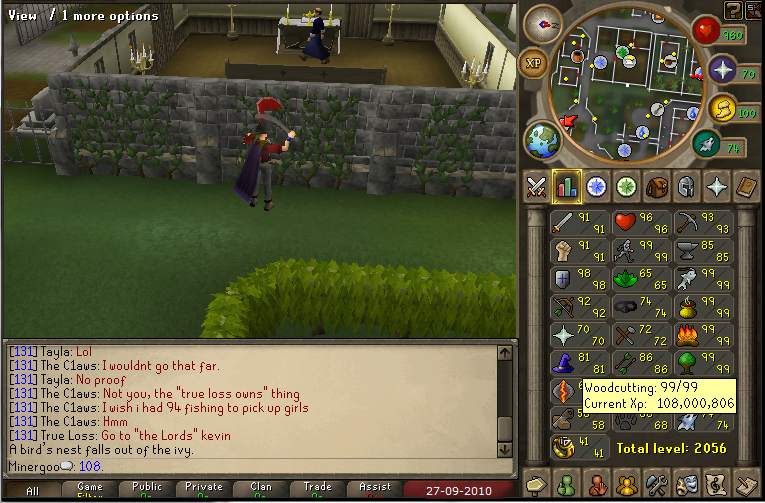
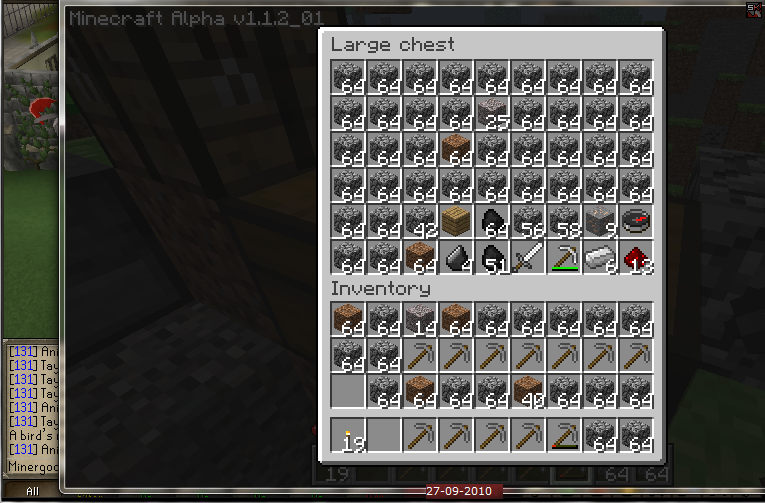
Oh, and I am now addicted to Minecraft.
I might be moving this whole blog business to Blogscape, because this built in blog thing isnt that awesome, and I feel that Blogscape has a better atmosphere, with more users.
Any thoughts? :unsure:

I did the new quest. I had alot of trouble with it. The word puzzles were really hard, and I kept getting lost in the Barbarian Village.
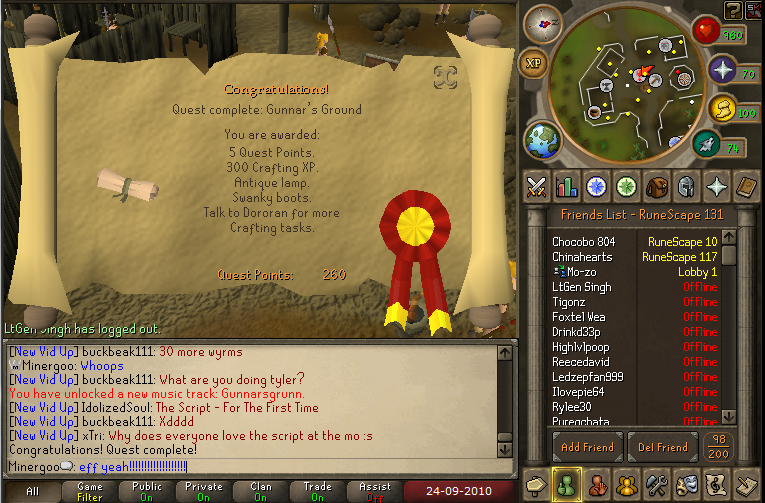
This quest was WAY easier, and shorter.
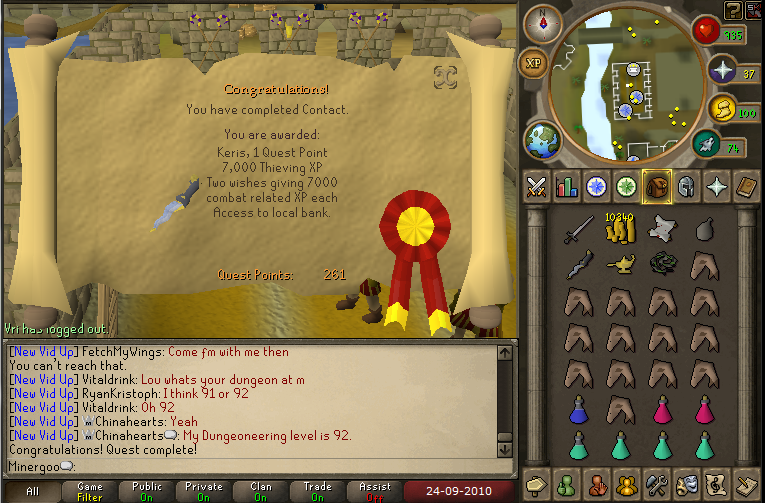
One of the rewards from the last quest gives me a bank in the town of the "Stealing dead people`s [cabbage] for exp" mingame, so I went in and got a quick level.
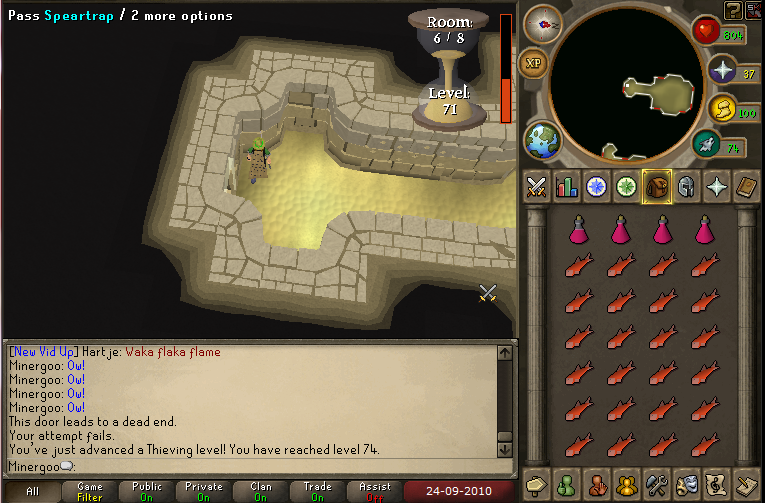

http://www.youtube.com/watch?v=BNUEhLavV2k


And I tried to use guthans at dust devils...

I got burnt out of ivy, so Im training here for a bit.

I be slaying, yo.

And got thsi earlier.

And as a note to myself, I should fish/cook some monkfish, and buy a dragonplate.
My uber magic bonus exp is at 1.1 :mellow:

Does that make me level 120?
Start of the bonus exp weekend exp:

103:


I missed it by a bit. =p
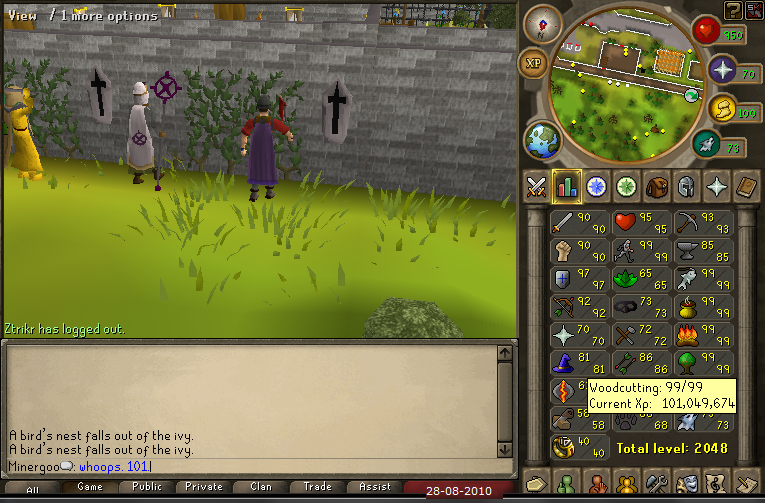
If I have gotten this far, I can get the next half, right? :mellow:
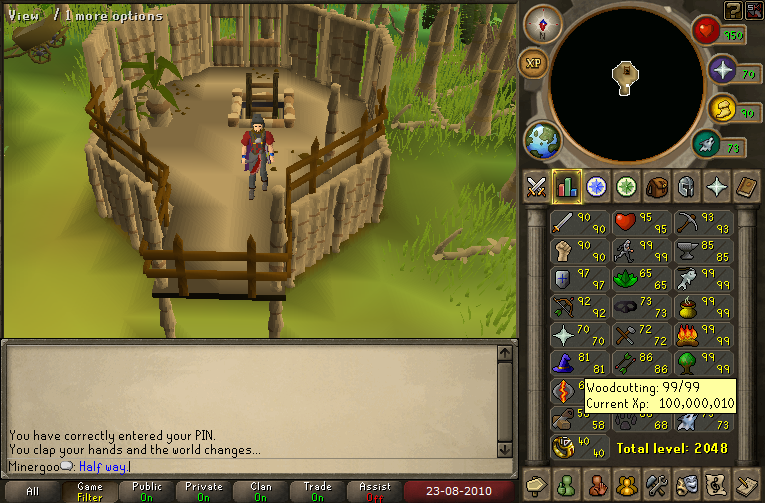
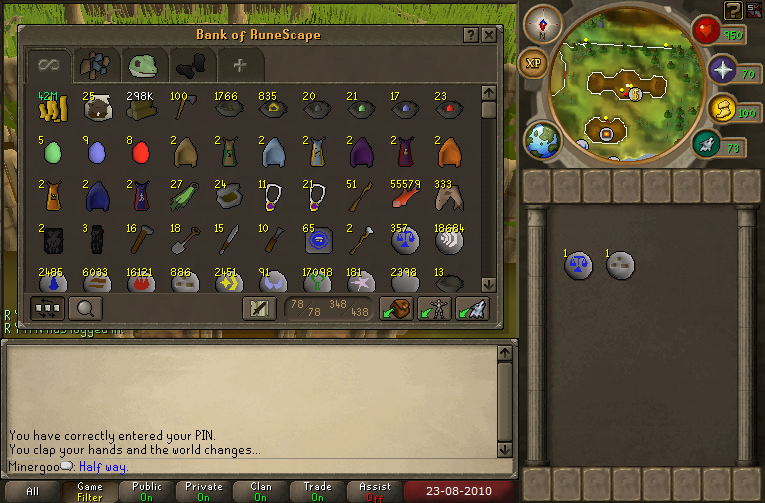

And all this new stuff is weird.


And school starts on thursday. :mellow:
Yeah. Its cool. :thumbup:
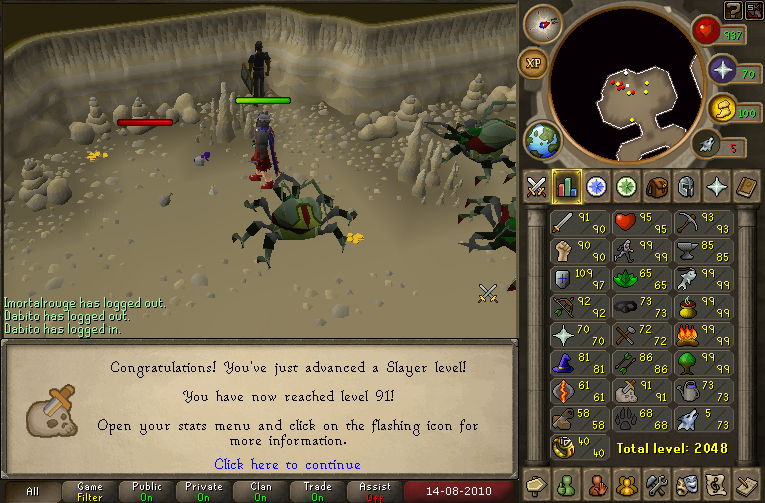
First liviing rock slayer task:


And I thought this was funny:


And I did some slayer earlier.

I got the Lego Harry Potter video game, so I havnt been chopping as much. :razz:
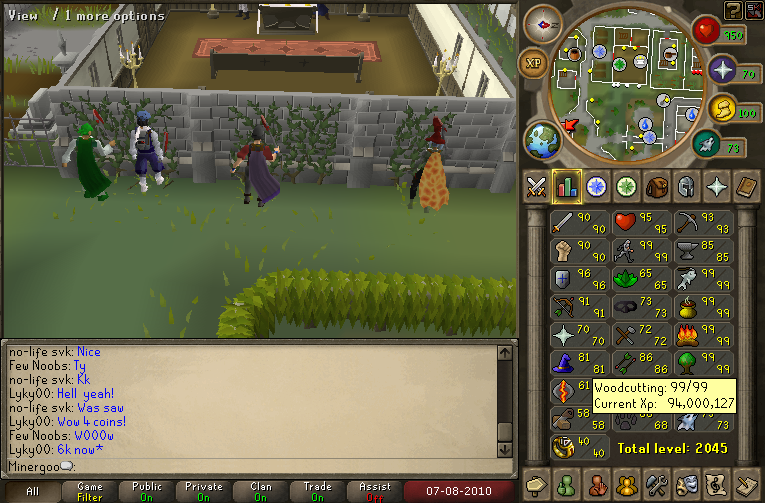
And I got this also.
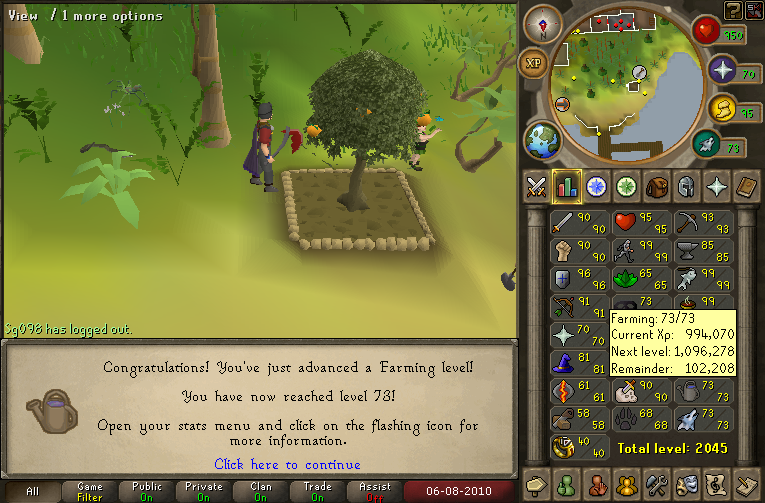
:mellow: :thumbup:
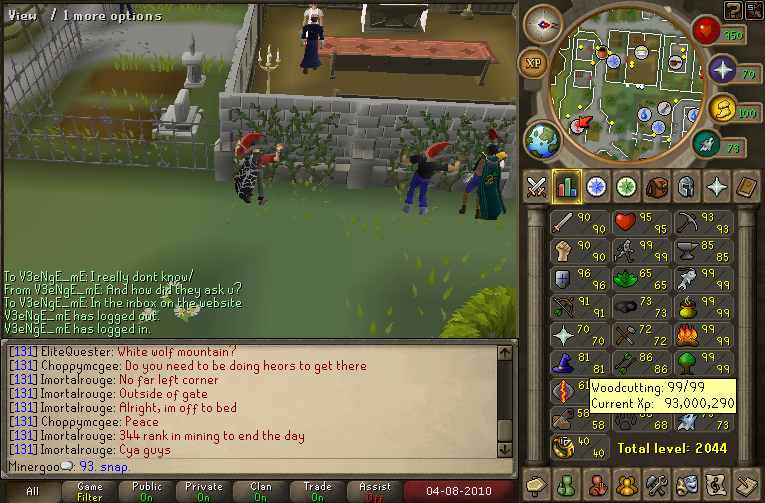
Im getting them fast. :thumbup:
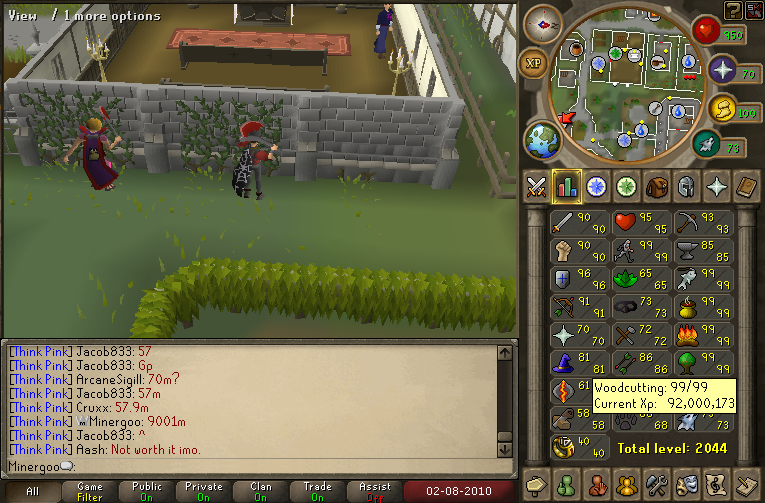
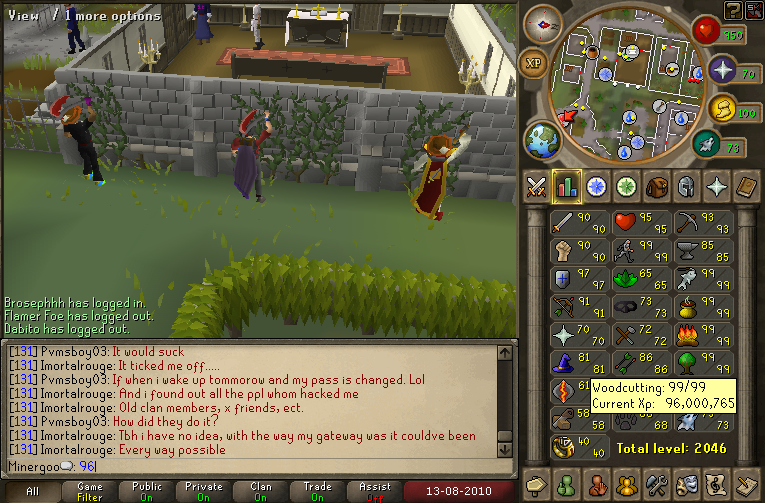
And I would like every to know that at this moment in time, Im ranked 69 in woodcutting. :twss:

Lol, I didnt notice. <_<
By using this site, you agree to our Terms of Use.