




:cool: :thumbup:
Im happy about it.
-
- 611 views
- 6 comments
A better way to browse. Learn more.
A full-screen app on your home screen with push notifications, badges and more.
I like wood.
:cool: :thumbup:
Im happy about it.
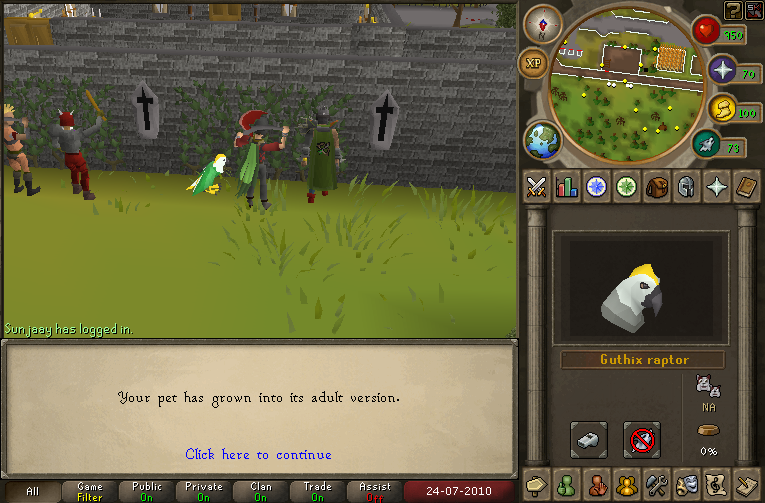
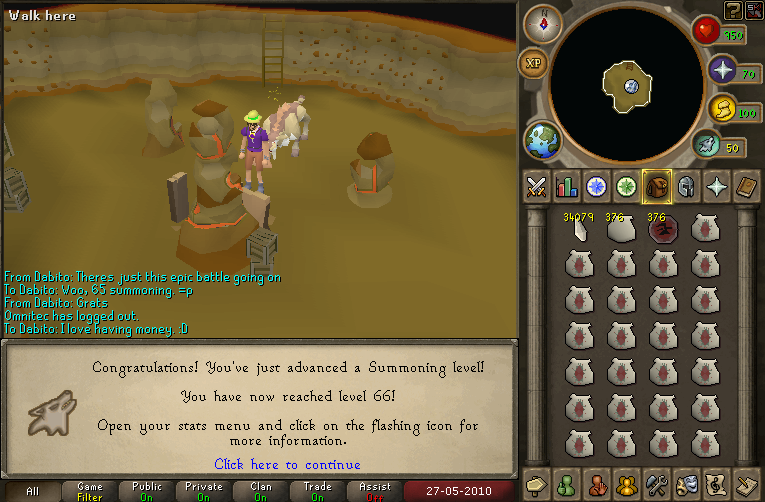
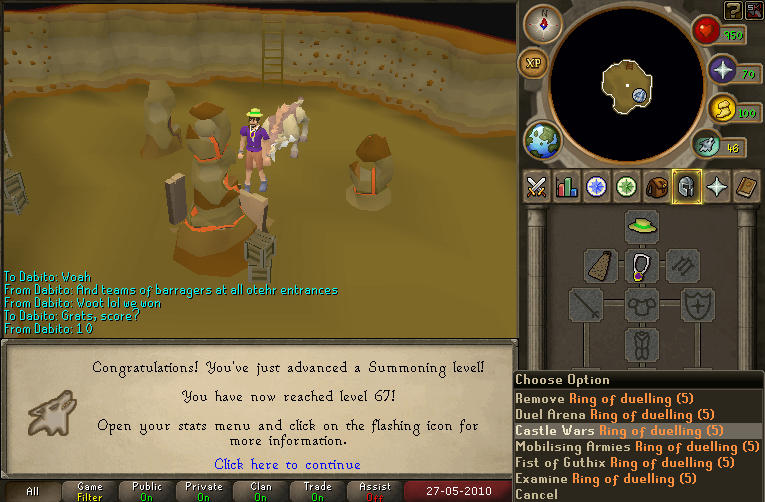
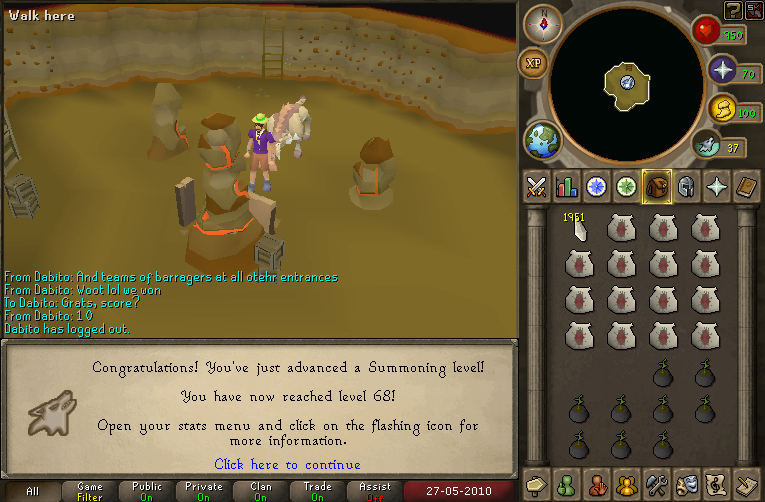
My bird grew:

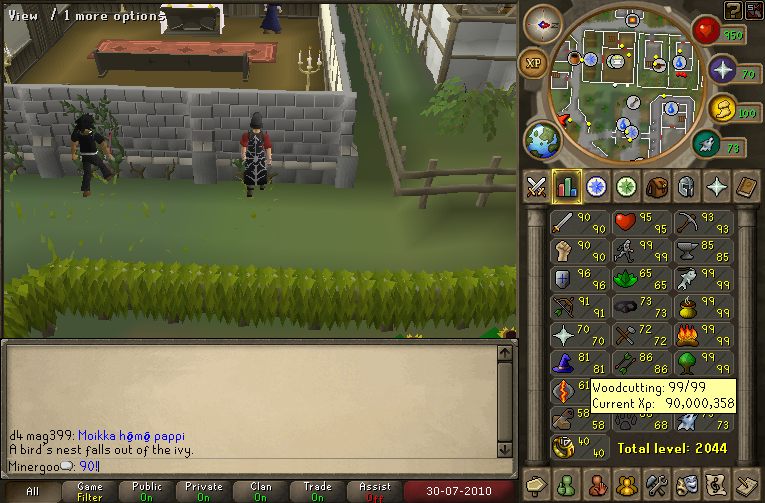
Some random guy got 90 woodcutting:

I caught a floating imp thing for free stuff:

I got to 75 rank:

My bird grew again:

And 89:

:mellow: :thumbup:
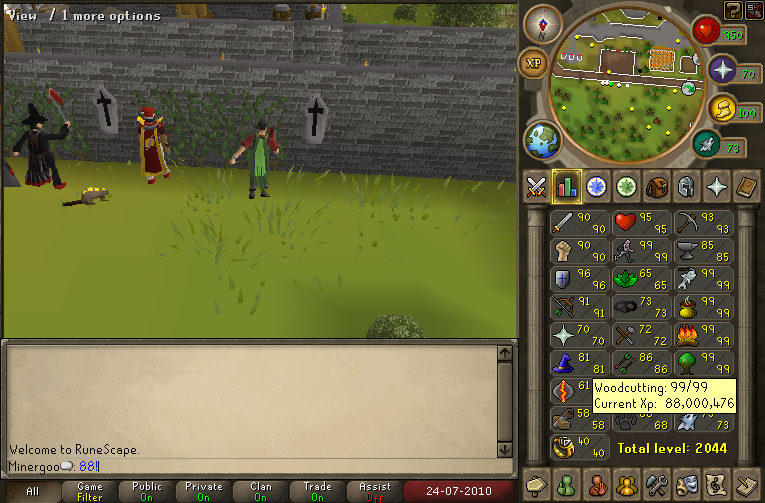
And Im trying to get over 100m exp by August 16. (thats when school starts) :mellow:
I tried out some of the new dungeon things:


My bird grew a bit:

And I did some random fletching and found theiving rocks in my bank, and decided to use them. :smile:

Sweet.

And heres a random youtube video that I was watching at the time:
I has one. :mellow:


And another on the way. :thumbup:

And I got this album yesterday. Its pretty sweet. :shades: :thumbup:

:mellow: :thumbup:

And in two days Im going to New Orlands for a Lutheran teen gathering thing. It will be fun. :smile:

(I thought that I put a guthix god bird in there, so it was a surprise, lol.)
And Im going to camp tomorrow. Ill be back on friday. :mellow: :thumbup:
:mellow: :thumbup:

The obsidian golem is helping loads! :thumbup:

I got it to help with 99 mining. :thumbup:
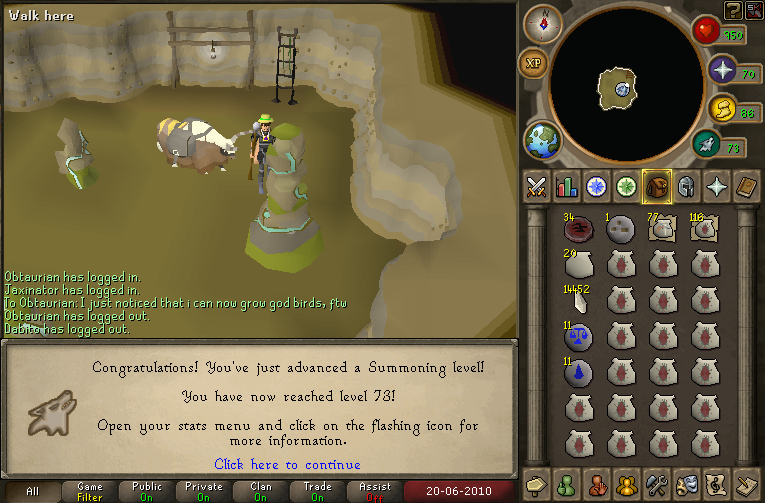
Time to go kill some TzHaar monster things.
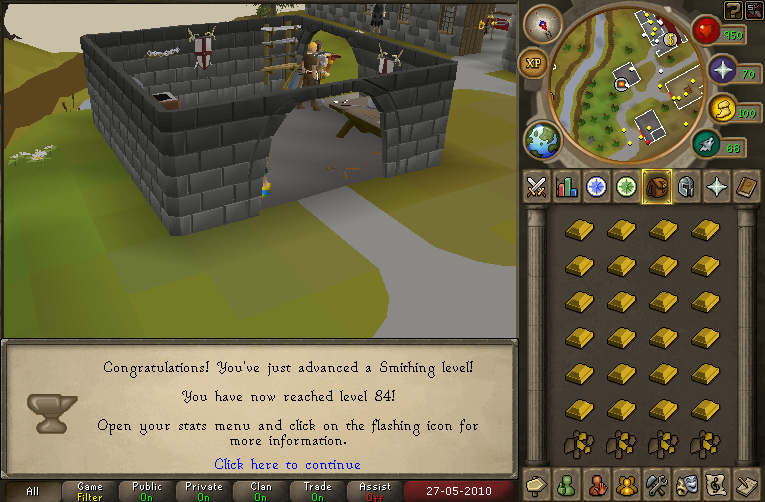
Blah blah blah, woodcutting, blah blah, 84, blah blah blah.

I got 83, when Tip.it was down. Im posting it now.
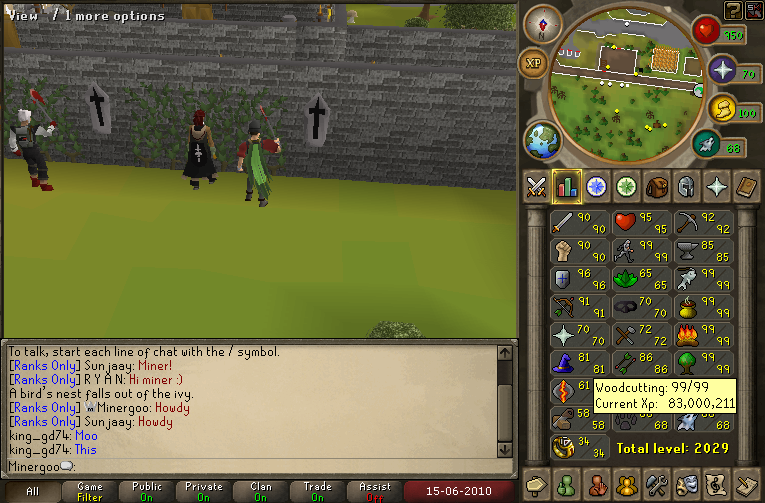
Then, because of the new update thing, I tried to camp abyssal, but got bored. (and my first time using bunyips :thumbup: It was good, I didnt even have to use my guthans! ) I didnt get any good drops.
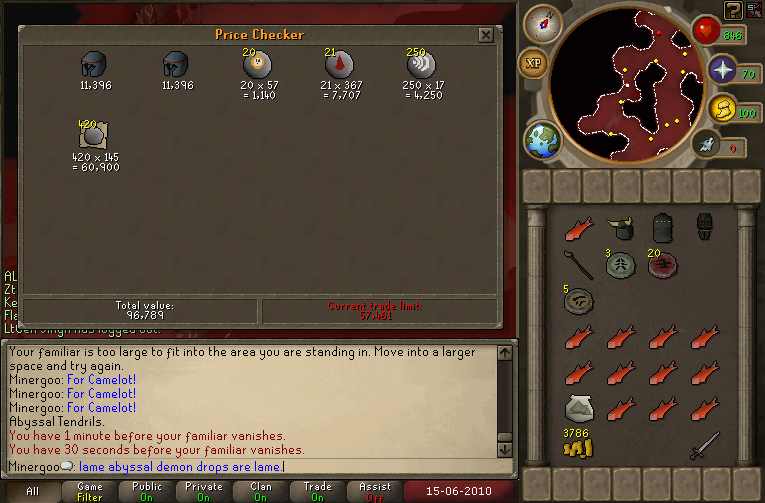
Yep. :mellow: :thumbup:

Oh, and I played caste wars a bit ago, and accidentally took a screen shot. :grin:

First mill with mai new lumberjack. It doesnt feel like any faster exp, but I think it is. :mellow: :thumbup:
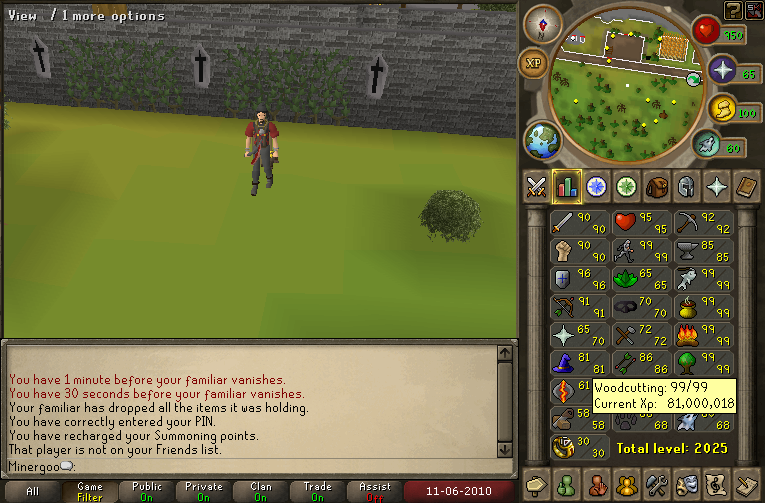
This took way too long.
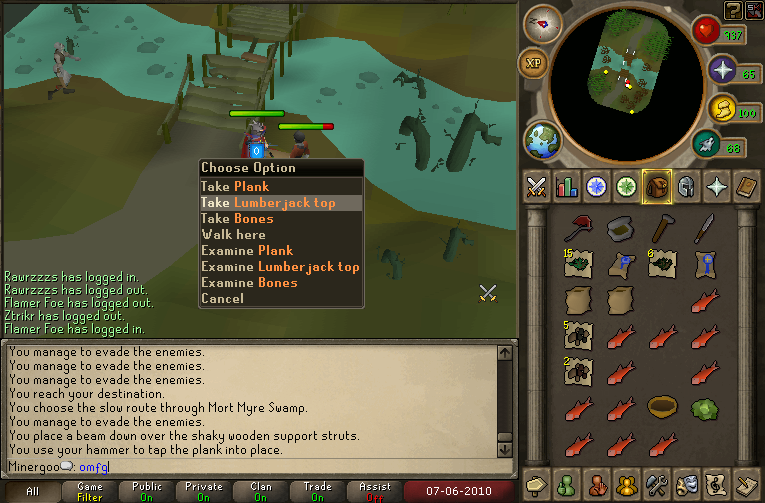
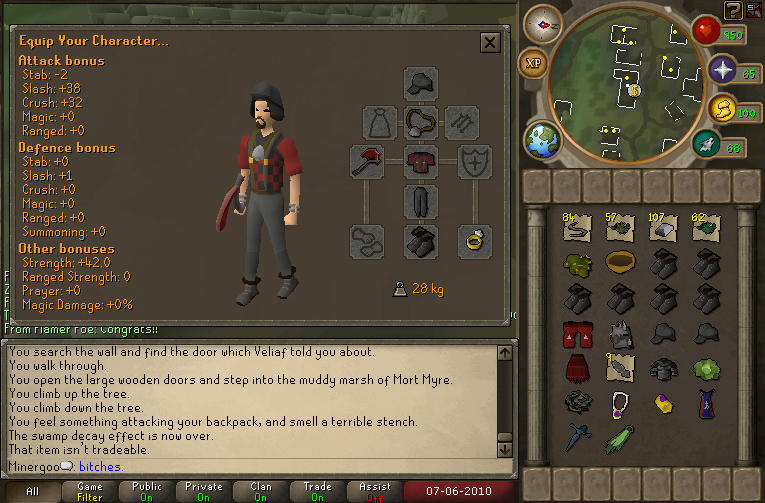
Yeah. :mellow:


Oh, and heres a random picture that I forgot about. =D>
Its here. :mellow: :thumbup:
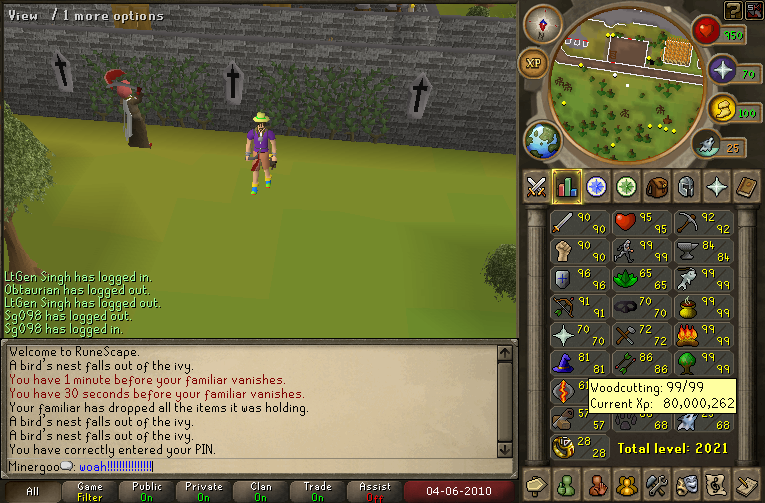
Brb, rune bars.

Two days after 78! I <3: Summer.

Fun, fun. :mellow:
[hide]
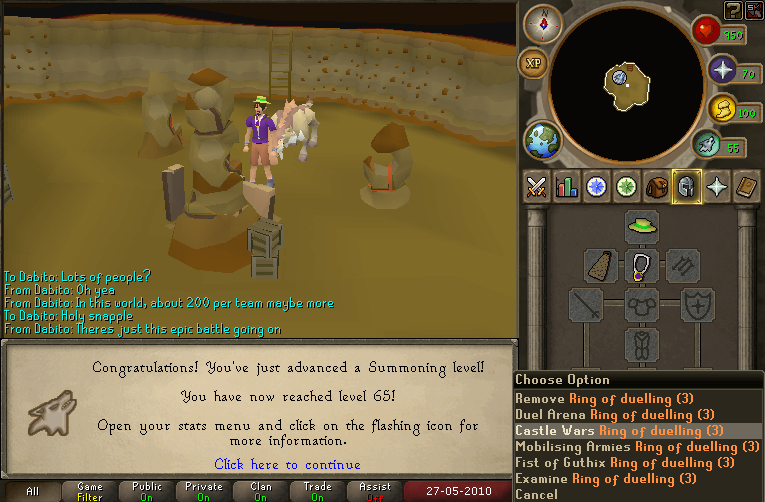
 [/hide]
:smile: :thumbup:
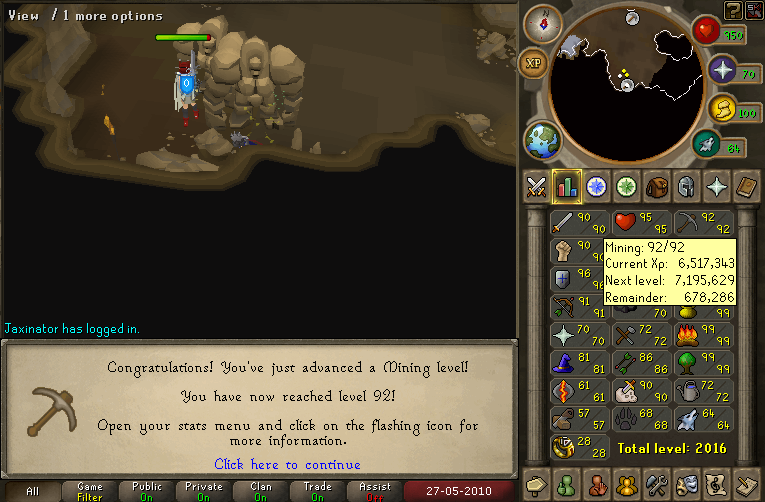
:smile:

Yayness. :mellow: :thumbup:

Tomorrow is my last day of school, so I expect more woodcutting to occur.
I went swimming for the first time this season. I forgot how much fun farting underwater is. I also noticed that I have alot of chest hair. :mellow:
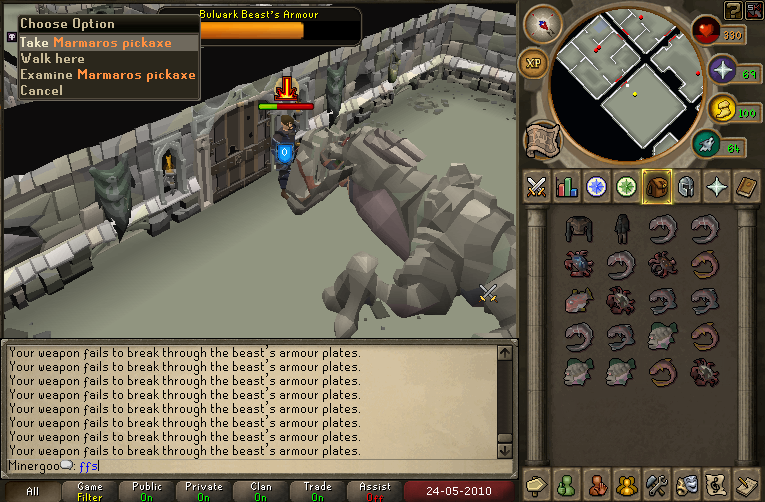
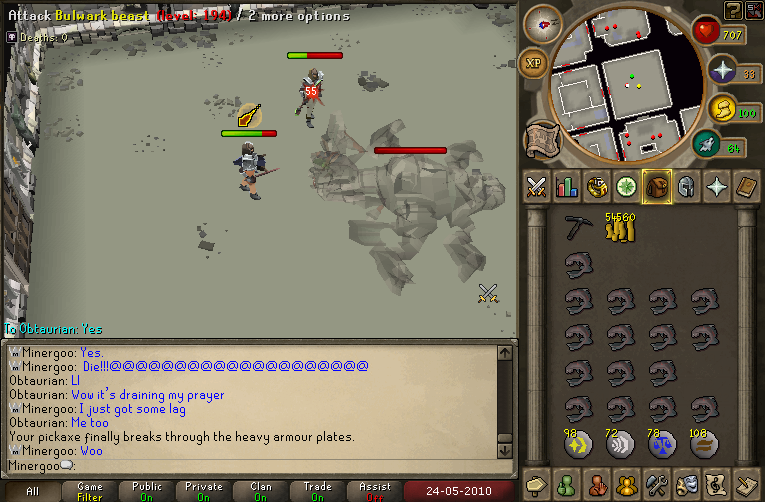
Then I did some dungeonering. First solo, then with Obtaurain. :grin: The one with Obtaurain went well.
By using this site, you agree to our Terms of Use.
