-
- 677 views
- 5 comments
A better way to browse. Learn more.
A full-screen app on your home screen with push notifications, badges and more.
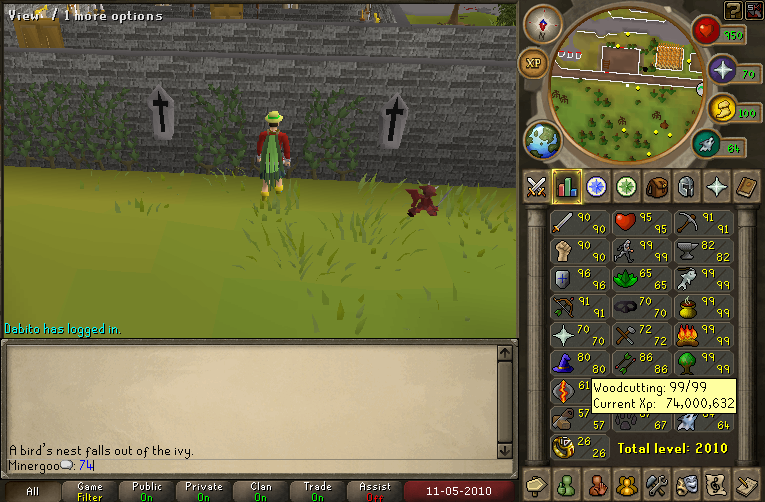
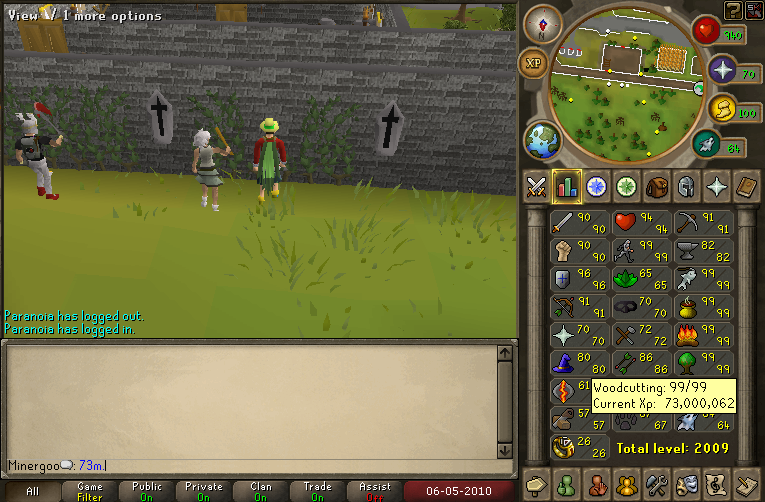
I like wood.
That 3/8ths, right?
:mellow: :thumbup:
Yes. :mellow:
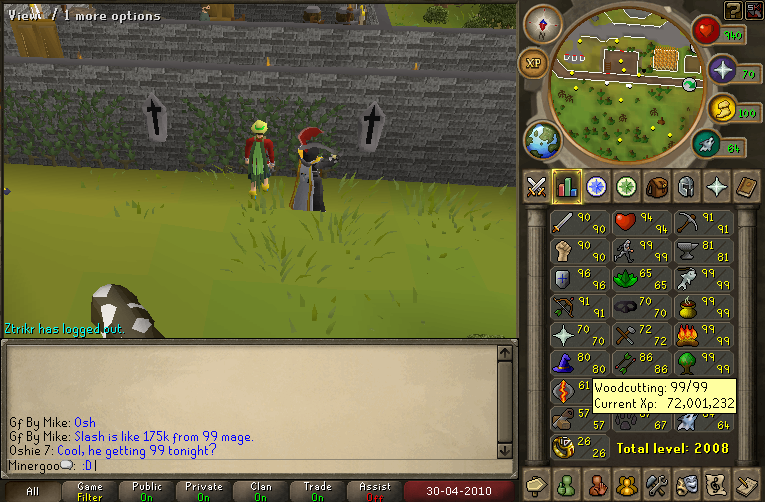
Wootage.

Btw, I just got CAKE`s "Comfort Eagle" today. Its very nice. :thumbup:
Yeah.
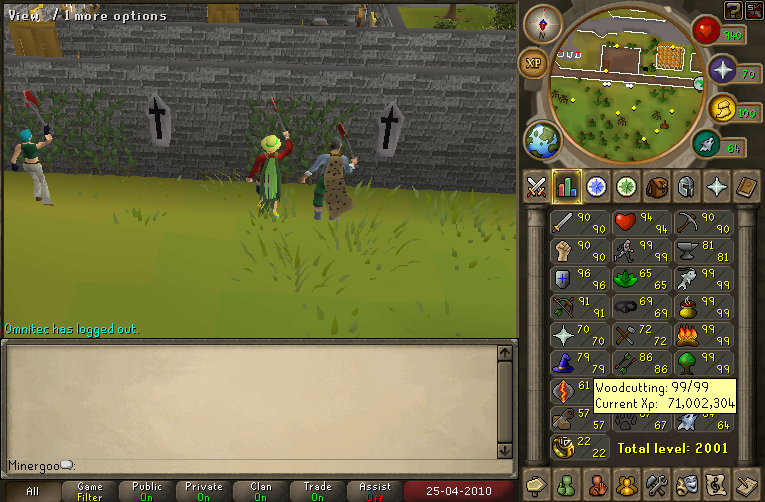
In one of the most epic ways possible, leeching off free runecrafting exp while dungeonering. =D>

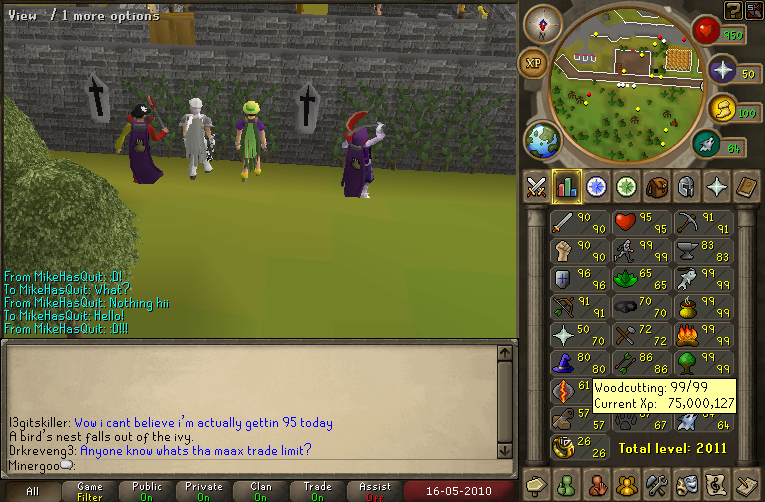
And the level that got me it:

And a smithing level I got this morning.

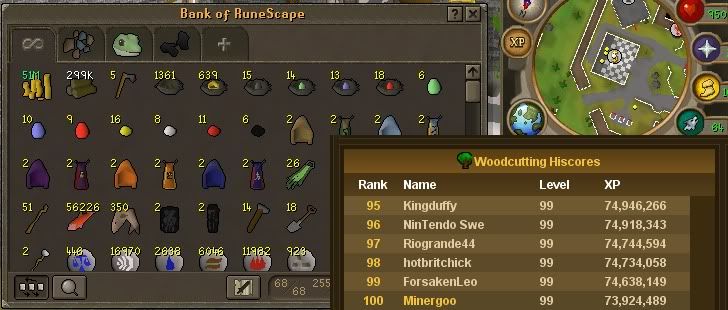
79-80 smithing, and a bank pic.


Also, Im going to prom tomorrow! :thumbup:

:-)

I have had family visiting for the past couple days. They will be staying for a couple more. :mellow: My computer use has been down to almost zero. :thumbdown:
I did go to a play tonight. I would write a review about it here, but one of the actresses was in her underwear for the majority of the play, so I didnt get any of the story or anything. :P
:razz: :thumbup:
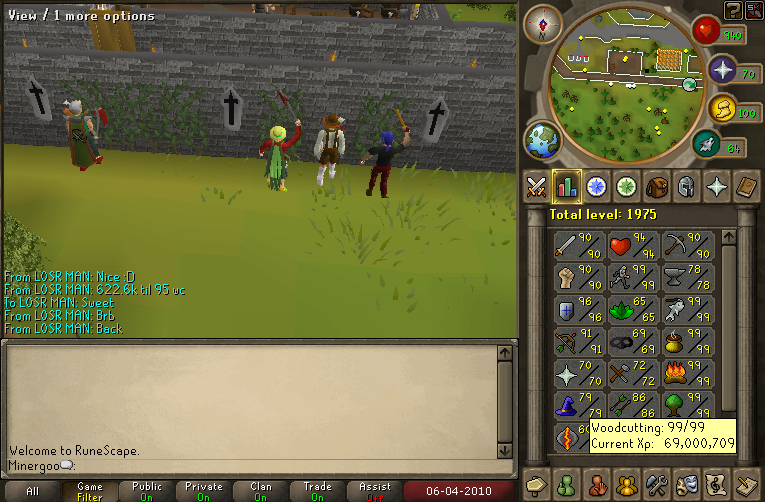


And I have come to the conclusion that I like the western ivys better than the eastern ones. I donno why. :mellow:
Woot. :mellow: :thumbup:

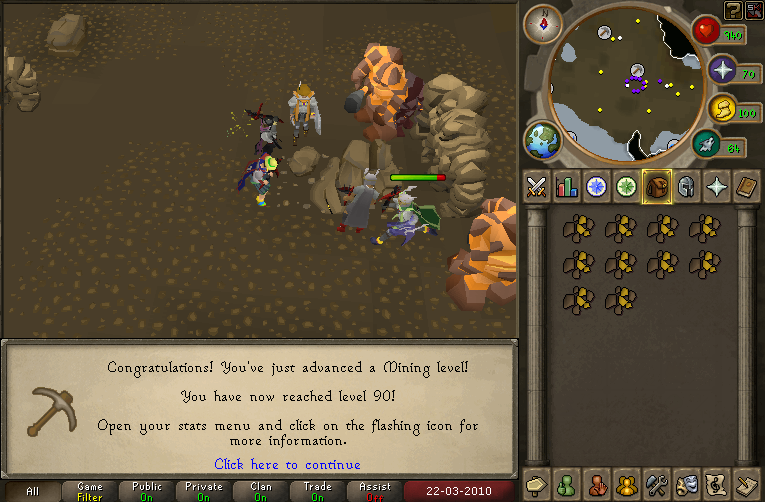
Its so much like woodcutting. :mellow: :thumbup:
Heres some random smithing level ups: (and btw, Im 150k exp from 90 mining)


It really is.


And on a completely different topic, I shaved today. :smile:
I first went to chop on wilows, but my friend told me that ivys wernt that crowded, so I went to ivys.
Here I am after hour one:

Hour two:

Hour three:

Hour four and 64! :thumbup: :

Hour five:

Hour six:

Hour seven:

Well, thats about the end of my uber exp. :smile:
Got some summoning levels.

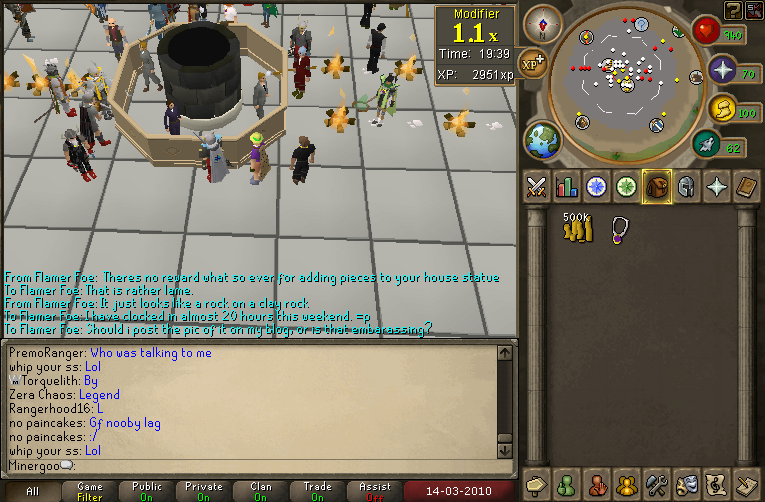
And this is my how many hours I racked up this weekend. I donno if this is an achievement, or a sign that I need to go outside.
:mellow: :thumbup:

Oh and I made a design with my nests. <_<

Its been like three days. :mellow: :thumbup:

Theres nothing much to say.


And heres a funny picture I recently found on teh internetz.

With full screen!

And I did that one mini game for a bit, it wasnt worth it, and it was a pain to catch them. :thumbdown:

By using this site, you agree to our Terms of Use.