




-
- 435 views
- 0 comments
A better way to browse. Learn more.
A full-screen app on your home screen with push notifications, badges and more.
I like wood.
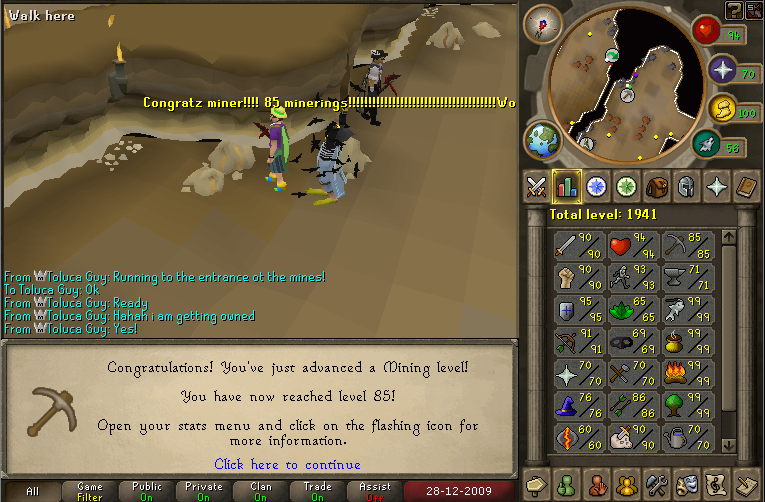
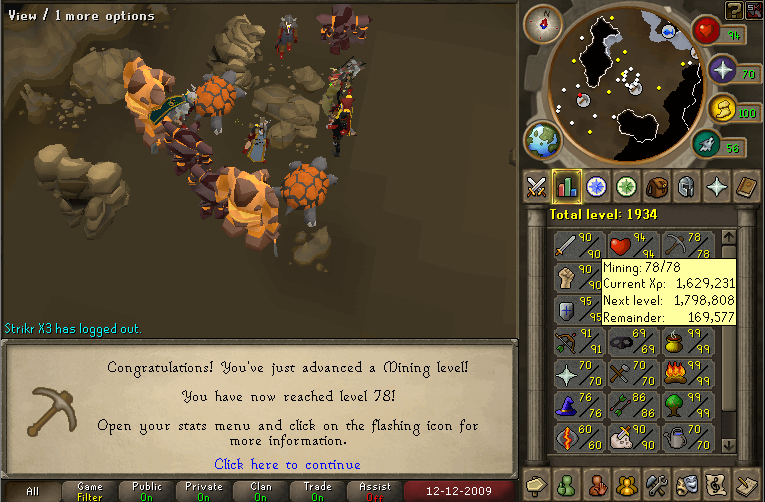
I got 85 Mining. Galindito was there. :smile:
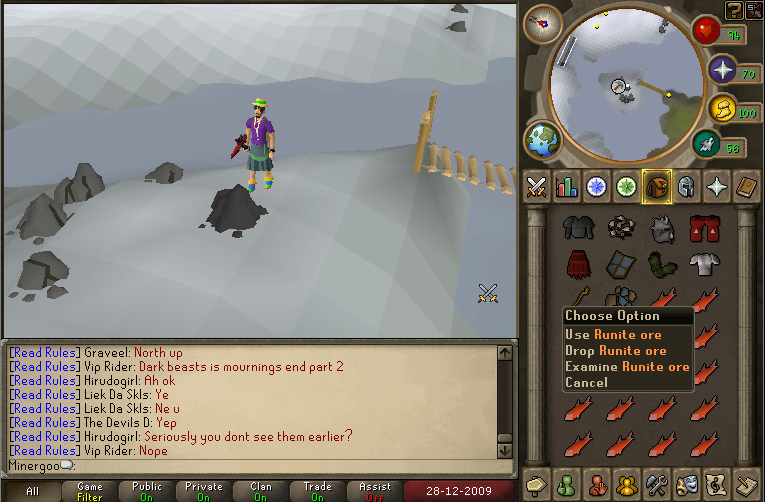
I mined a rune ore.
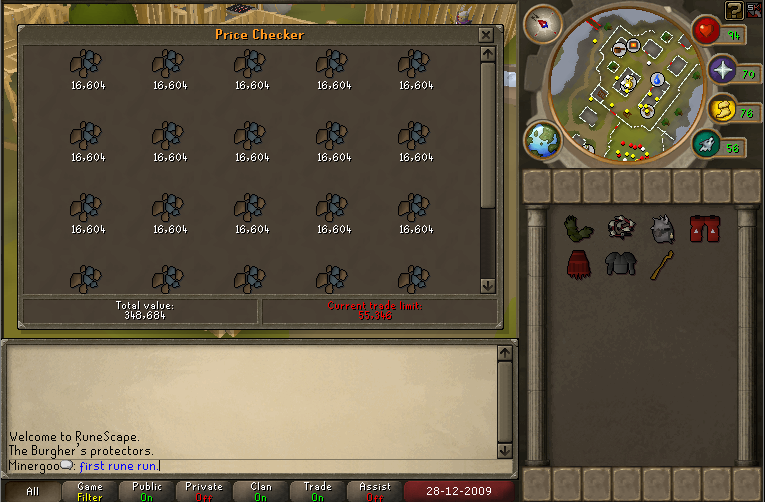
And this was my first trip. :thumbup:
Now for some smithing, and crafting? No. Agility time.


:mellow:
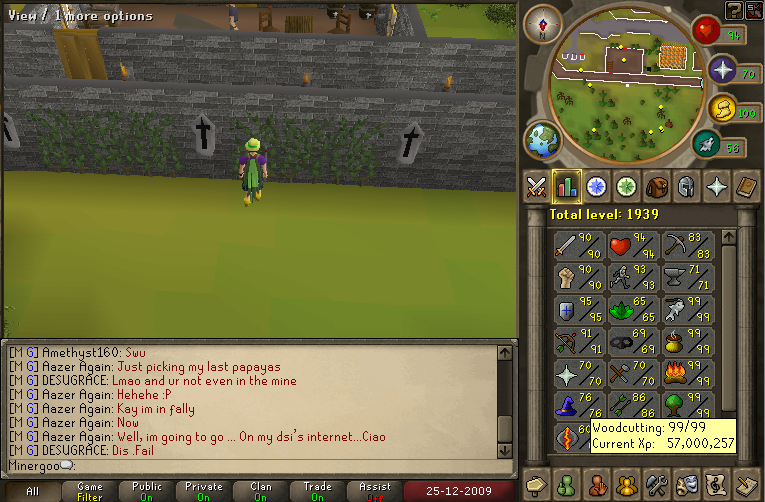
I lied, I didnt go back to agility, I went back to mining. :grin:
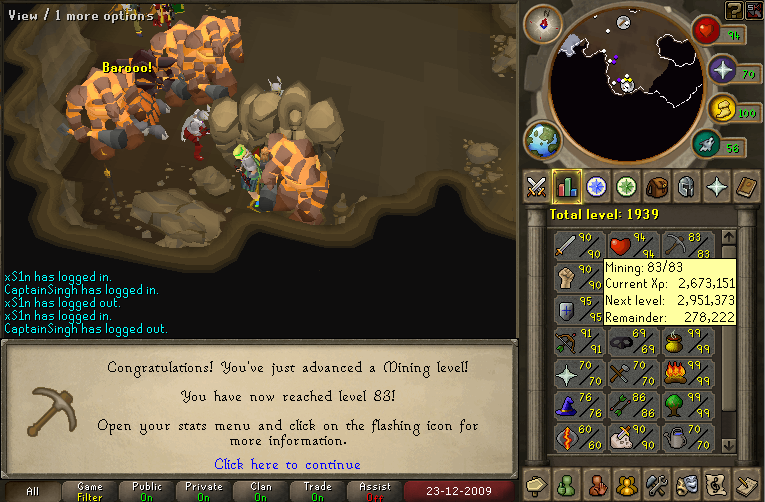
And 585k till 85. :mellow:
82.
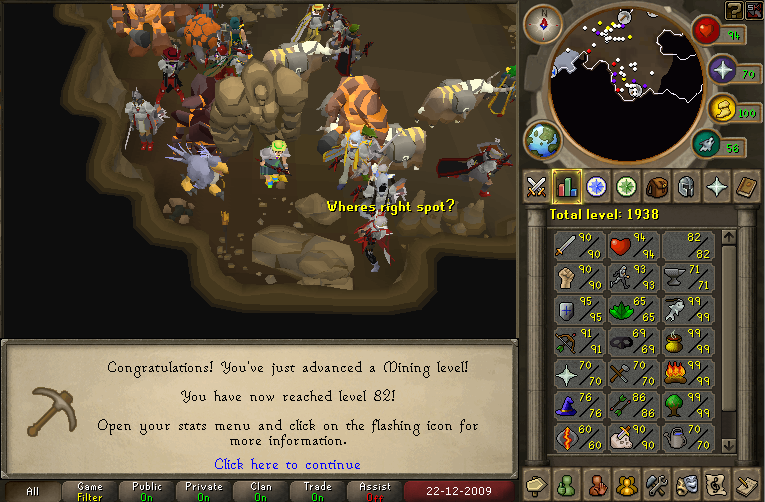
Now for agility? :mellow:
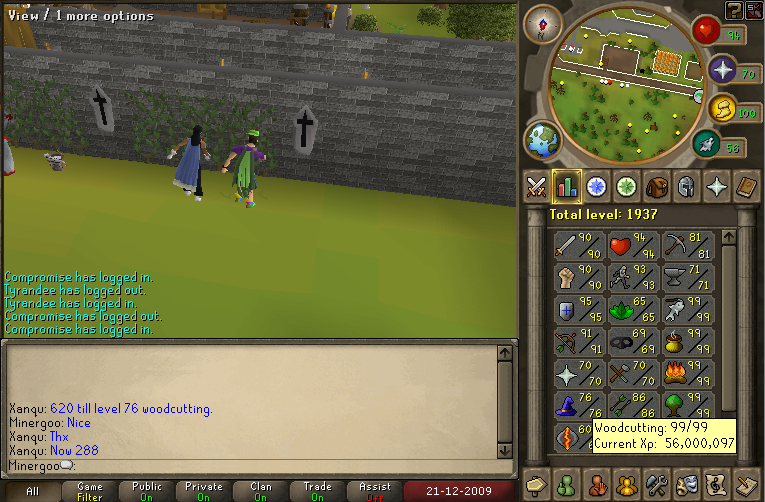
This exp is fast. :thumbup:
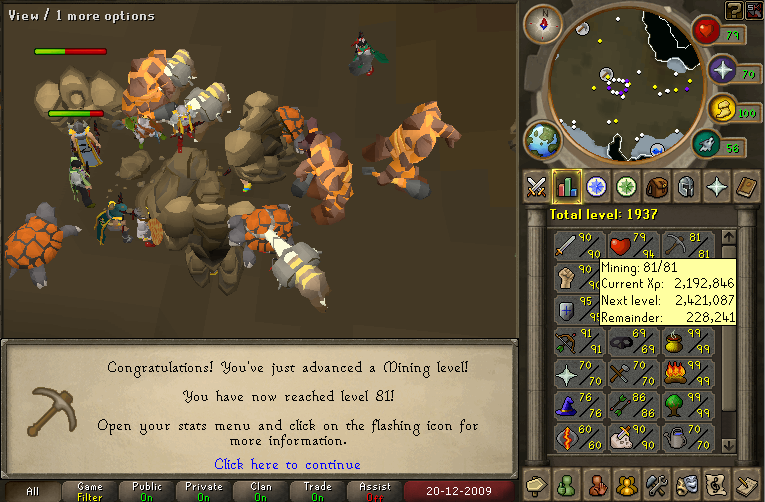
Ill just post pictures, as I dont feel like typing.


:thumbsup:


And mai djembe:

And I went ice skating today. :mellow:
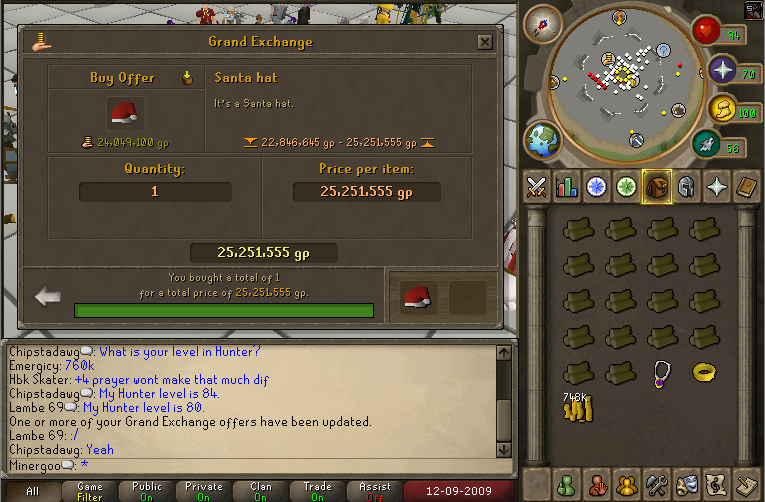
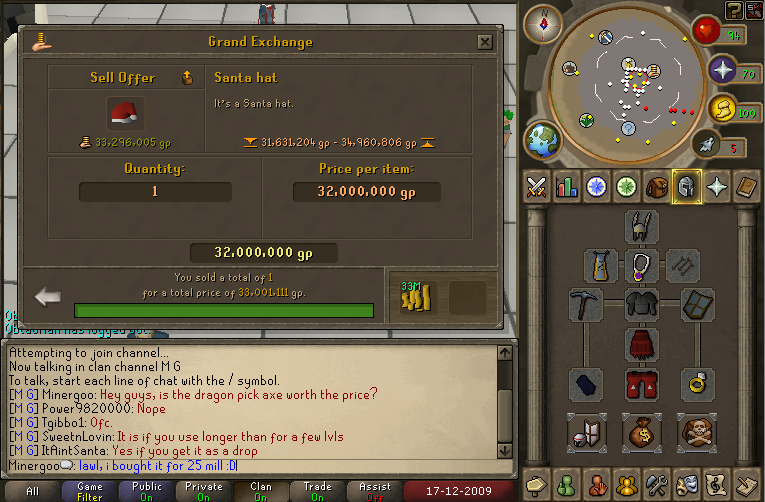
So I bought this:
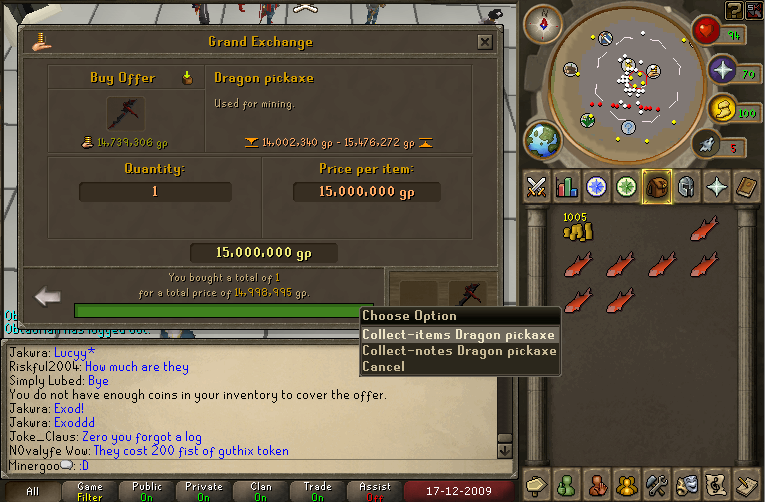
:smile:


Yes, I am mining. I donno why. Its just kinda fun.
I gots a clue scroll!

And I got a task that I dont think Ill finish for awhile.

420 :cool:

But now Im back to woodcutting.
I finished a task. Went and got a new one from the new lady,(181 hellhounds) and saw a place I have never seen before.


Oh, and I saw someone I know get 1337 posts. :thumbup:

:smile: :thumbup:
Its from zybez. Its the percentage of my skills.

Yeah...


I got to 54, and I got a webcam. :smile:

Heres some shots:


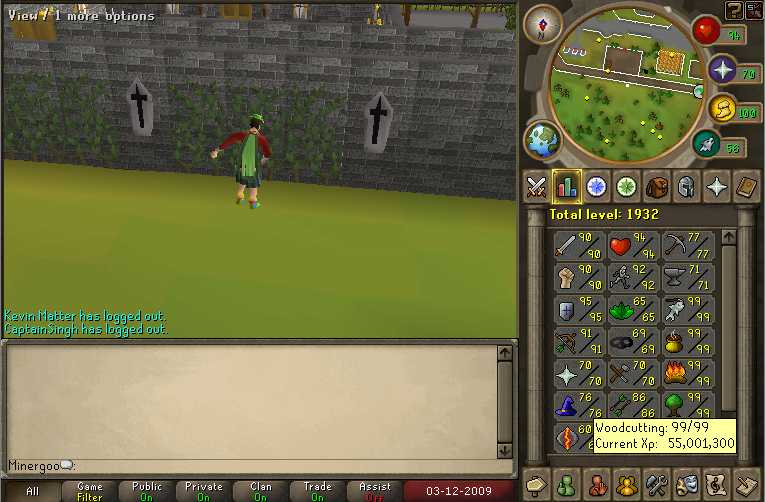
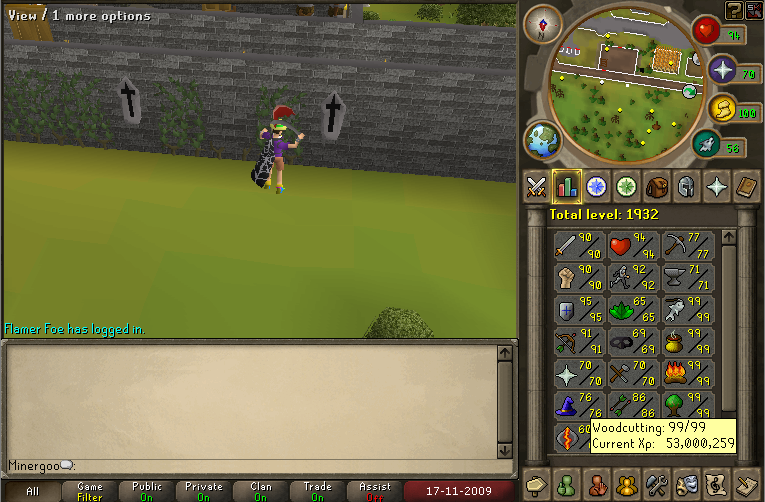
Blah blah blah woodcutting blah blah 53. :thumbup:

And are the forums laggy for any of you guys? Ever sense the forum switch everything is just laggy all the time. If [bleep]ing sucks. :thumbdown:
So theres more people playing classic now, so I thought I would join in. Im currently trying to get 20k for a rune axe, because all I have now is steel.


New update thing. This guy was a pushover.

And 51. :thumbup:

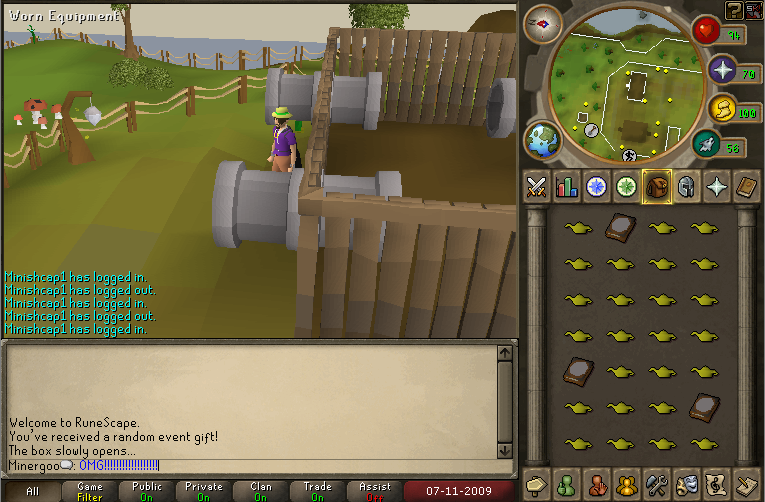
I finally got my 28 exp lamps. Im so happy, I can finally do stuff that requires inventory spaces to do! :thumbup:
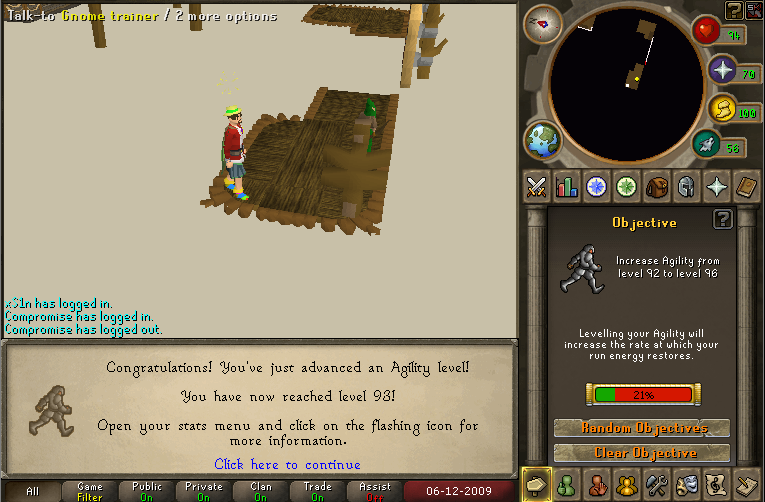
And then I got 92 agility. Fun, fun. :thumbup:

By using this site, you agree to our Terms of Use.