



Skip to content
View in the app

A better way to browse. Learn more.

Tip.It Forum

A full-screen app on your home screen with push notifications, badges and more.

To install this app on iOS and iPadOS
  1. Tap the Share icon in Safari
  2. Scroll the menu and tap Add to Home Screen.
  3. Tap Add in the top-right corner.
To install this app on Android
  1. Tap the 3-dot menu (⋮) in the top-right corner of the browser.
  2. Tap Add to Home screen or Install app.
  3. Confirm by tapping Install.

#9: Completionist: Week 1.

(0 reviews)

Not much happening this week. A couple of levels here and there. First level was 80 Runecrafting, which I lack the picture of. Got it through Trolls. Also marks 80+ stats. Next up was 84 Crafting. Got through air battlestaves.
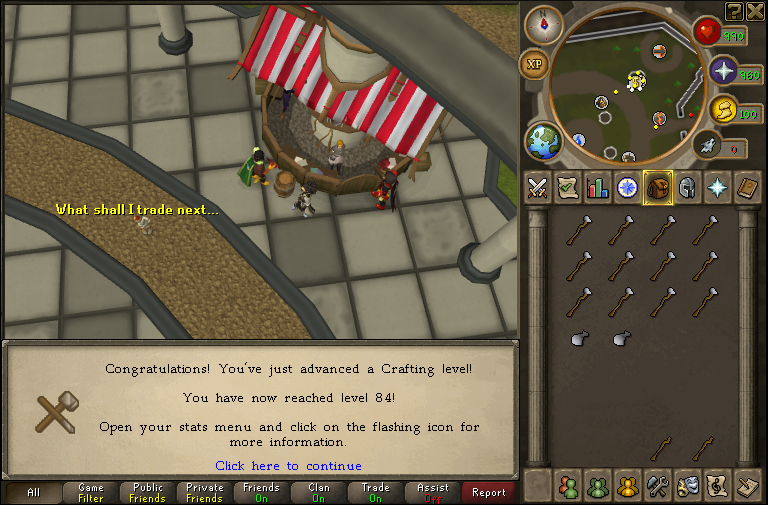
 

84.png


Then came 82 Mining at Lava Flow Mine, got boots, gloves and hats of the suit so far. When thats finished, off to LRC.
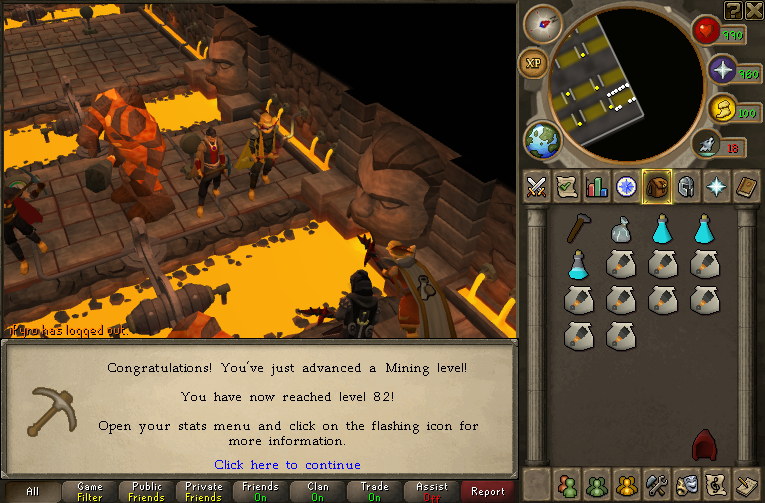
 

82.png


Somewhat more respectable was 93 Fletching.
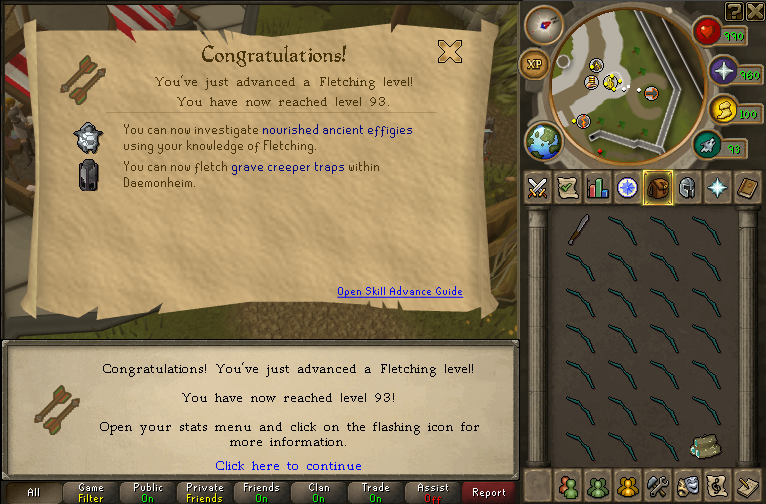
 

93.png


Considering moving into BlogScape. I do very much prefer this way of blogging, but few people make the effort to comment and such, if they even read. Ill have more chance in there. I think. Eh. Ill think about it. Catch you next week, ~Dax.

4 Comments

Recommended Comments

12pure34

Members

if you go there, at the very least link me each time :P Liking the updates

Mojo_Monkey

Members

BlogScape is too much work to look at. I like these blogs better

Zeno

Members

Zeno supports this.

Dax

Members

@Pure: I think I'll stick around here. Easier to do this, instead of forcing into BlogScape. Heh.

@Mojo: I share the same ideal. Except I did follow a couple of blogs in there before my break (Itam's is the only one I can think of).

@Zeno: Dax supports your comment.

Important Information

By using this site, you agree to our Terms of Use.

Account

Navigation

Search

Search

Configure browser push notifications

Chrome (Android)
  1. Tap the lock icon next to the address bar.
  2. Tap Permissions → Notifications.
  3. Adjust your preference.
Chrome (Desktop)
  1. Click the padlock icon in the address bar.
  2. Select Site settings.
  3. Find Notifications and adjust your preference.