Skip to content
View in the app

A better way to browse. Learn more.

Tip.It Forum

A full-screen app on your home screen with push notifications, badges and more.

To install this app on iOS and iPadOS
  1. Tap the Share icon in Safari
  2. Scroll the menu and tap Add to Home Screen.
  3. Tap Add in the top-right corner.
To install this app on Android
  1. Tap the 3-dot menu (⋮) in the top-right corner of the browser.
  2. Tap Add to Home screen or Install app.
  3. Confirm by tapping Install.

#12: Completionist: Week 4.

(0 reviews)

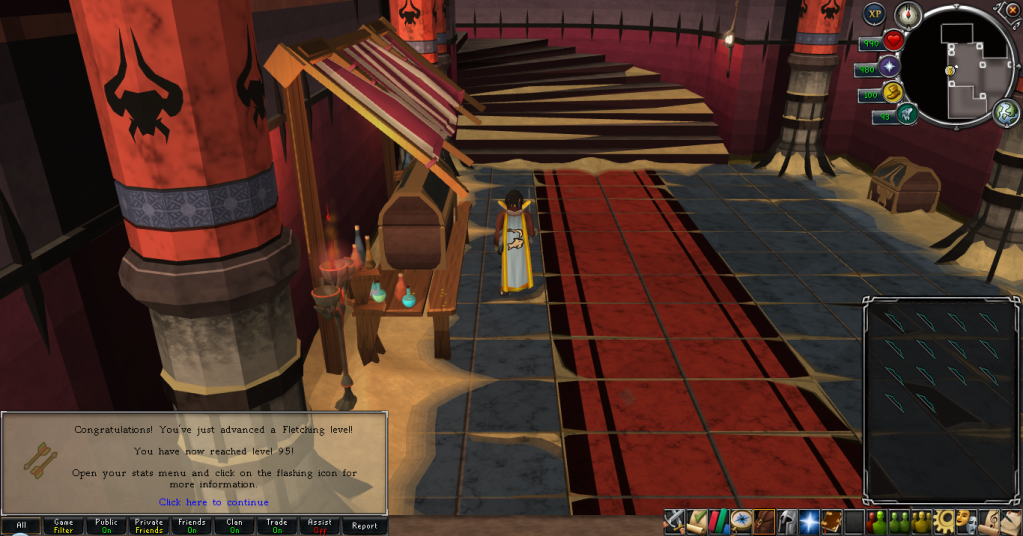
First up, I got 95 Fletching.

95.png


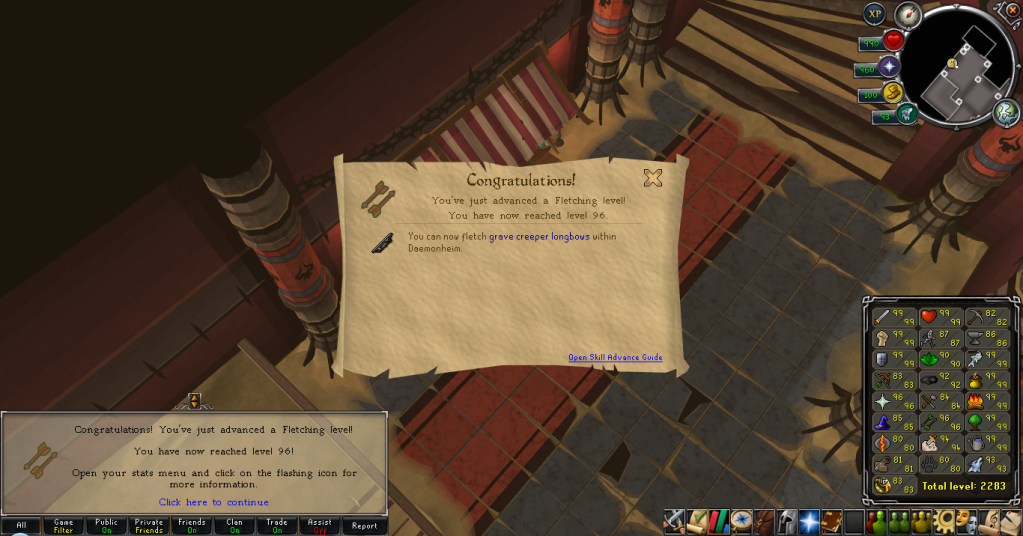
Then 96.

96-1.png


Then I was a little bit from a Mining level, so I got it.
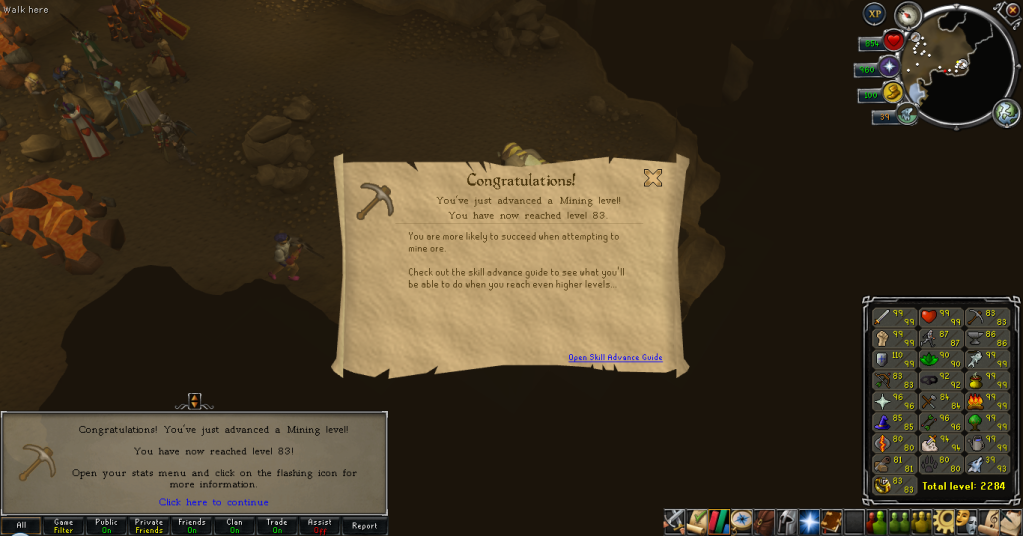
83.png


A slightly more productive week than usual. Looks like Polypore might get me back into Slayer, if only for one level to 95 to get to the big guys. Might update this post later with 81 Runecrafting, if I could be bothered to get it. Catch you next time, ~Dax.

4 Comments

Recommended Comments

12pure34

Members

Looking like a cool week :) Perhaps some mage/range slaying in the future?


Feedback from those new slayer monsters is that they will be worthwhile to kill in the long run, so might be worth slaying for it. What is main goal for you now in terms of maxing a certain skill?

Dax

Members

@Pure: Yes, definitely. With maxed Melees (And 17M Defence exp), I see no reason to slay that way. Heh. I'm working on Fletching at the moment, quick and easy, I bought the supplies for 97 tonight, too.

12pure34

Members

I'd say good luck on that :) It's a small grind to go for that 99, but it's another big achievement for sure. Every 99 is another hallmark on your big goal :)


How far are you on quests btw?

Dax

Members

@Pure: Quest cape since 2008. : D First achievement cape I ever got.

Important Information

By using this site, you agree to our Terms of Use.

Account

Navigation

Search

Search

Configure browser push notifications

Chrome (Android)
  1. Tap the lock icon next to the address bar.
  2. Tap Permissions → Notifications.
  3. Adjust your preference.
Chrome (Desktop)
  1. Click the padlock icon in the address bar.
  2. Select Site settings.
  3. Find Notifications and adjust your preference.