Skip to content
View in the app

A better way to browse. Learn more.

Tip.It Forum

A full-screen app on your home screen with push notifications, badges and more.

To install this app on iOS and iPadOS
  1. Tap the Share icon in Safari
  2. Scroll the menu and tap Add to Home Screen.
  3. Tap Add in the top-right corner.
To install this app on Android
  1. Tap the 3-dot menu (⋮) in the top-right corner of the browser.
  2. Tap Add to Home screen or Install app.
  3. Confirm by tapping Install.

53: 99 Summoning Acquired!

(0 reviews)

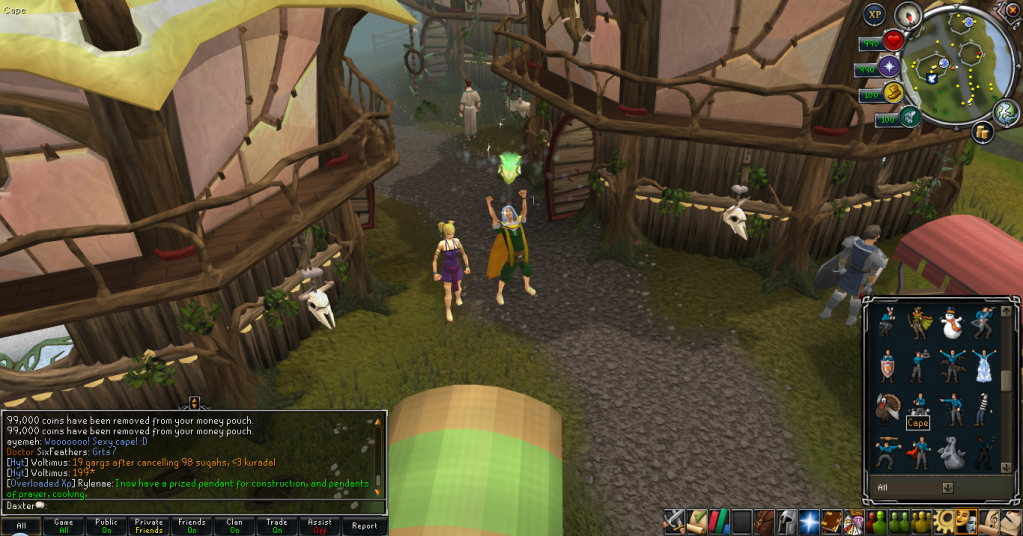
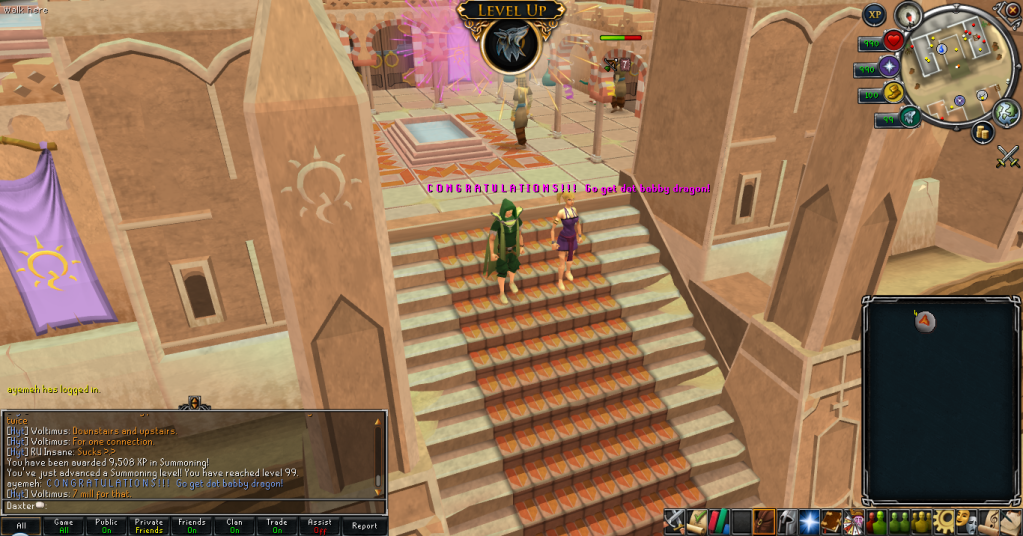
Good week, this week. All the lamps, penguins and Jack of Trades have finally finished another skill for me.
 

99Summoning01.png

99Summoning02.png

99Summoning03.png


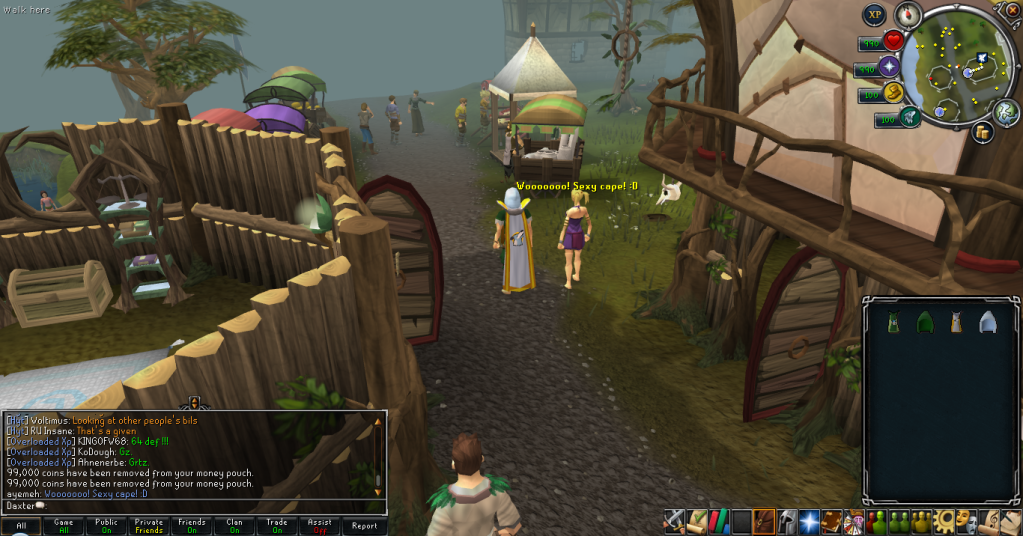
Very pretty cape, and an awesome emote. Now to dump all my lamps and such on Slayer! I also got another couple of levels this week, 88 Smithing:
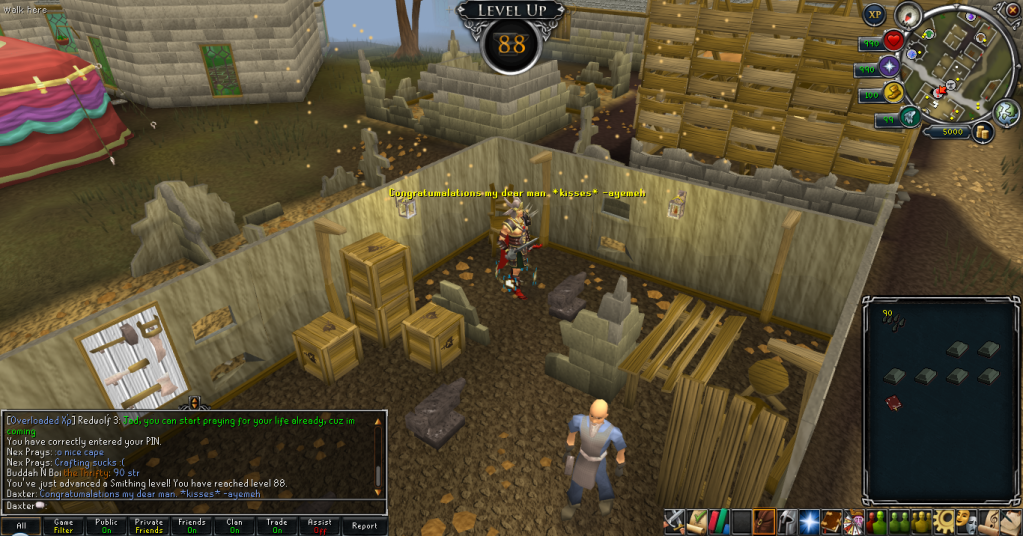
 

88Smithing.png


And the much more impressive, 97 Slayer:
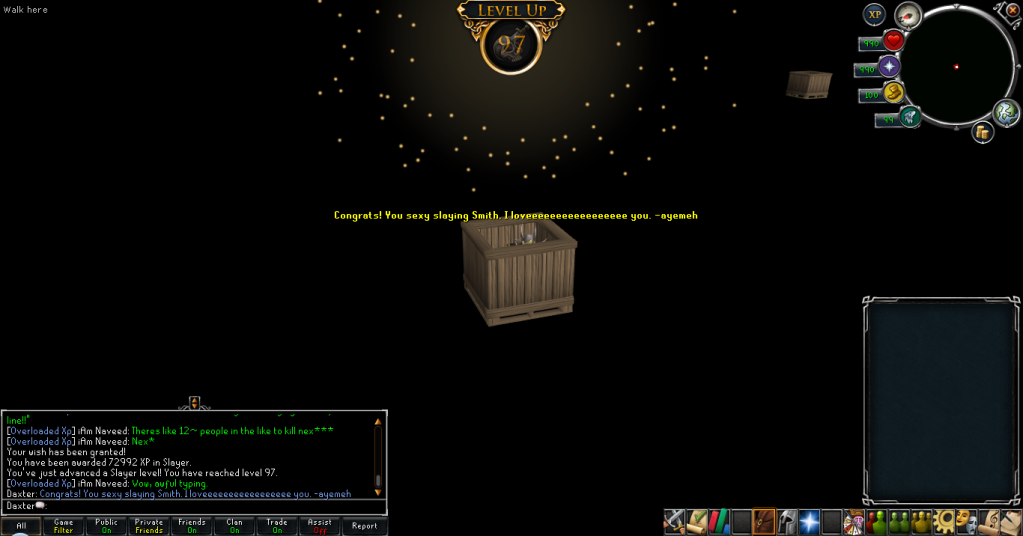
 

97Slayer.png


(Pssst, don't tell anyone I used my 700K free exp on it)


Also, put my Insta-Kill dart to use and killed off another requirement for the Completionist Cape, a QBD kill!


AccidentallytheQBD.png


Alas, no particularly awesome rewards, as in, Visage, Dragonbone Kit or Dragon Kite, but those 10 torstol were nice.


That's all for this week, catch you next time, ~Dax.

3 Comments

Recommended Comments

Pepsiguy

Members

yayyyyyyyyyyyy

Dax

Members

You crazy, Pepsi.


Thanks Levells. :3

Important Information

By using this site, you agree to our Terms of Use.

Account

Navigation

Search

Search

Configure browser push notifications

Chrome (Android)
  1. Tap the lock icon next to the address bar.
  2. Tap Permissions → Notifications.
  3. Adjust your preference.
Chrome (Desktop)
  1. Click the padlock icon in the address bar.
  2. Select Site settings.
  3. Find Notifications and adjust your preference.