Skip to content
View in the app

A better way to browse. Learn more.

Tip.It Forum

A full-screen app on your home screen with push notifications, badges and more.

To install this app on iOS and iPadOS
  1. Tap the Share icon in Safari
  2. Scroll the menu and tap Add to Home Screen.
  3. Tap Add in the top-right corner.
To install this app on Android
  1. Tap the 3-dot menu (⋮) in the top-right corner of the browser.
  2. Tap Add to Home screen or Install app.
  3. Confirm by tapping Install.

64: Ahoy! (And other piratical nonsense) And some levels!

(0 reviews)

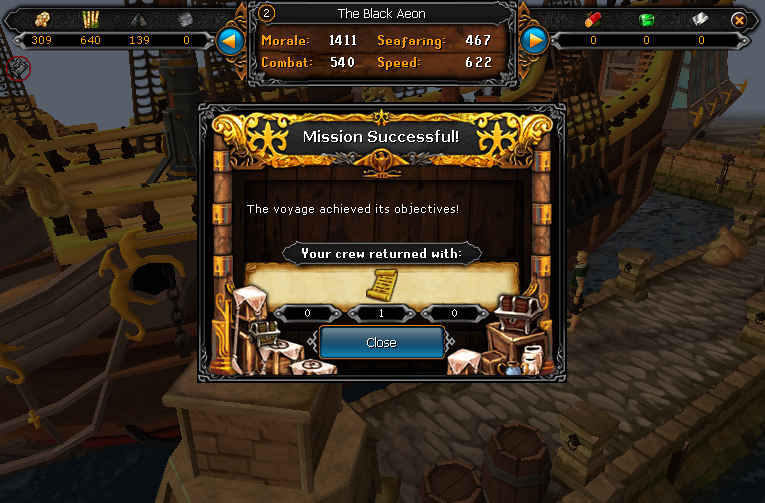
Couple of small things happening in my port, been sending voyages off all over the place, not got a full hold of it yet, but I'll work it out. That's one quarter of the Tetsu body, there. Which is awesome.
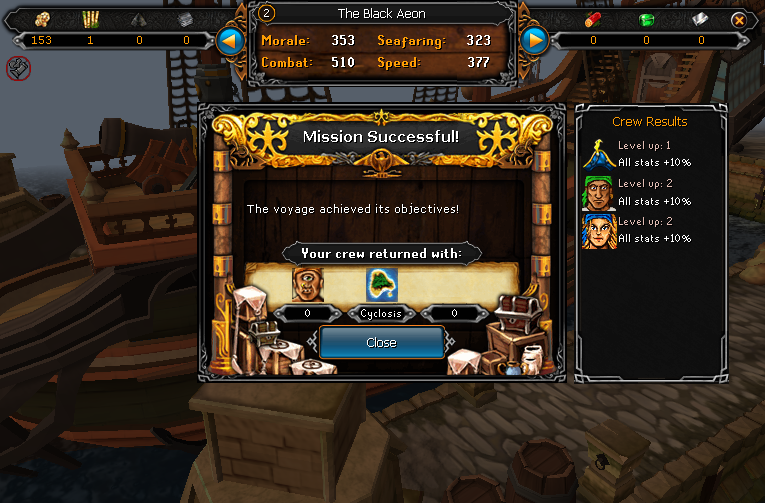
PortSuccess01_zps6e1838eb.png

PortSuccess02_zps90ed8857.png


I got a Hunter level, mostly through daily challenges.
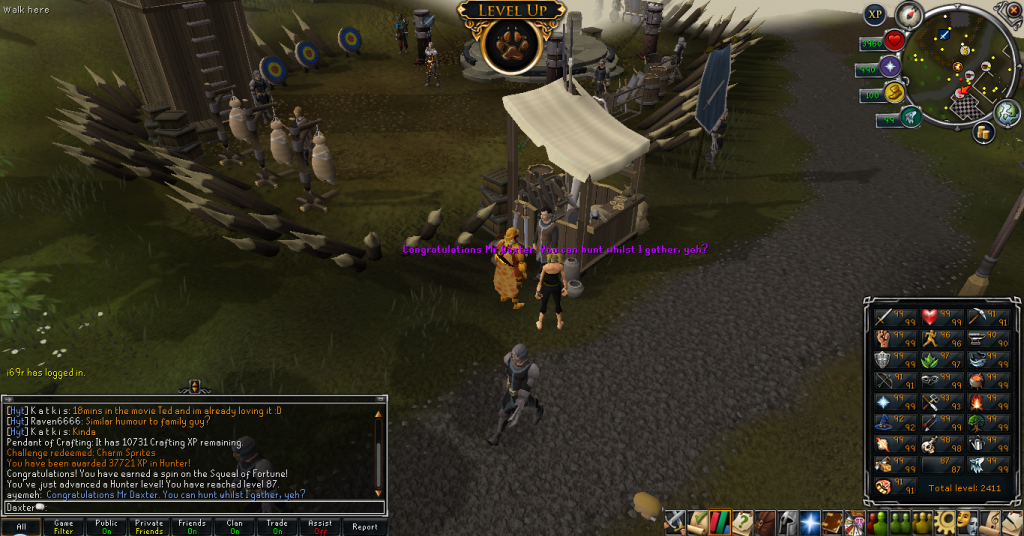
87Hunter_zpsf5c378a8.png


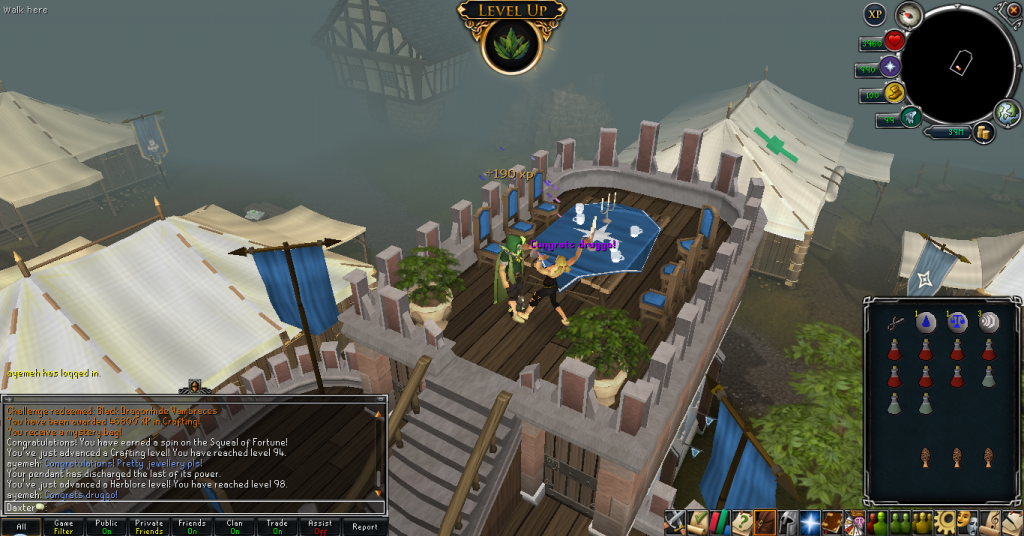
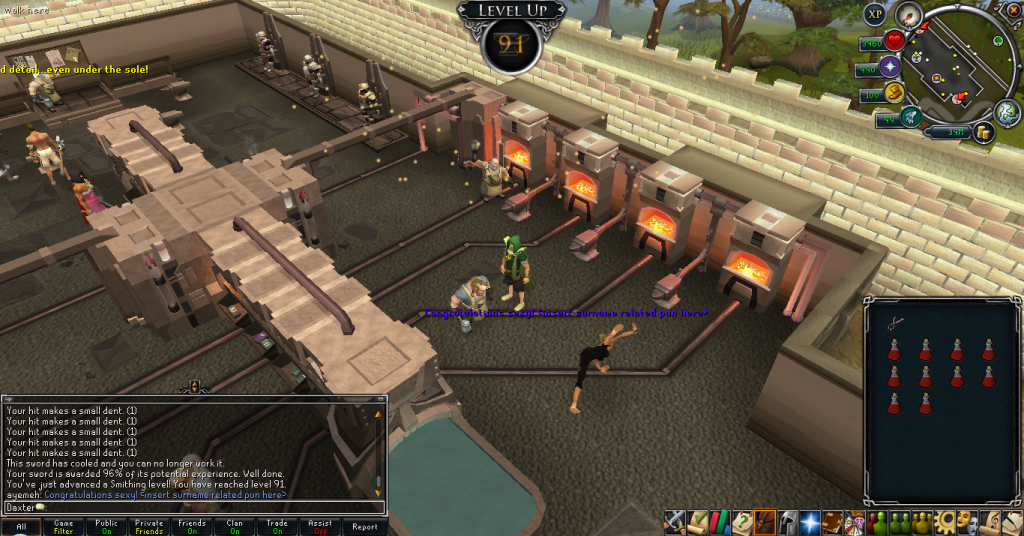
Then, later, within the span of ten minutes, I got three other levels.
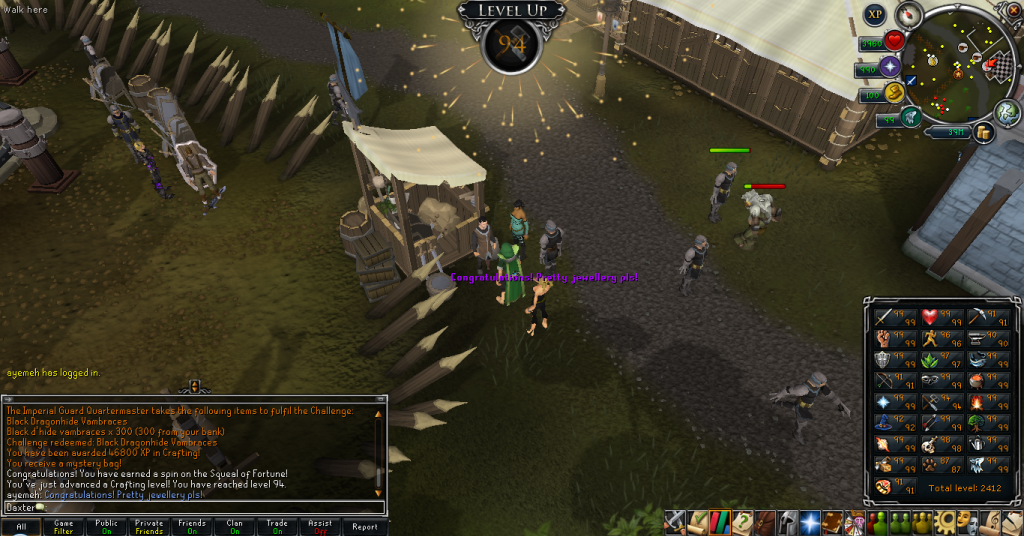
94Crafting_zps3f0ff9af.png

98Herblore_zps9655a6f1.png

91Smithing_zpsac8c4f3f.png


I should have a nice little level *cough* 99 *cough* for you next week, which shall be fun. I will probably get it tomorrow or the next day, but you'll have to wait another week for it. Catch you next time, ~Dax.

2 Comments

Recommended Comments

Pepsiguy

Members

yayyyyyyyyyyy

Dax

Members

You're my favourite, Pepsi.

Important Information

By using this site, you agree to our Terms of Use.

Account

Navigation

Search

Search

Configure browser push notifications

Chrome (Android)
  1. Tap the lock icon next to the address bar.
  2. Tap Permissions → Notifications.
  3. Adjust your preference.
Chrome (Desktop)
  1. Click the padlock icon in the address bar.
  2. Select Site settings.
  3. Find Notifications and adjust your preference.