Skip to content
View in the app

A better way to browse. Learn more.

Tip.It Forum

A full-screen app on your home screen with push notifications, badges and more.

To install this app on iOS and iPadOS
  1. Tap the Share icon in Safari
  2. Scroll the menu and tap Add to Home Screen.
  3. Tap Add in the top-right corner.
To install this app on Android
  1. Tap the 3-dot menu (⋮) in the top-right corner of the browser.
  2. Tap Add to Home screen or Install app.
  3. Confirm by tapping Install.

65: All I Want for Christmas is Two 99's (Slayer and Herblore).

(0 reviews)

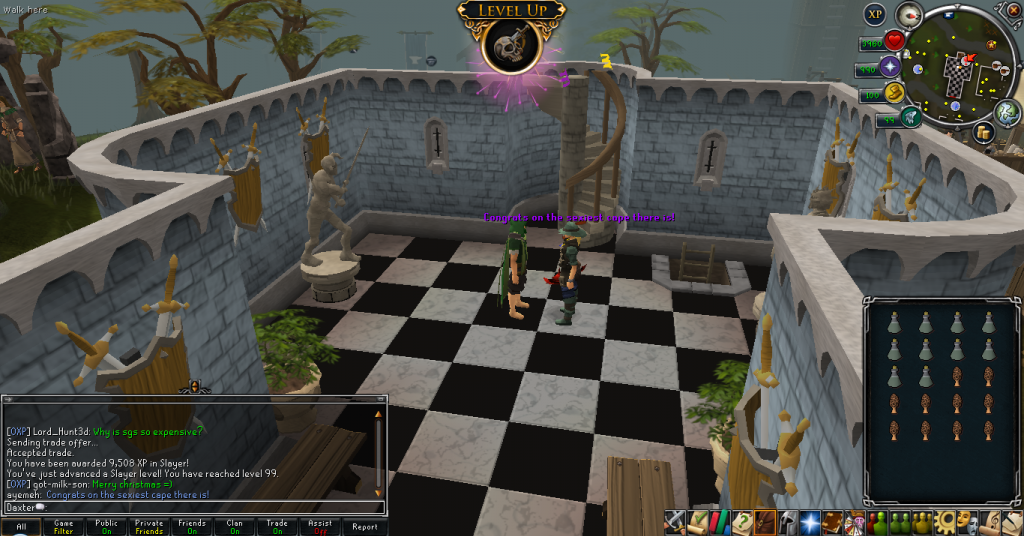
Christmas was pretty good this year, got some awesome stuff, and included in that awesome stuff are two 99's. Slayer and Herblore. I've wanted Slayer for years. Definitely one of my favourite skills, and definitely one of my favourite capes, if not absolute favourite. Herblore's always been a skill I've wanted, and I've been slowly working towards getting the money for it, and when I did, I got it. There were some other small achievements this week, too, like another level (Half-way, woo!) and two shiny new weapons.


99 Slayer!
 

99Slayer01_zpsbaf9a583.png

99Slayer02_zps149ba95b.png


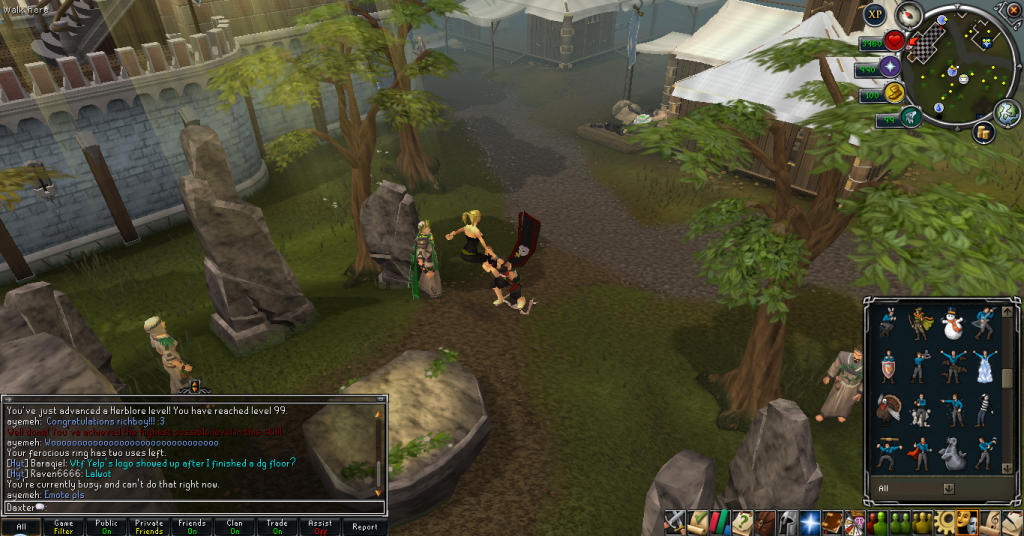
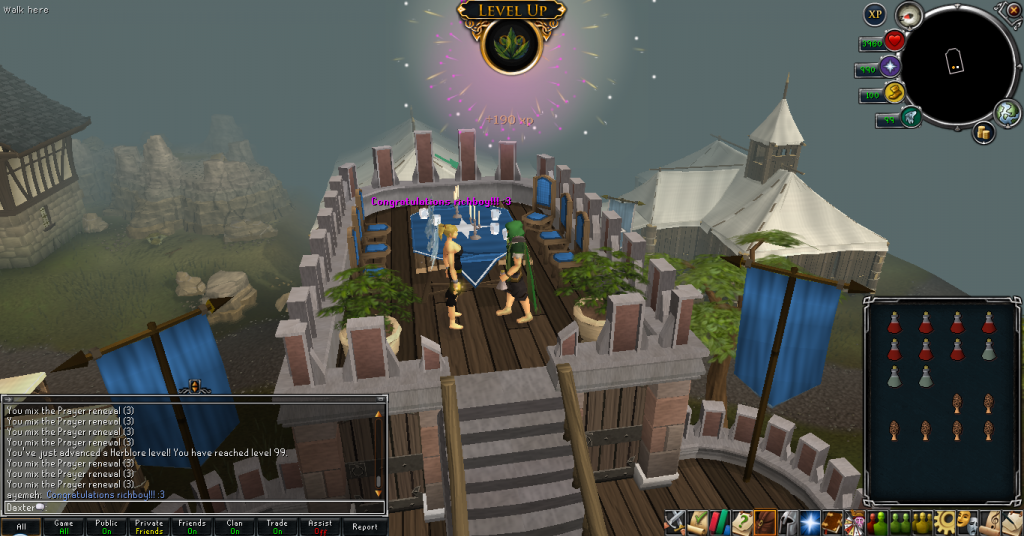
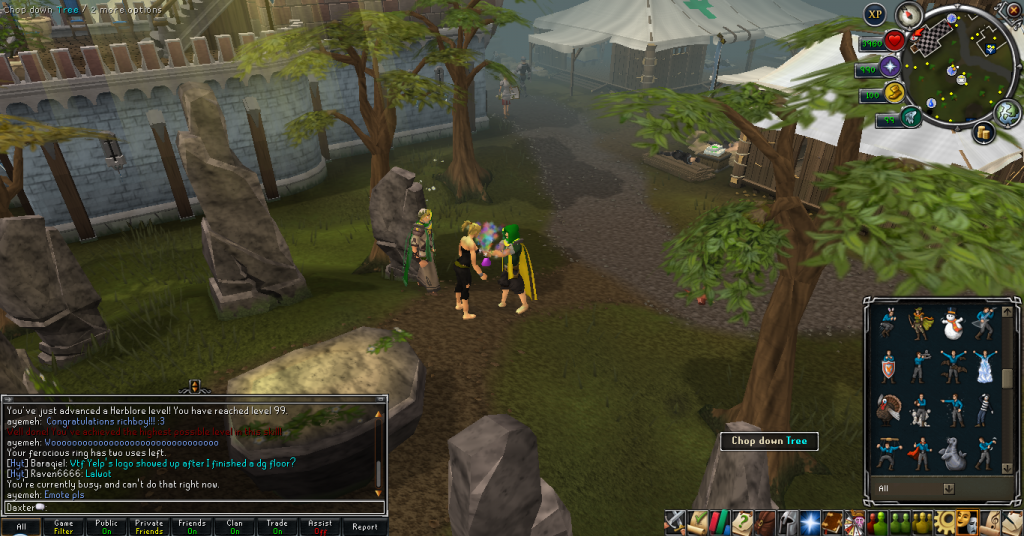
99 Herblore!


99Herblore01_zps9bdffa2a.png

99Herblore02_zpsdeb9da17.png


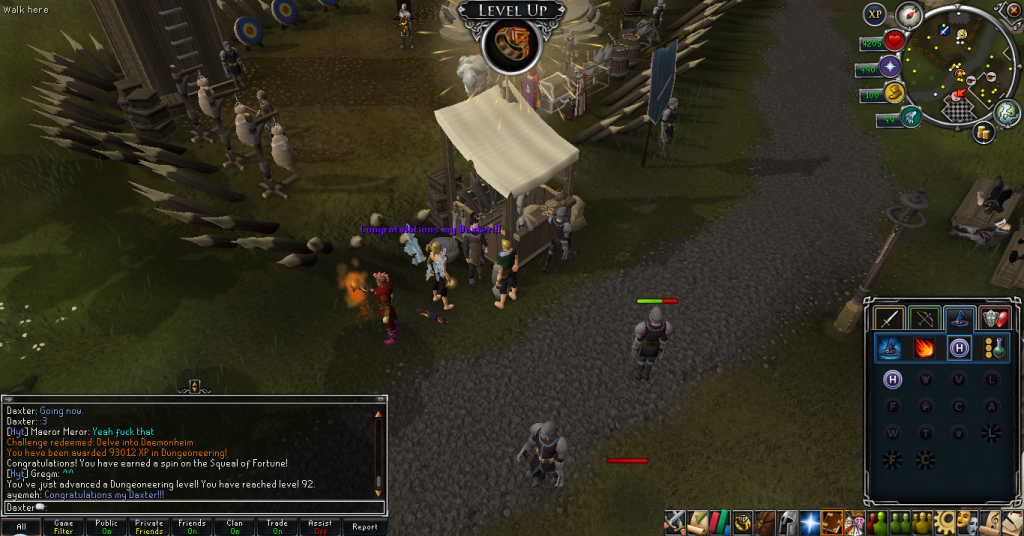
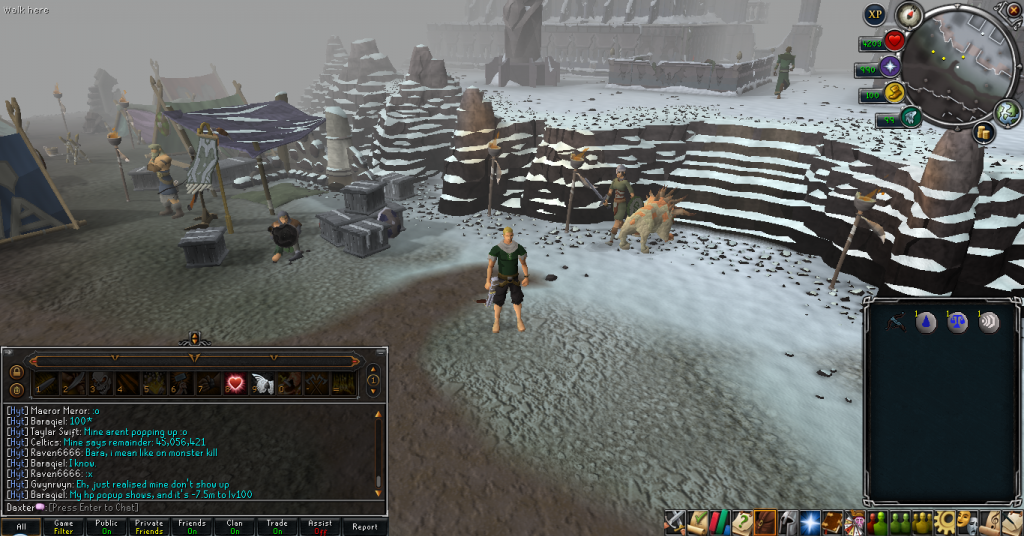
92 Dungeoneering!


92Dungeoneering_zps11f61cad.png


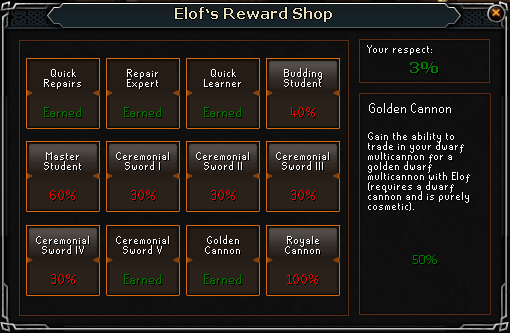
A Golden Cannon for no reason!


GoldenCannon_zps08c28a83.png


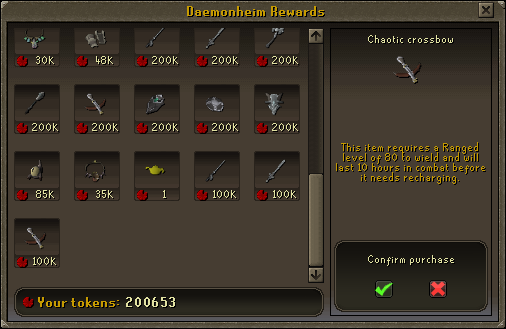
A Chaotic Crossbow for bolt weakness!
 

ChaoticCrossbow01_zps5269d2c1.png

ChaoticCrossbow02_zps023bc8d2.png


And that's all for this week, hope you had a good Christmas, and I hope you continue on and have a good year. Catch you next time, ~Dax.

2 Comments

Recommended Comments

Pepsiguy

Members

YAYYYYYYYYYYY GRATZ MAN

Dax

Members

THANKS PEPSI.

Important Information

By using this site, you agree to our Terms of Use.

Account

Navigation

Search

Search

Configure browser push notifications

Chrome (Android)
  1. Tap the lock icon next to the address bar.
  2. Tap Permissions → Notifications.
  3. Adjust your preference.
Chrome (Desktop)
  1. Click the padlock icon in the address bar.
  2. Select Site settings.
  3. Find Notifications and adjust your preference.