



Skip to content
View in the app

A better way to browse. Learn more.

Tip.It Forum

A full-screen app on your home screen with push notifications, badges and more.

To install this app on iOS and iPadOS
  1. Tap the Share icon in Safari
  2. Scroll the menu and tap Add to Home Screen.
  3. Tap Add in the top-right corner.
To install this app on Android
  1. Tap the 3-dot menu (⋮) in the top-right corner of the browser.
  2. Tap Add to Home screen or Install app.
  3. Confirm by tapping Install.

68: A Couple of High Level Levels.

(0 reviews)

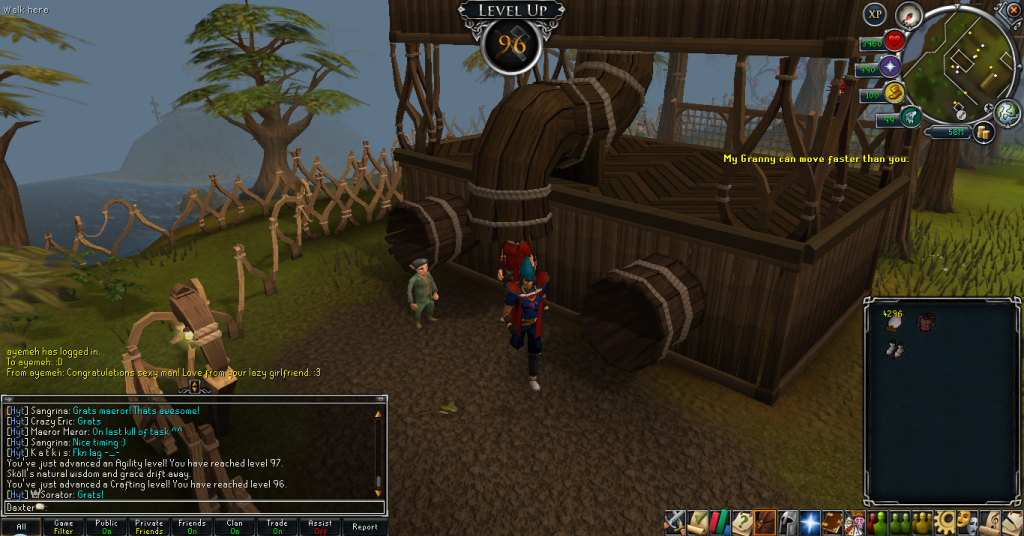
A couple of levels for you this week. With Skoll boots comes Agility, and I only had to kill him three times to get them recharged! (Luckily I got Hati's gloves recharged on the first go) I've been slowly working towards 99, with penguins and Skoll boots and whatnot, shall be good to get that one gone. As for my second level, Crafting, that too has been going well, been spending some time at the loom in my clan's citadel and getting quite a bit of exp for free, which is always good.
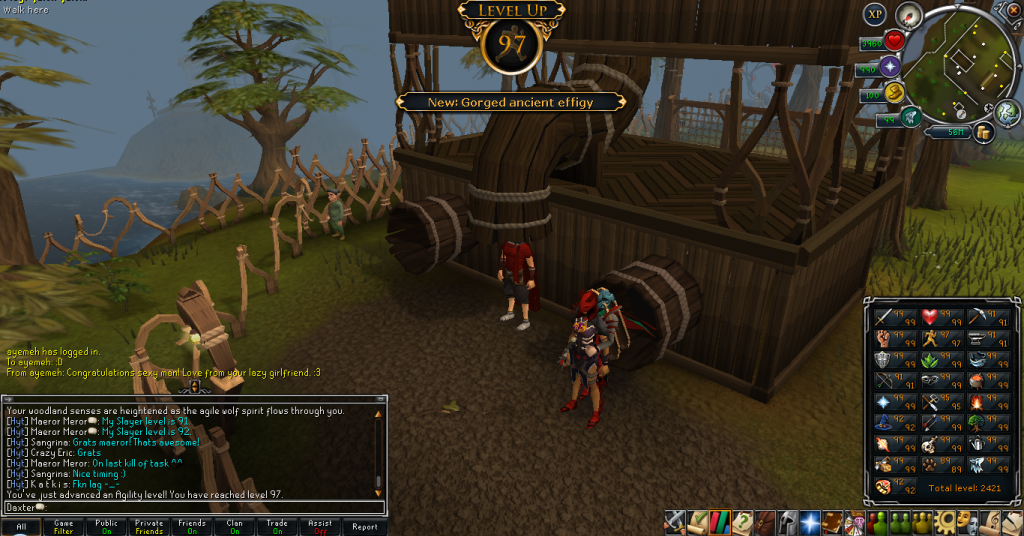
 

97Agility_zpsaae60937.png


96Crafting_zps134f3fcd.png


As for now, I'm gonna go play some Skate. I'm terrible at it, but it's fun. Catch you next time, ~Dax.

1 Comment

Recommended Comments

Pepsiguy

Members

yayyyyyyyyyyyyy

Important Information

By using this site, you agree to our Terms of Use.

Account

Navigation

Search

Search

Configure browser push notifications

Chrome (Android)
  1. Tap the lock icon next to the address bar.
  2. Tap Permissions → Notifications.
  3. Adjust your preference.
Chrome (Desktop)
  1. Click the padlock icon in the address bar.
  2. Select Site settings.
  3. Find Notifications and adjust your preference.