Skip to content
View in the app

A better way to browse. Learn more.

Tip.It Forum

A full-screen app on your home screen with push notifications, badges and more.

To install this app on iOS and iPadOS
  1. Tap the Share icon in Safari
  2. Scroll the menu and tap Add to Home Screen.
  3. Tap Add in the top-right corner.
To install this app on Android
  1. Tap the 3-dot menu (⋮) in the top-right corner of the browser.
  2. Tap Add to Home screen or Install app.
  3. Confirm by tapping Install.

69 (Hehehehe): Dominion Tower!

(0 reviews)

Sorry Pepsi, I was working. :3


Been doing a lot of Dominion Tower for Desert tasks, and here's the marker as of 17:13, Wednesday, 30/1/2013.
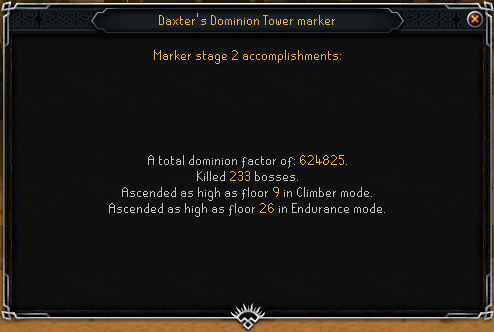
DominionTower01_zps5f14b6c3.png


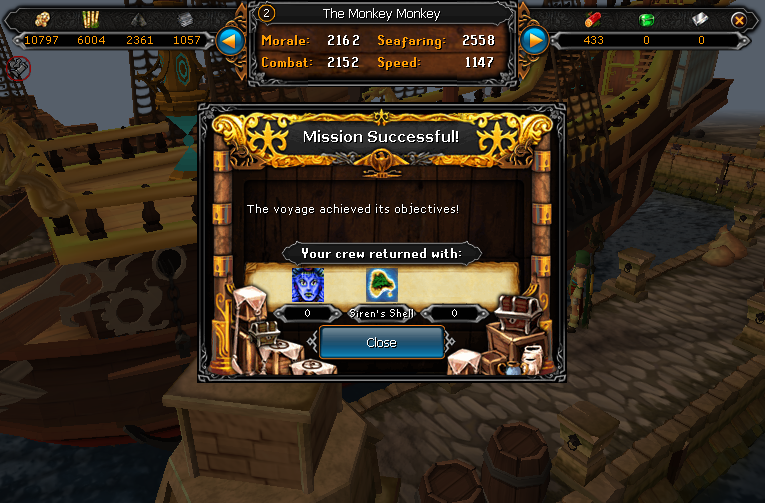
Did a bunch of Ports stuff and unlocked two extra locations.
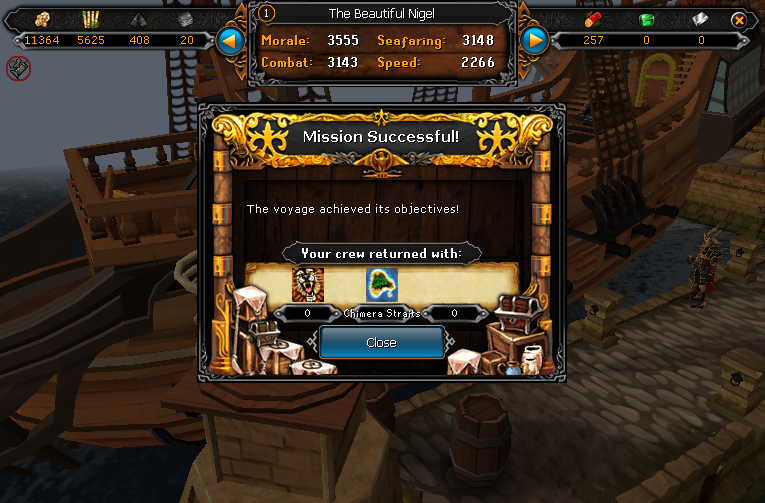
ChimeraStraits_zpsedf4548b.png

SirensShell_zps41086f26.png


Unlocked another Livid Farm spell, Remote Farm!
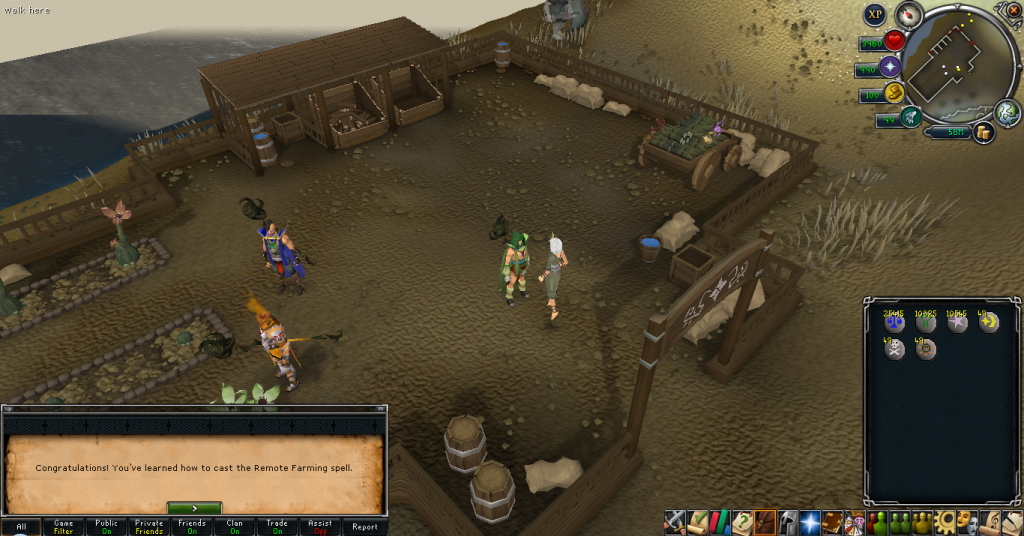
RemoteFarm_zps0905c3dd.png


Completed the new version of Demon Slayer, which isn't as good in my opinion, though that's likely nostalgia talking.
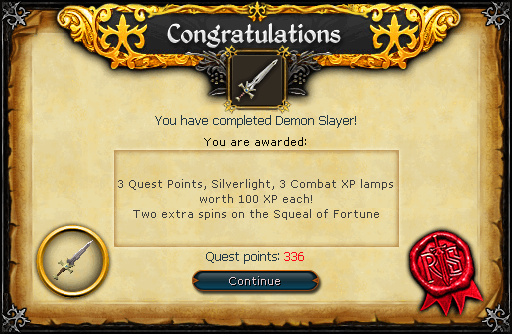
DemonSlayer_zpsf6367e01.png


And finally, a Dungeoneering level, 93.
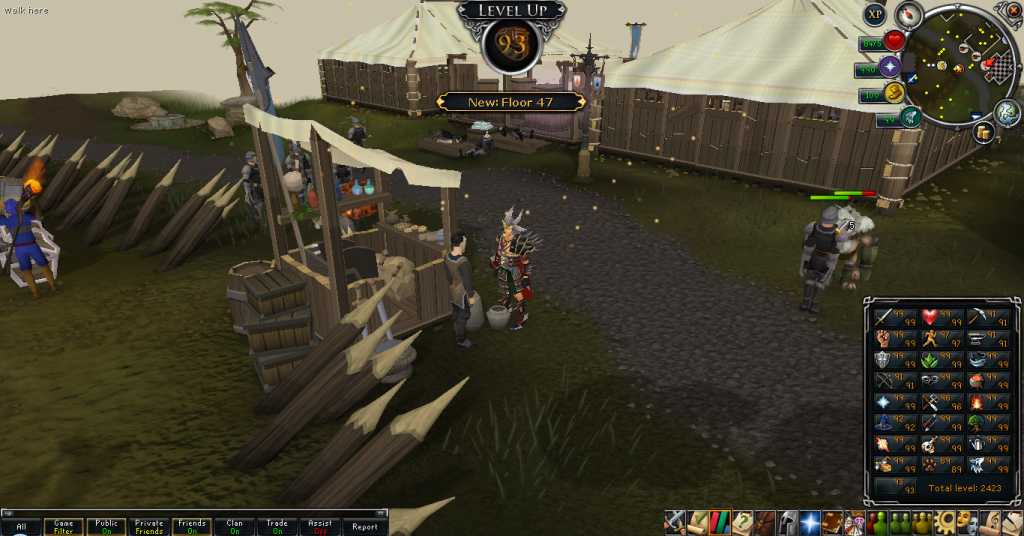
93Dungeoneering_zps948e602f.png


And so ends another week. Catch you next time, ~Dax.

3 Comments

Recommended Comments

Pepsiguy

Members

YAYYYYYYYYYYYYYYYYYYYY

Dax

Members

HEY PEPSI. ARE YOU HAPPY?

Pepsiguy

Members

YES I AM, YOU'RE THE ONLY REASON I COME BACK HERE.

Important Information

By using this site, you agree to our Terms of Use.

Account

Navigation

Search

Search

Configure browser push notifications

Chrome (Android)
  1. Tap the lock icon next to the address bar.
  2. Tap Permissions → Notifications.
  3. Adjust your preference.
Chrome (Desktop)
  1. Click the padlock icon in the address bar.
  2. Select Site settings.
  3. Find Notifications and adjust your preference.