Skip to content
View in the app

A better way to browse. Learn more.

Tip.It Forum

A full-screen app on your home screen with push notifications, badges and more.

To install this app on iOS and iPadOS
  1. Tap the Share icon in Safari
  2. Scroll the menu and tap Add to Home Screen.
  3. Tap Add in the top-right corner.
To install this app on Android
  1. Tap the 3-dot menu (⋮) in the top-right corner of the browser.
  2. Tap Add to Home screen or Install app.
  3. Confirm by tapping Install.

84: The Charm Sprite Hunter.

(0 reviews)

Thought I'd better get rid of one of the easier Completionist goals, and the most recent addition. 1,000 Charm Sprites. Took me a couple of days, but on the whole, very easy, and a nice chunk of exp.
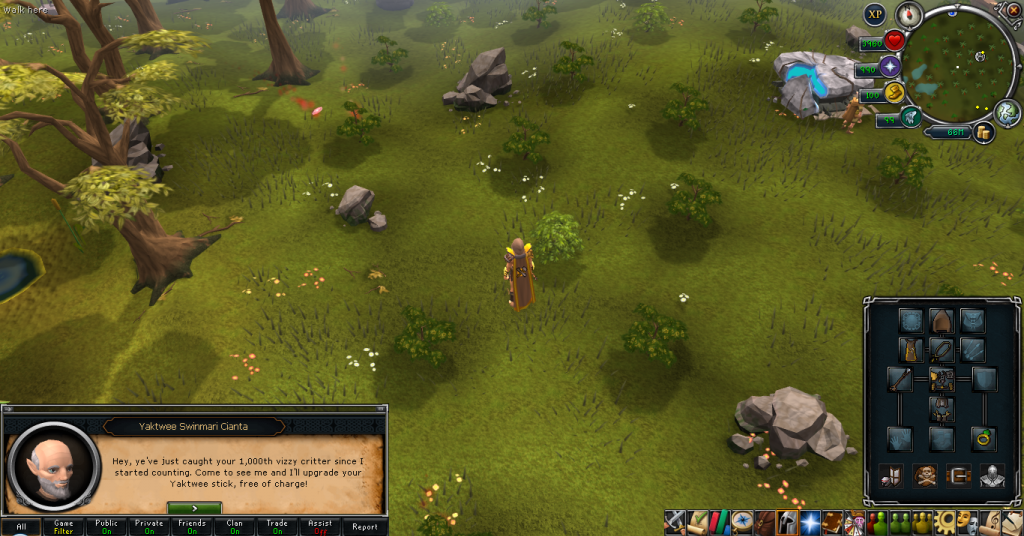
 

1000CharmSprites_zpsd21081a7.png


Next up, I bought another thing from Dungeoneering. The Scroll of Efficiency. I plan to get 99 Smithing soon, and if I never do Warbands, I'll save a little with this, and I have a bunch of tokens I'll never use anyway, so, win-win.
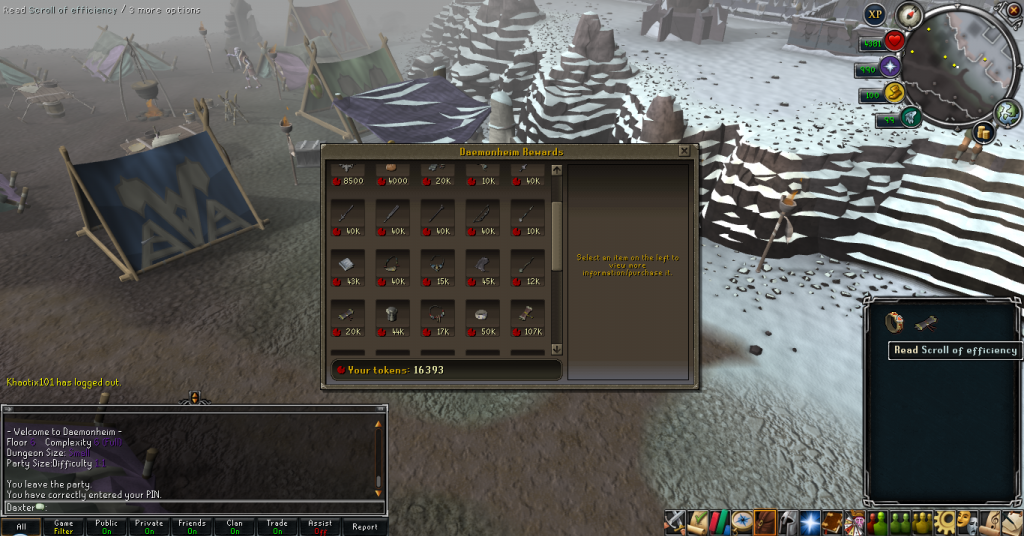
 

ScrollofEfficiency_zpsdc7f9b7d.png


Finally, another scroll piece.

SeasingerLegsScroll01_zpsa964ce27.png


Catch you next time, ~Dax.

1 Comment

Recommended Comments

Pepsiguy

Members

YAYYYYY

Important Information

By using this site, you agree to our Terms of Use.

Account

Navigation

Search

Search

Configure browser push notifications

Chrome (Android)
  1. Tap the lock icon next to the address bar.
  2. Tap Permissions → Notifications.
  3. Adjust your preference.
Chrome (Desktop)
  1. Click the padlock icon in the address bar.
  2. Select Site settings.
  3. Find Notifications and adjust your preference.