Skip to content
View in the app

A better way to browse. Learn more.

Tip.It Forum

A full-screen app on your home screen with push notifications, badges and more.

To install this app on iOS and iPadOS
  1. Tap the Share icon in Safari
  2. Scroll the menu and tap Add to Home Screen.
  3. Tap Add in the top-right corner.
To install this app on Android
  1. Tap the 3-dot menu (⋮) in the top-right corner of the browser.
  2. Tap Add to Home screen or Install app.
  3. Confirm by tapping Install.

87: Taskmaster Once Again.

(0 reviews)

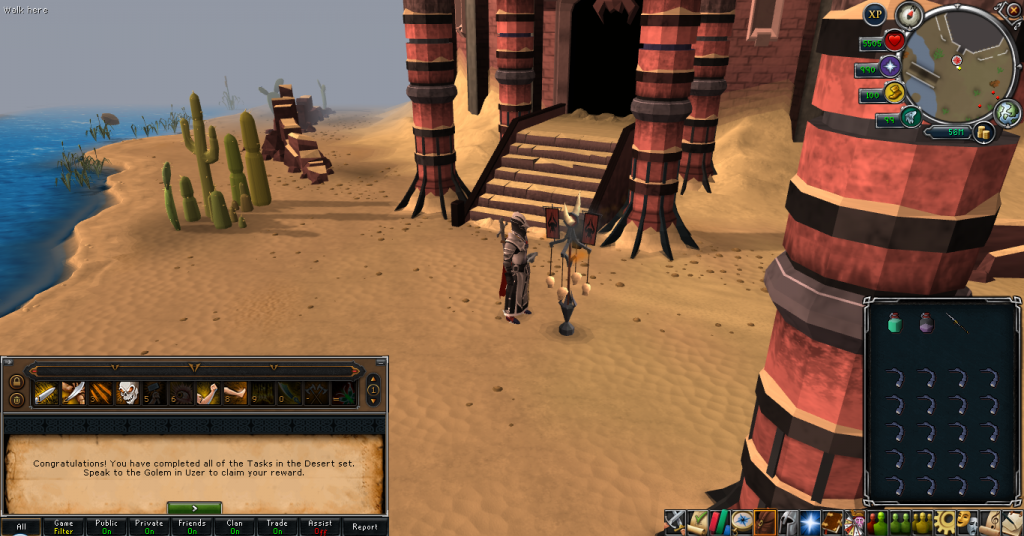
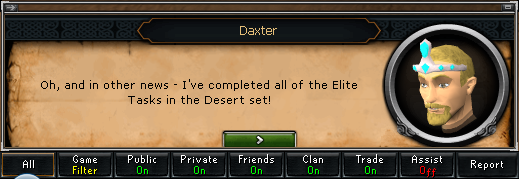
Aww yeah. Finished off Dominion Tower! And you know what that means!
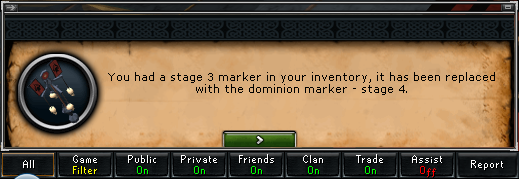
 

Marker4_zps0912b731.png

EliteTasksComplete01_zps0bb2fa8e.png

EliteTasksComplete02_zps2052da53.png


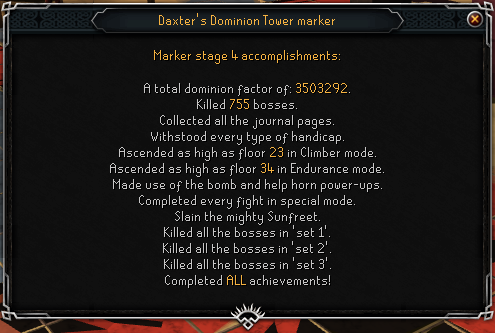
And the final Dominion marker, which is cool to see.
FinalDominionMarker_zps51f44b75.png


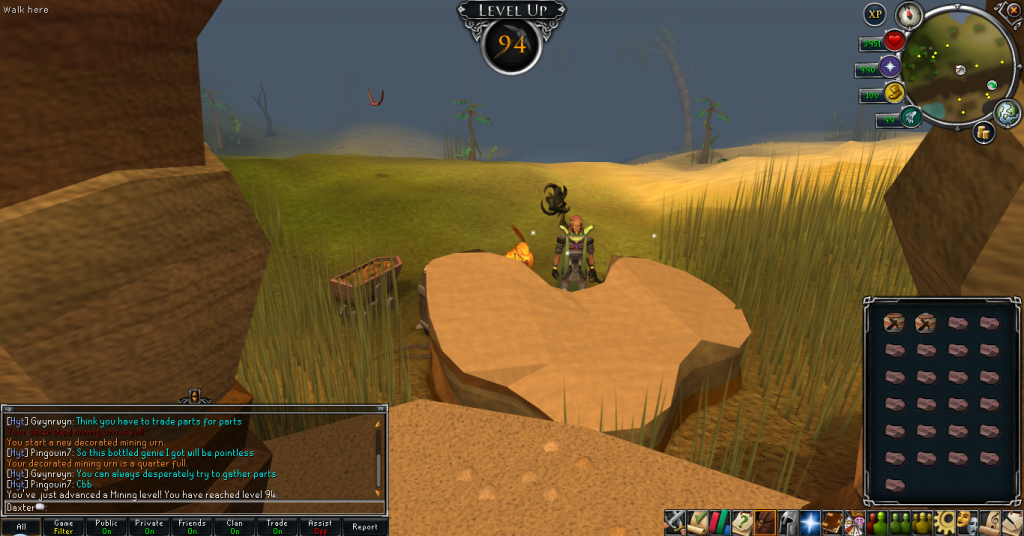
Got one other level this week, 94 Mining. Slowly and steadily rising.
94Mining_zps03ce1665.png


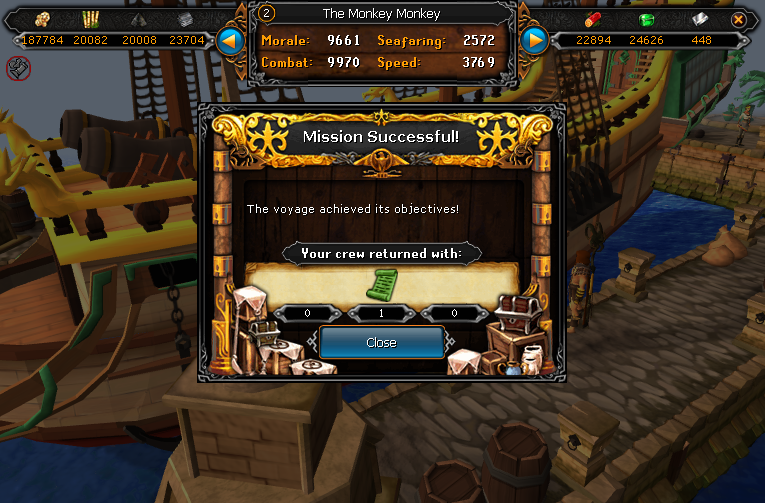
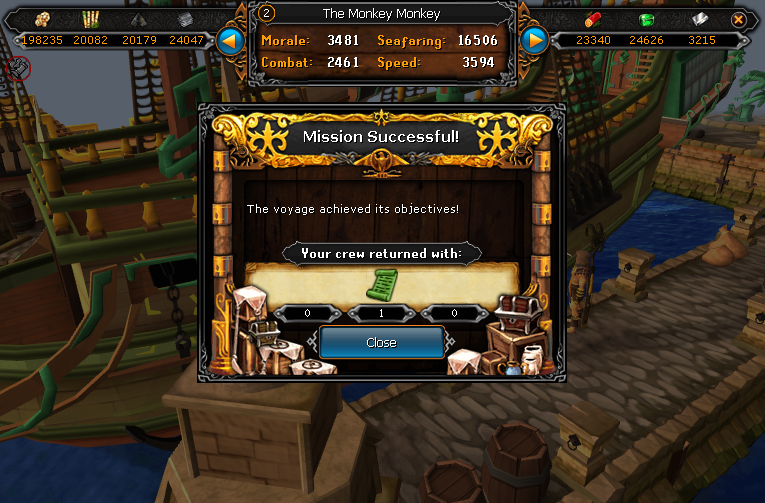
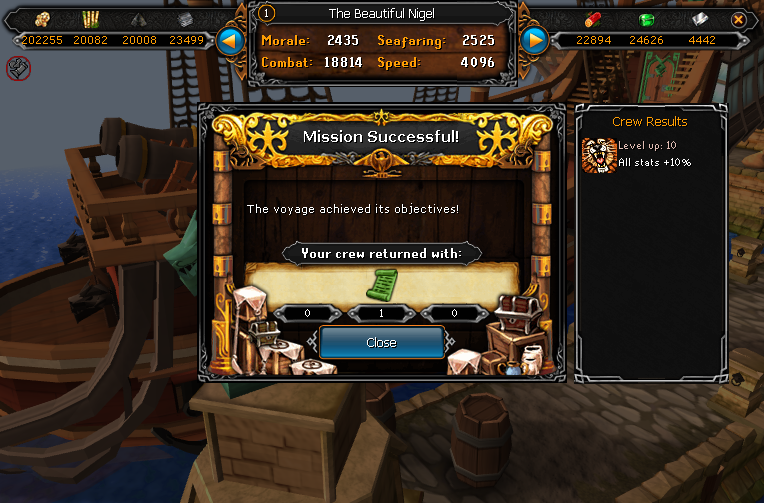
And don't you worry, guys, I'm still getting those scroll pieces I know you love:
DeathLotusBodyScroll01_zpsb1f52ec2.png

DeathLotusBodyScroll02_zps612c60c3.png

DeathLotusBodyScroll03_zps835f2261.png


And that's all for this week, I'm going to sleep. Catch you next time, ~Dax.

4 Comments

Recommended Comments

PolarBearBlue

Members

Sexy scroll piece...yum.

Dax

Members

Oh yeah. Only one to go and then I'll have a sexy Death Lotus body.

Pepsiguy

Members

Yayyyyyyyyyyyyyyyyyyyy

Dax

Members

Dat Pepsi.

Important Information

By using this site, you agree to our Terms of Use.

Account

Navigation

Search

Search

Configure browser push notifications

Chrome (Android)
  1. Tap the lock icon next to the address bar.
  2. Tap Permissions → Notifications.
  3. Adjust your preference.
Chrome (Desktop)
  1. Click the padlock icon in the address bar.
  2. Select Site settings.
  3. Find Notifications and adjust your preference.