Skip to content
View in the app

A better way to browse. Learn more.

Tip.It Forum

A full-screen app on your home screen with push notifications, badges and more.

To install this app on iOS and iPadOS
  1. Tap the Share icon in Safari
  2. Scroll the menu and tap Add to Home Screen.
  3. Tap Add in the top-right corner.
To install this app on Android
  1. Tap the 3-dot menu (⋮) in the top-right corner of the browser.
  2. Tap Add to Home screen or Install app.
  3. Confirm by tapping Install.

86: This One's for You, Pepsi.

(0 reviews)

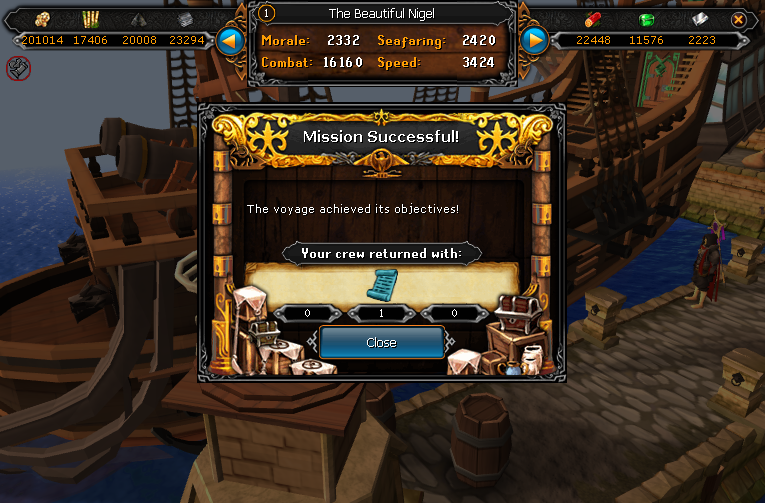
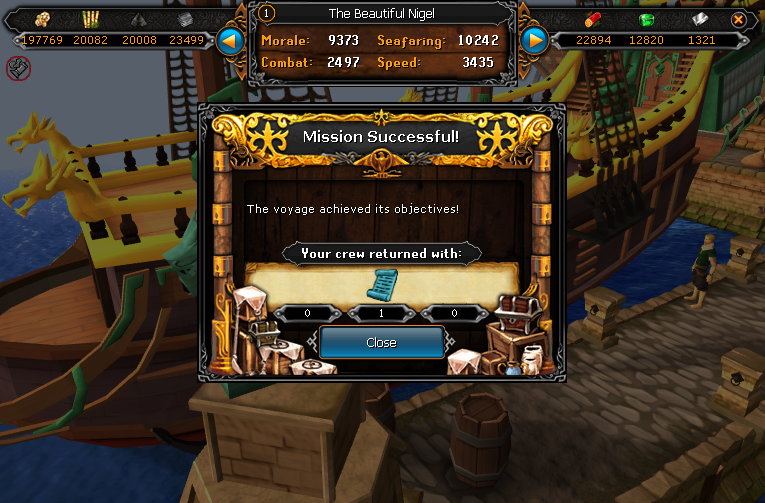
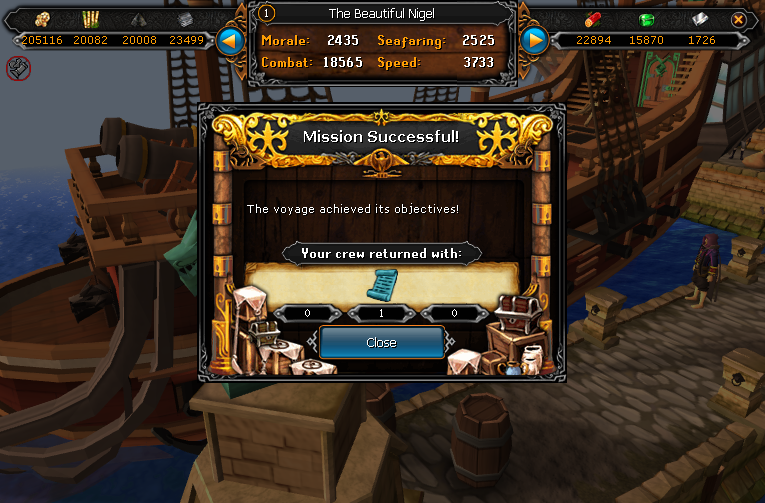
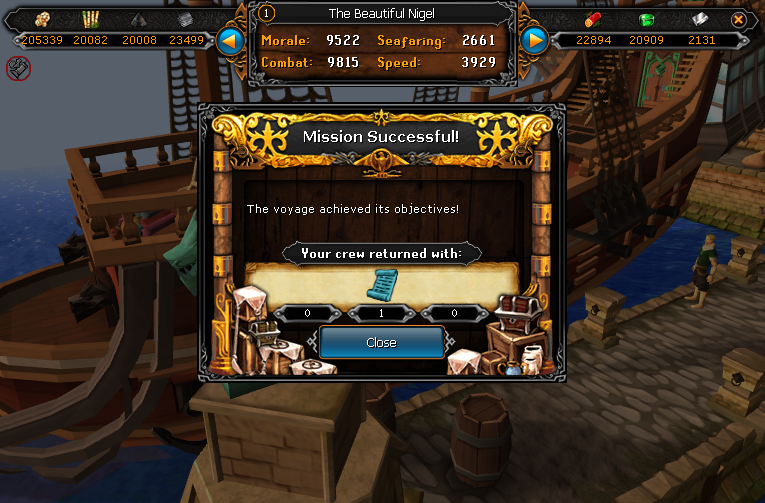
Skipped a week as I had one thing to show for it, a scroll piece, so I worked hard and got a whole bunch more! Yaaaaaaaaaaaaaaaay scroll pieces!
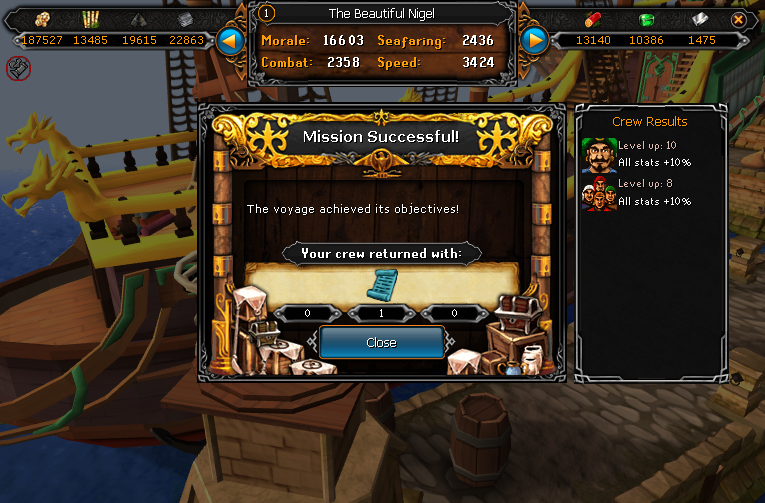
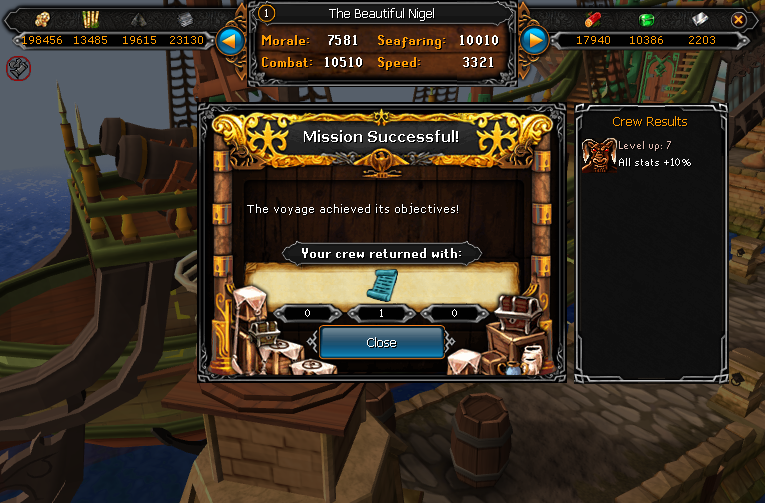
SeasingerLegsScroll03_zps7dc1981d.png

SeasingerLegsScroll04_zpsc6dfd1b3.png

SeasingerHoodScroll01_zps7f6a711b.png

SeasingerHoodScroll02_zps0de13758.png

SeasingerHoodScroll03_zps10548e10.png

SeasingerHoodScroll04_zps96190db2.png

Now I've got to get the chi to finish my set, and work on getting Death Lotus scroll pieces.


Also got some levels, but they're boring:
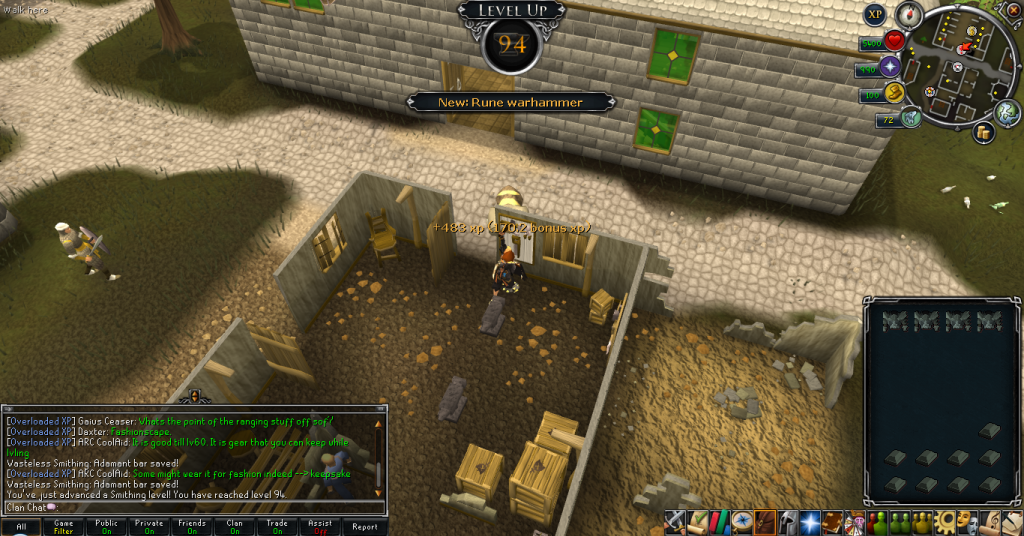
 

94Smithing_zps67a51864.png

Smithing! Yay! Might be on the list for my next 99, but I'll have to mine a lot to bring that up to the level. Not getting one without the other.
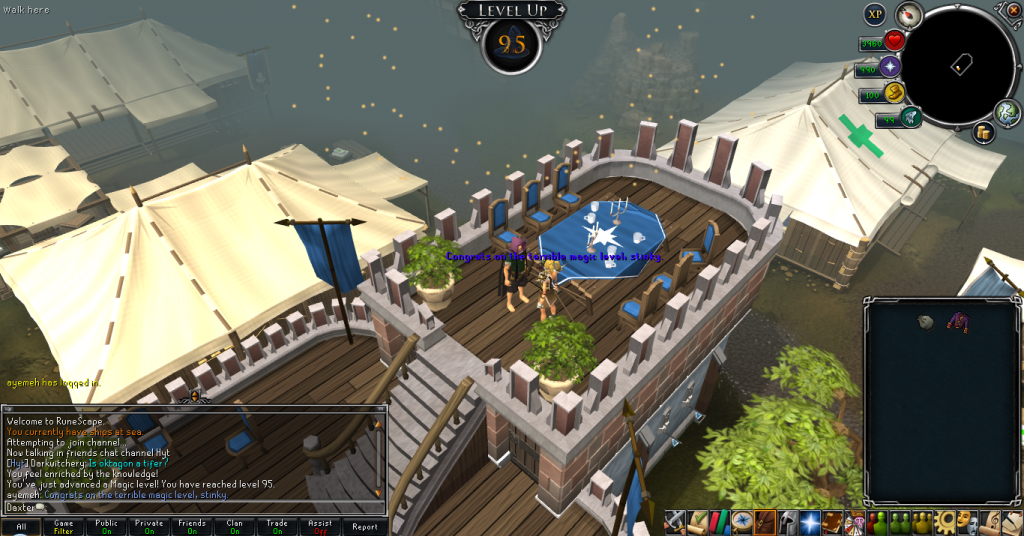
 

95Magic_zps0373e1fa.png

Next up, Magic, oh baby, fire surge. Need to head up to da L-F to get dem last spellz, bro.
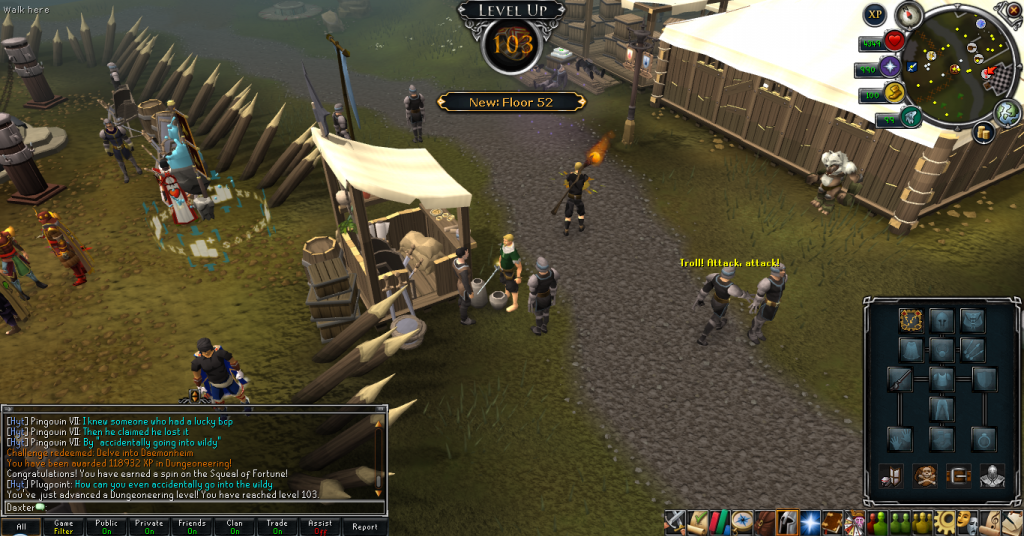
 

103Dungeoneering_zpsdbf8d4e2.png

And finally, Dungeoneering. Gonna get 120 one of these days. Woo!


And that's all. I have an exam to study for. Catch you next time, ~Dax.

3 Comments

Recommended Comments

Pepsiguy

Members

YAYYYYYYYYYYYYYYYYYYYYYYYYYYYYY

Pepsiguy

Members

I am sorry that I wasn't able to see this earlier, as I have been busy.

Dax

Members

All is well, Pepsibro.

Important Information

By using this site, you agree to our Terms of Use.

Account

Navigation

Search

Search

Configure browser push notifications

Chrome (Android)
  1. Tap the lock icon next to the address bar.
  2. Tap Permissions → Notifications.
  3. Adjust your preference.
Chrome (Desktop)
  1. Click the padlock icon in the address bar.
  2. Select Site settings.
  3. Find Notifications and adjust your preference.