Skip to content
View in the app

A better way to browse. Learn more.

Tip.It Forum

A full-screen app on your home screen with push notifications, badges and more.

To install this app on iOS and iPadOS
  1. Tap the Share icon in Safari
  2. Scroll the menu and tap Add to Home Screen.
  3. Tap Add in the top-right corner.
To install this app on Android
  1. Tap the 3-dot menu (⋮) in the top-right corner of the browser.
  2. Tap Add to Home screen or Install app.
  3. Confirm by tapping Install.

91: The Triumphant Return of Dax and His Scroll Pieces.

(0 reviews)

And after a long absence, I have returned. One week I had nothing, one week I forgot, and the third, someone destroyed my houses' internet connection so I was without internet for around three days. I didn't play much RS at all over these few weeks, as I'm actually getting a reasonable amount of work these days. I was actually hoping for Divination to come out this week, but I knew that was unlikely. I don't know if I'll have the same reaction for Divination as I have with other new skills, as I'll likely be heading to 99 as soon as I can. Anyway, onto to the small amount of stuff I've done over these few weeks.


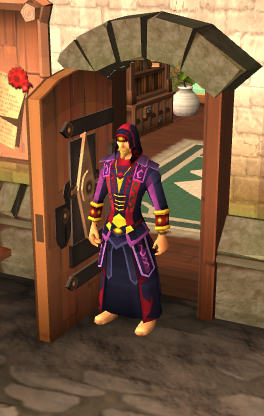
First of all, full Seasinger!
FullSeasinger_zps72e38ae0.png

Two of three superior sets complete!


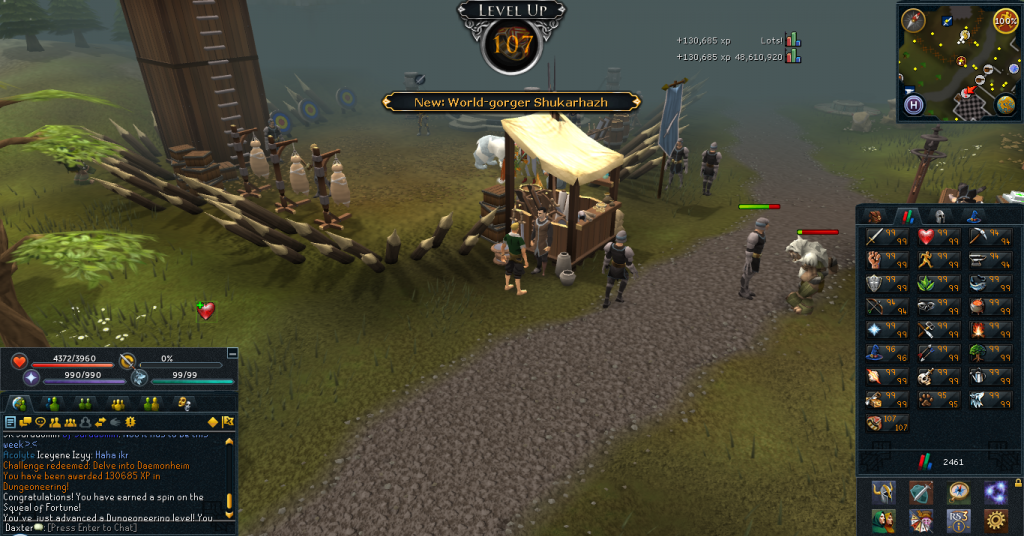
Next up, 107 Dungeoneering, the only level I've gotten. Slowly and surely increasing this one. I'll get 120 one day!
107Dungeoneering_zpsd8ebfbd4.png


And finally:

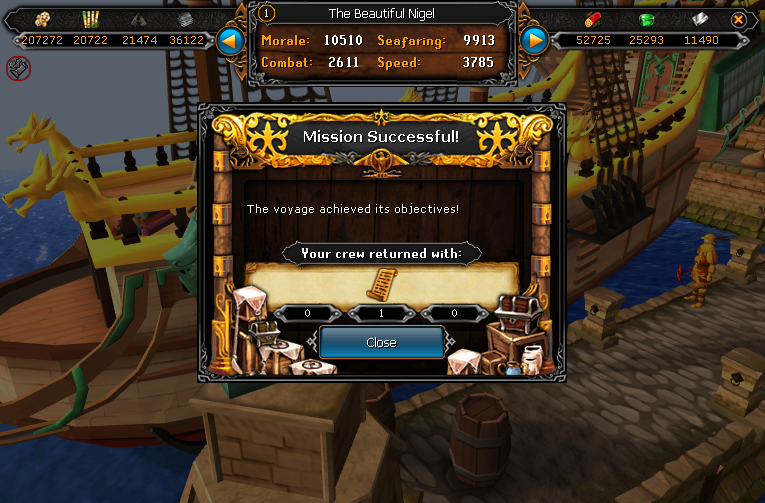
RocktailSoupScroll01_zps4bf6d2fa.png

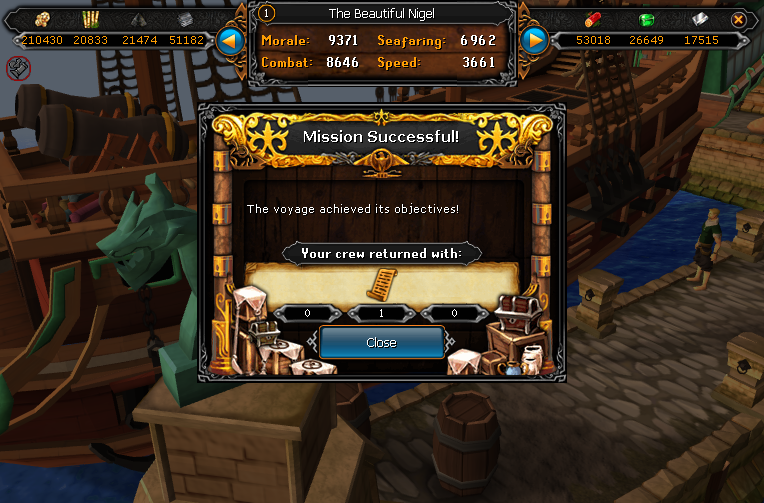
RocktailSoupScroll02_zps91ffb7ea.png

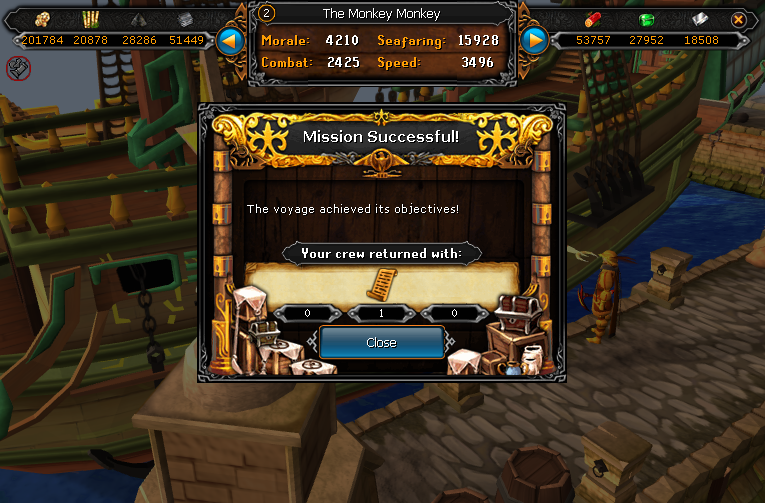
RocktailSoupScroll03_zps7e271c89.png

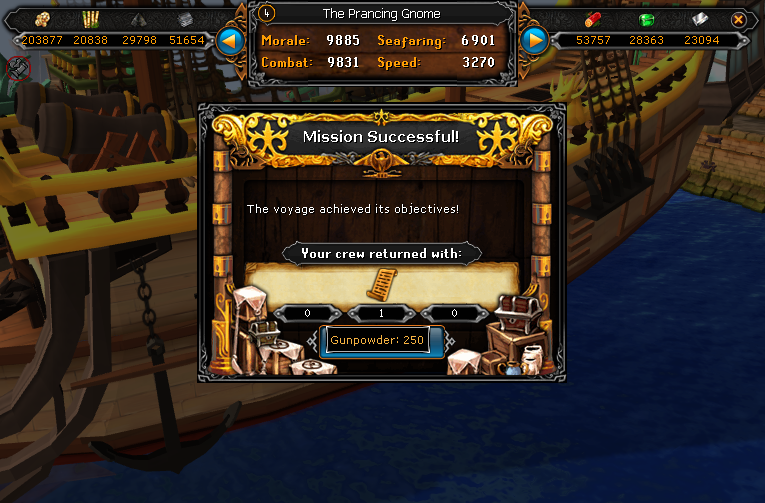
RocktailSoupScroll04_zps511f52a0.png


That's all of the Rocktail soup scrolls done. I used all 250 spice up and made around 1M or so, now to build that up again over time. Yay!


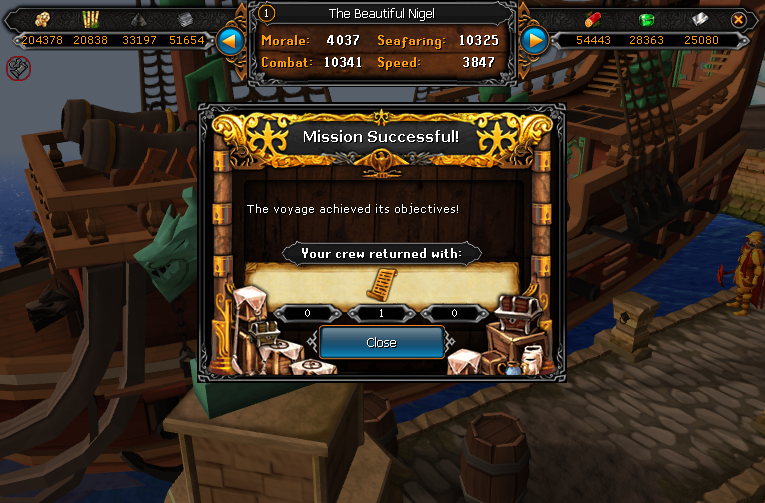
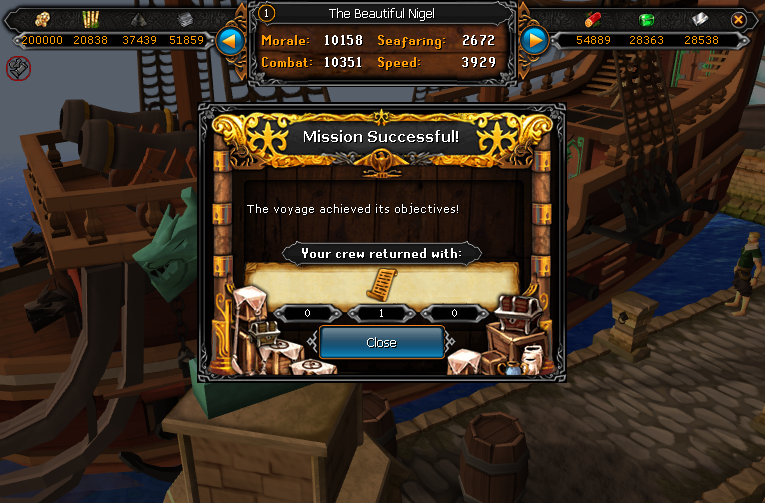
Didn't know what Scrimshaw to get first, and I remember hearing the Elements one some time once, so I started working on that.
ElementScrimshawScroll01_zps50004b29.png

ElementScrimshawScroll02_zps6da3fa3d.png


And that's all for now. Catch you next time, ~Dax.

2 Comments

Recommended Comments

Pepsiguy

Members

YAYYYYYYYYYYY

Jeffwilson99

Members

So this is why you log in for two minutes then log out again...

Important Information

By using this site, you agree to our Terms of Use.

Account

Navigation

Search

Search

Configure browser push notifications

Chrome (Android)
  1. Tap the lock icon next to the address bar.
  2. Tap Permissions → Notifications.
  3. Adjust your preference.
Chrome (Desktop)
  1. Click the padlock icon in the address bar.
  2. Select Site settings.
  3. Find Notifications and adjust your preference.