



The Fishing Guild and Some Other Levels

By Daavorian
· 1370 views
Daily Briefing
Yesterday was a good day. Such a good day that I went to sleep bleary eyed and am now writing the blog post for that day at 6:27 in the morning. And guess what? It snowed! :thumbsup:
I started my day off with four games of stealing creation (one of the best minigames out there!) Having also attended a game with my clan the previous night I was able to purchase 5 morphic tools...I then went about using roughly one harpoon per level until the last level where I used two. For anyone who didn't just do the meager amount of mentally monotonous mathematics that means I got to lvl 70 fishing.
Actually, after the big fuss I made about how AWESOME Catherby is I went to the fishing guild and found it equally enjoyable. Perhaps I just like harpooning?
By the time i got 70 it was relatively late. I drove myself into the night cooking over 1000 fish in Catherby (I know it ain't that much). Soon I had 70 cooking.
To round off my day I went for my weekly tears run and got 61 construction. Now all my levels are 61+
Next skill...mining perhaps?
What I unlocked today
68 Fishing: The Fishing Guild
70 Fishing: I can now catch swordfish barbarian style. I can now catch leaping sturgeon (also a barbarian art).
70 Cooking: I can now make admiral pies (great...just after I finish fishing).
61 Construction: gilded benches, floor decoration (throne room), and incense burners.
Today's Pics
[hide]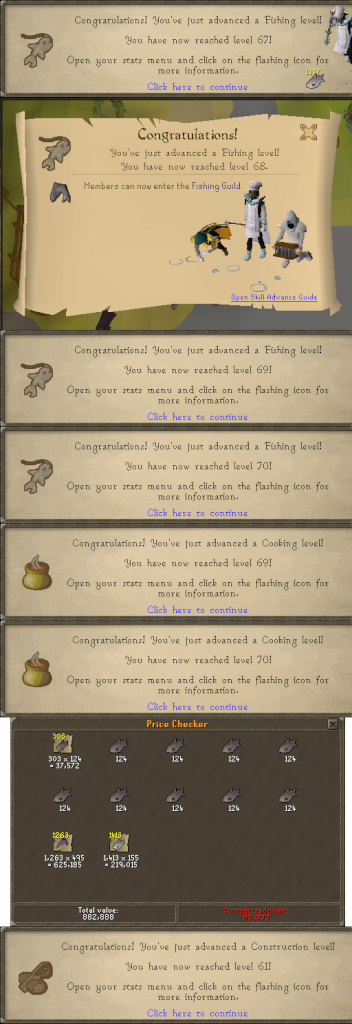 [/hide]
Recommended Comments