



Skip to content
View in the app

A better way to browse. Learn more.

Tip.It Forum

A full-screen app on your home screen with push notifications, badges and more.

To install this app on iOS and iPadOS
  1. Tap the Share icon in Safari
  2. Scroll the menu and tap Add to Home Screen.
  3. Tap Add in the top-right corner.
To install this app on Android
  1. Tap the 3-dot menu (⋮) in the top-right corner of the browser.
  2. Tap Add to Home screen or Install app.
  3. Confirm by tapping Install.

70: I Had A Good Title A Second Ago...

(0 reviews)

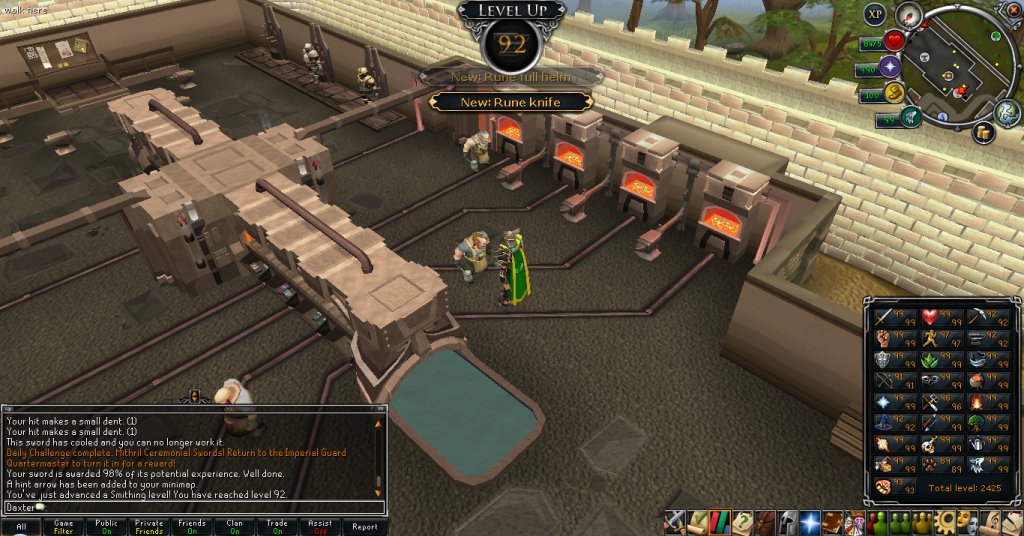
And I lost it. Not too much this week, but I'm now halfway to two other 99's. I still see a 92 and think it's a lot further along in the process than halfway, but it never is. If I put the effort in, I could get both of these 99's super quick, but I don't have the motivation.
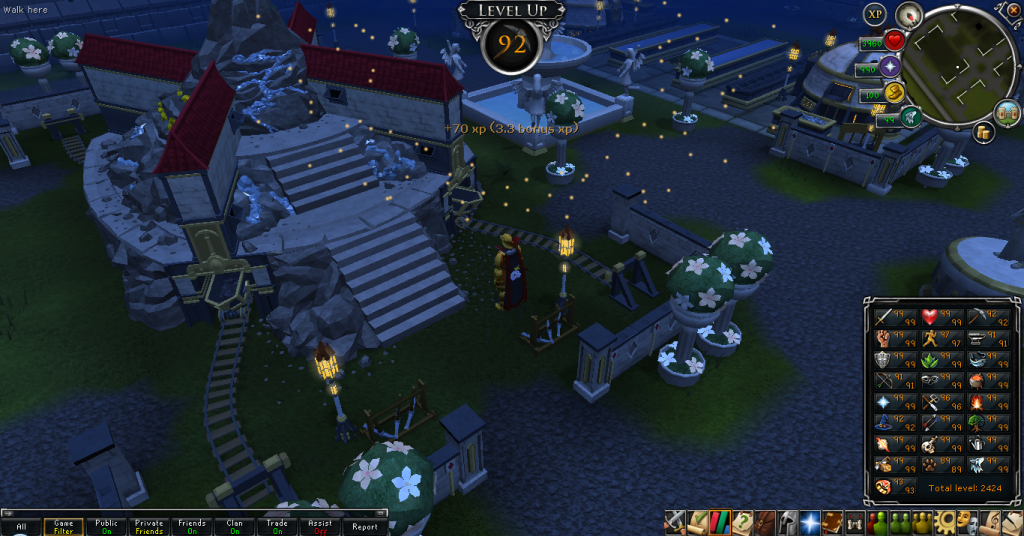
 

92Mining_zps337223b1.png

92Smithing_zpsfabd8401.png


Also, as of 21:16, Wednesday 6/2/2013, this is my Dominion Tower progress.
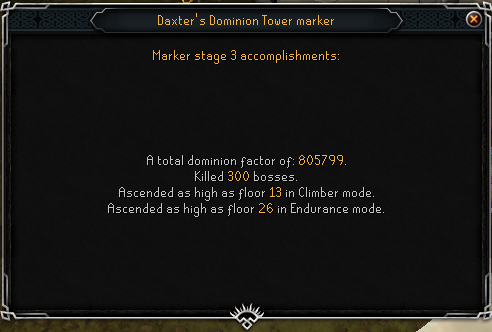
DominionTower02_zpsd479ce22.png


That's all for now. Catch you next time, ~Dax.

3 Comments

Recommended Comments

Pepsiguy

Members

Yayyyyyyy- wait a minute, why no messages from ladyfriend?

Dax

Members

I got these levels late last night so I had something for the blog, and she wasn't feeling as good as she could be so she was asleep. BUT DON'T TELL HER I GOT THEM WITHOUT HER.

Pepsiguy

Members

Well Dax, atleast you didnt cross the streams.

Important Information

By using this site, you agree to our Terms of Use.

Account

Navigation

Search

Search

Configure browser push notifications

Chrome (Android)
  1. Tap the lock icon next to the address bar.
  2. Tap Permissions → Notifications.
  3. Adjust your preference.
Chrome (Desktop)
  1. Click the padlock icon in the address bar.
  2. Select Site settings.
  3. Find Notifications and adjust your preference.